System Manager Settings
9-8
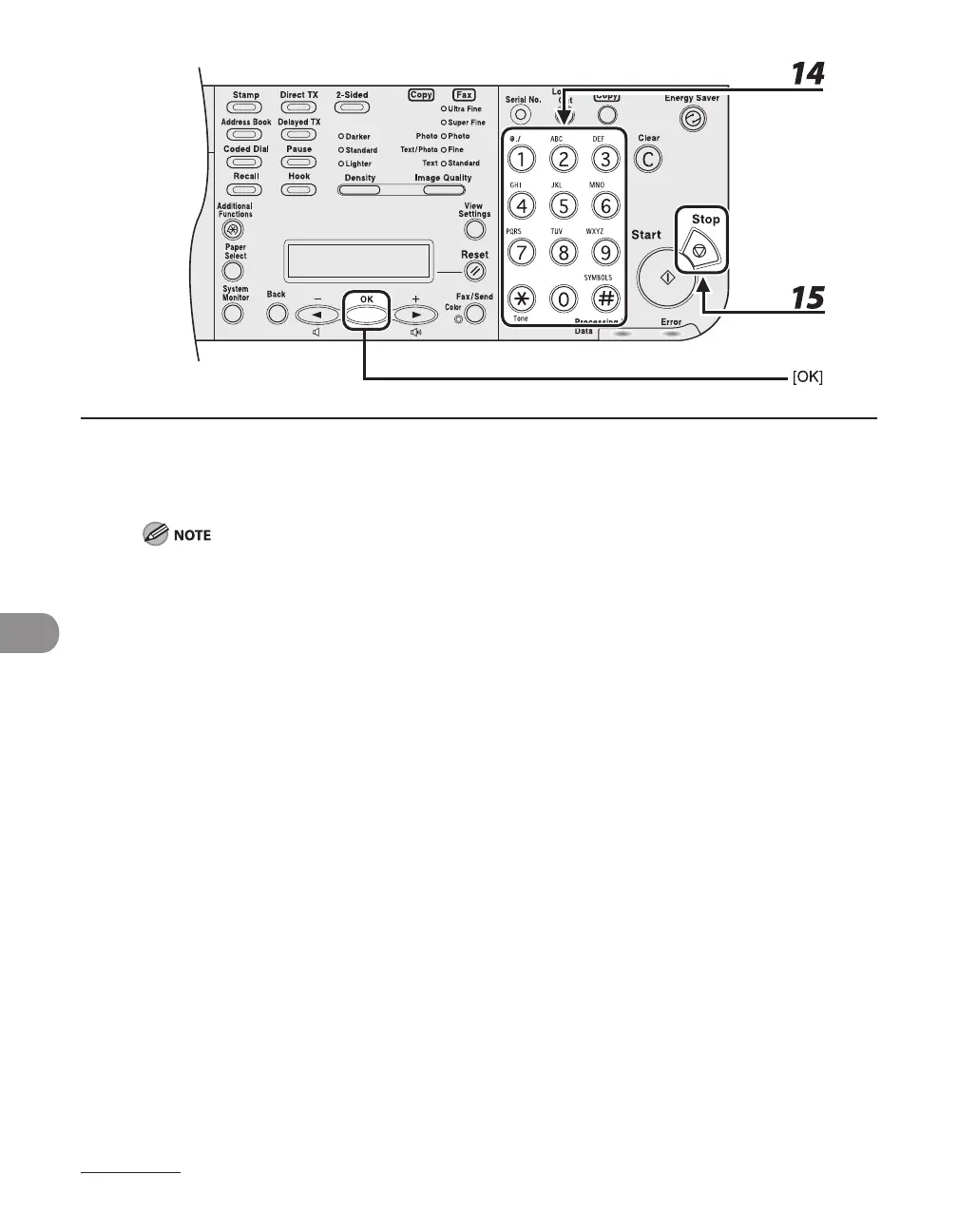
14 Use the numeric keys to enter the maximum number of pages that can be made
by the registered Department ID, then press [OK].
You can set the page limit from 0 to 999,999 pages. Once a page limit is reached, copying, scanning, or
printing is not possible.
The page limit refers to the number of printed surfaces. Therefore, a two-sided print is counted as two
pages.
15 Press [Stop] to return to the standby mode.




 To Next Page