9-7
System Manager Settings
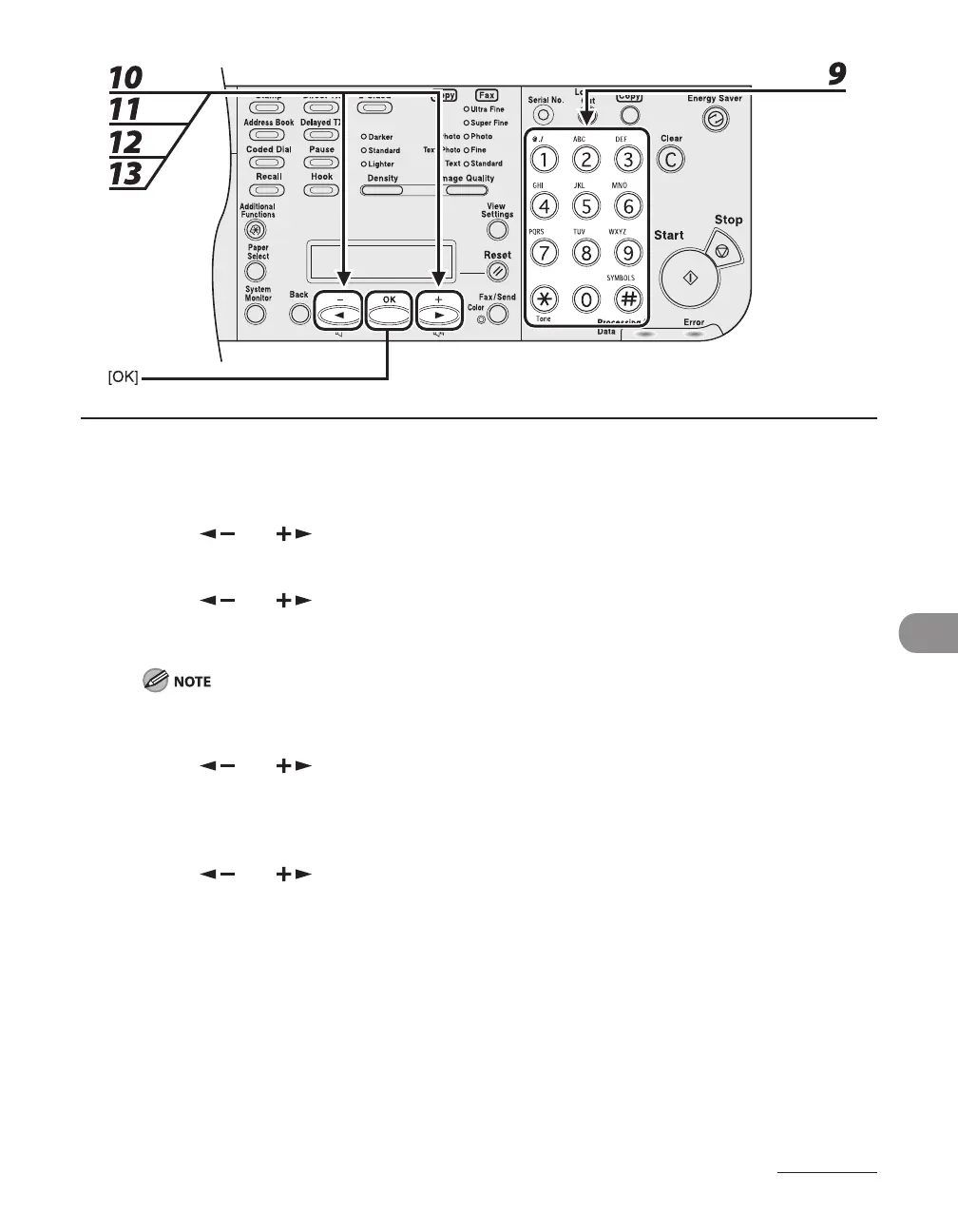
9 Use the numeric keys to enter the password, then press [OK].
10 Press [ ] or [ ] to select <PAGE LIMIT SET.>, then press [OK].
11 Press [ ] or [ ] to select the desired function, then press [OK].
You can select <TOTAL PRINT LIMIT>, <COPY LIMIT>, <BLACK SCAN LIMIT>, <COLOR SCAN LIMIT>
(LASER CLASS 830i Only), or <PRINT LIMIT>.
<TOTAL PRINT> is the sum of <COPY LIMIT> and <PRINT LIMIT>.
12 Press [ ] or [ ] to select <ON> or <OFF>, then press [OK].
<OFF>: Does not set a page limit restriction. Skip to step 15.
<ON>: Set a page limit restriction.
13 Press [ ] or [ ] to select <PAGE TOTALS> (when <TOTAL PRINT LIMIT> is
selected), then press [OK].
The message displayed will vary depending on which function you selected in step 11.
Example: <COPY LIMIT> appears when <COPY LIMIT> is selected.














 To Next Page