12-37
Machine Settings
SYSTEM SETTINGS
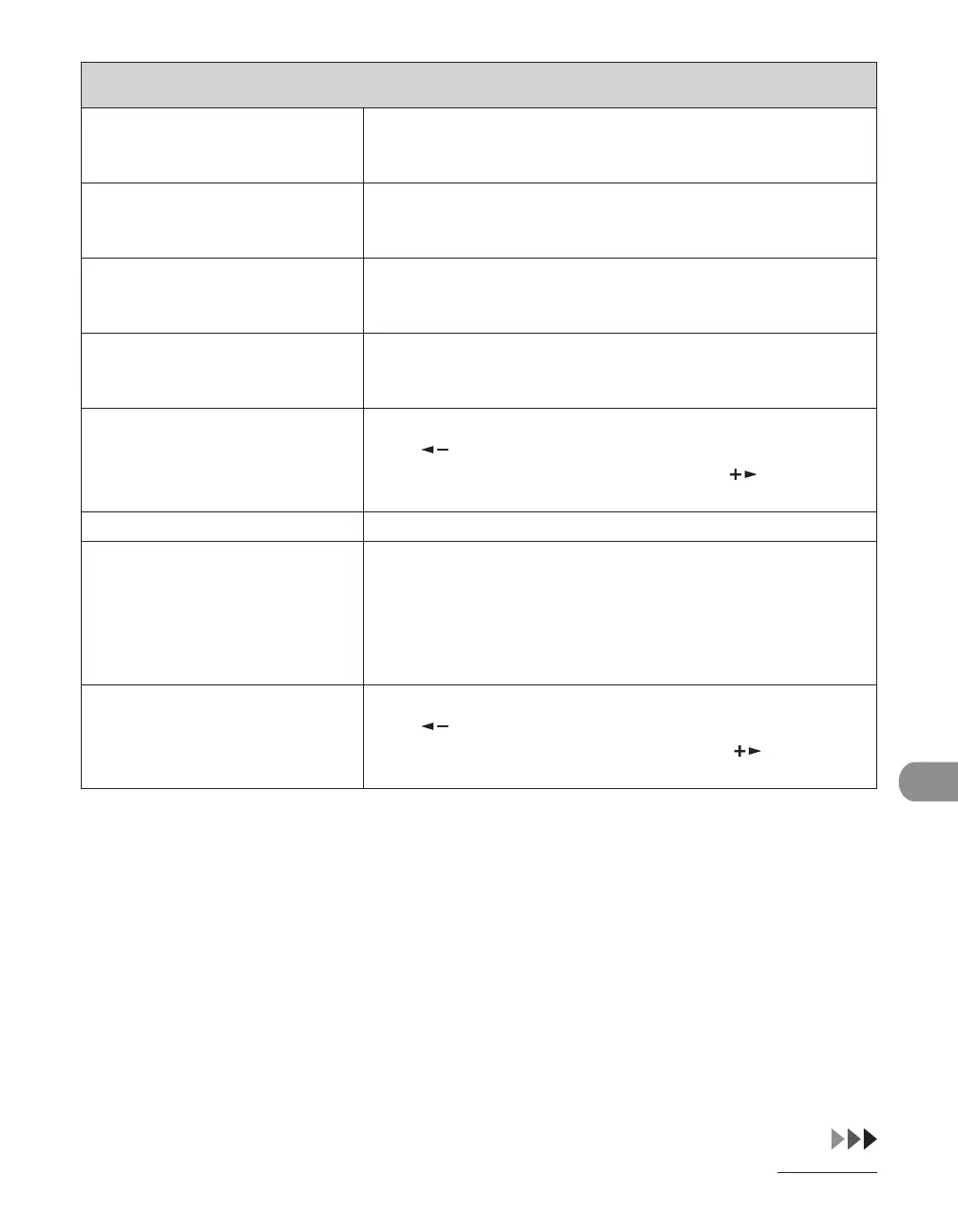
2. COPY LIMIT Sets if the copy limit is used.
OFF
ON (000000-999999)
–
–
3. BLACK SCAN LIMIT Sets if the scan limit is used.
OFF
ON (000000-999999)
–
–
4. COLOR SCAN LIMIT Sets if the color scan limit is used.
OFF
ON (000000-999999)
–
–
5. PRINT LIMIT Sets if the print limit is used.
OFF
ON (000000-999999)
–
–
3. ERASE Erases the department ID and password.
Press [ ] to select <YES>.
If you do not want to erase all settings, press [ ] to select
<NO>.
2. PAGE TOTALS Displays, clears, and prints counter information.
1. VIEW PAGE TOTALS Displays how much paper was used by each department.
1. TOTAL PRINT
2. COPY
3. SCAN
4. COLOR SCAN
5. PRINT
–
–
–
–
–
2. CLEAR ALL TOTAL Clears counter information.
Press [ ] to select <YES>.
If you do not want to clear the settings, press [ ] to select
<NO>.














 To Next Page