Document and Paper
2-14
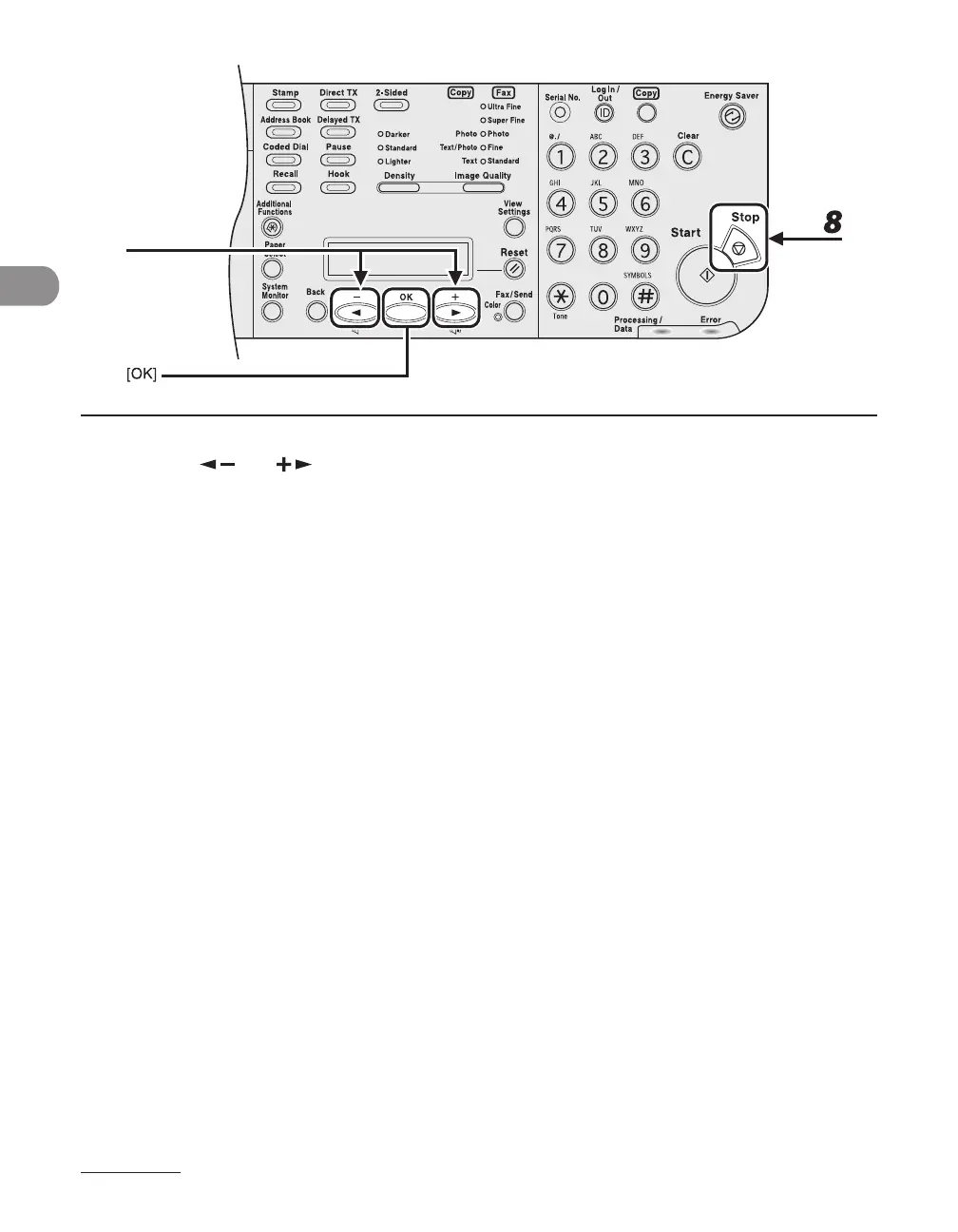
7 Press [ ] or [ ] to select the paper type, then press [OK].
You can select from the following paper types:
If you select <CASETTE 1> or <CASETTE 2> in step3:
<PLAIN PAPER>, <COLOR>, <RECYCLED>, <HEAVY PAPER1>, <BOND>, <3 HOLE PUNCH PAPER>
If you select <MP TRAY> in step3:
<PLAIN PAPER>, <COLOR>, <RECYCLED>, <HEAVY PAPER 1>, <HEAVY PAPER 2>, <HEAVY PAPER 3>,
<BOND>, <3 HOLE PUNCH PAPER>, <TRANSPARENCY>, <LABELS>, <ENVELOPE>
8 Press [Stop] to return to standby mode.














 To Next Page