3-11
Copying
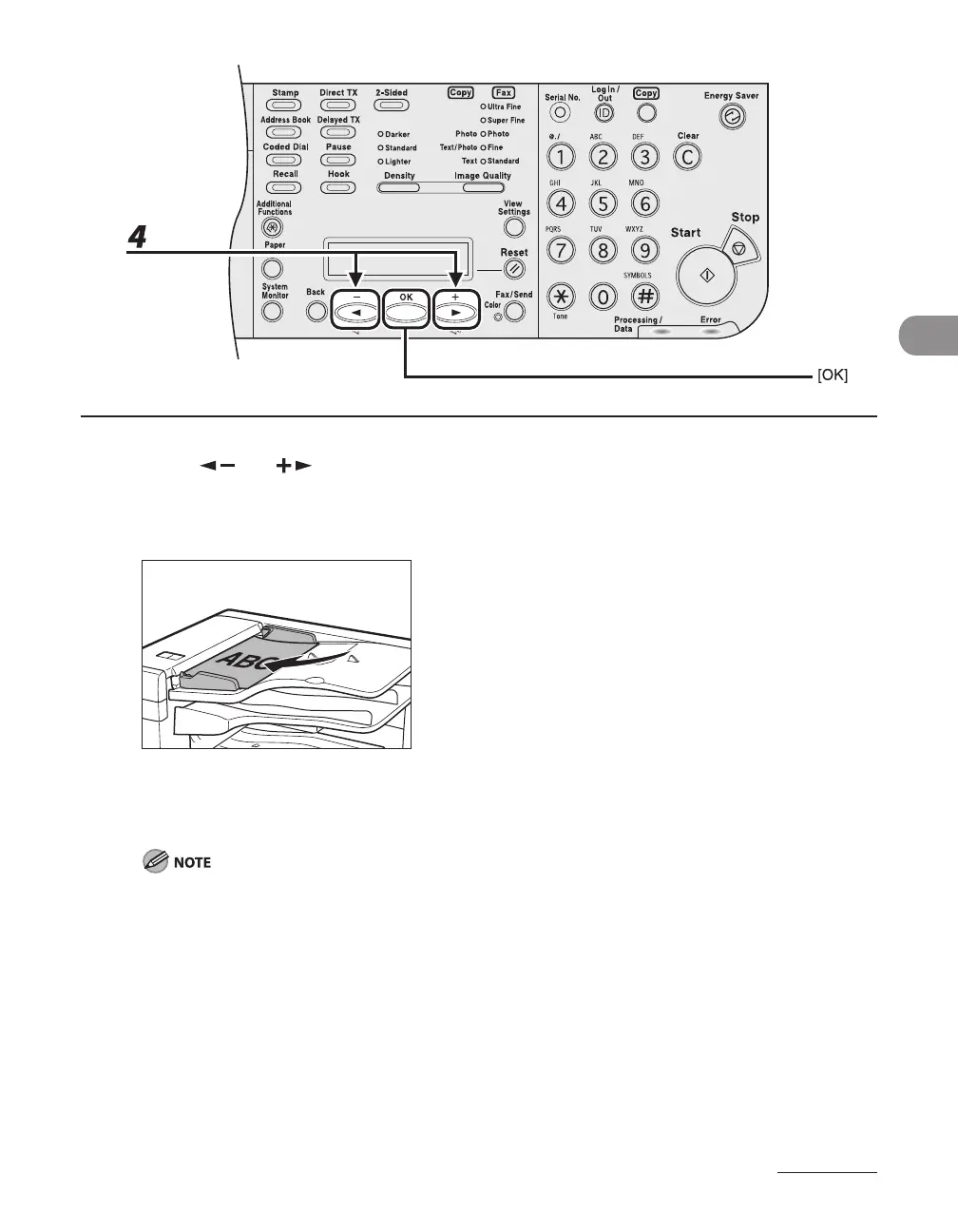
4 Press [ ] or [ ] to select <BOOK TYPE> or <CALENDAR TYPE>, then press
[OK].
If using the LASER CLASS 830i:
When images in documents are set vertically as illustrated above, the following are the resulting
outputs.
<BOOK TYPE>: The front and back sides of the document have the same top-bottom orientations.
<CALENDAR TYPE>: The front and back sides of the document have opposite top-bottom orientations.
When images on 11x17 landscape documents are orientated horizontally, select <BOOK TYPE> if the
images on the front and back sides of the copy have opposite orientations. Select <CALENDAR TYPE> if
images on the front and back sides of a copy have the same orientations.
●














 To Next Page