Copying
3-12
If using the LASER CLASS 810:
When images in documents are set horizontally as illustrated above, the following are the resulting
outputs.
<BOOK TYPE>: The front and back sides of the copy have the same top-bottom orientations.
<CALENDAR TYPE>: The front and back sides of the copy have opposite top-bottom orientations.
For landscape originals, such as LTRR documents, with an image set vertically, the front and back
sides of the copy will have opposite top-bottom orientations when <BOOK TYPE> is selected. When
<CALENDAR TYPE> is selected, the front and back sides of the copy will have the same top-bottom
orientations.
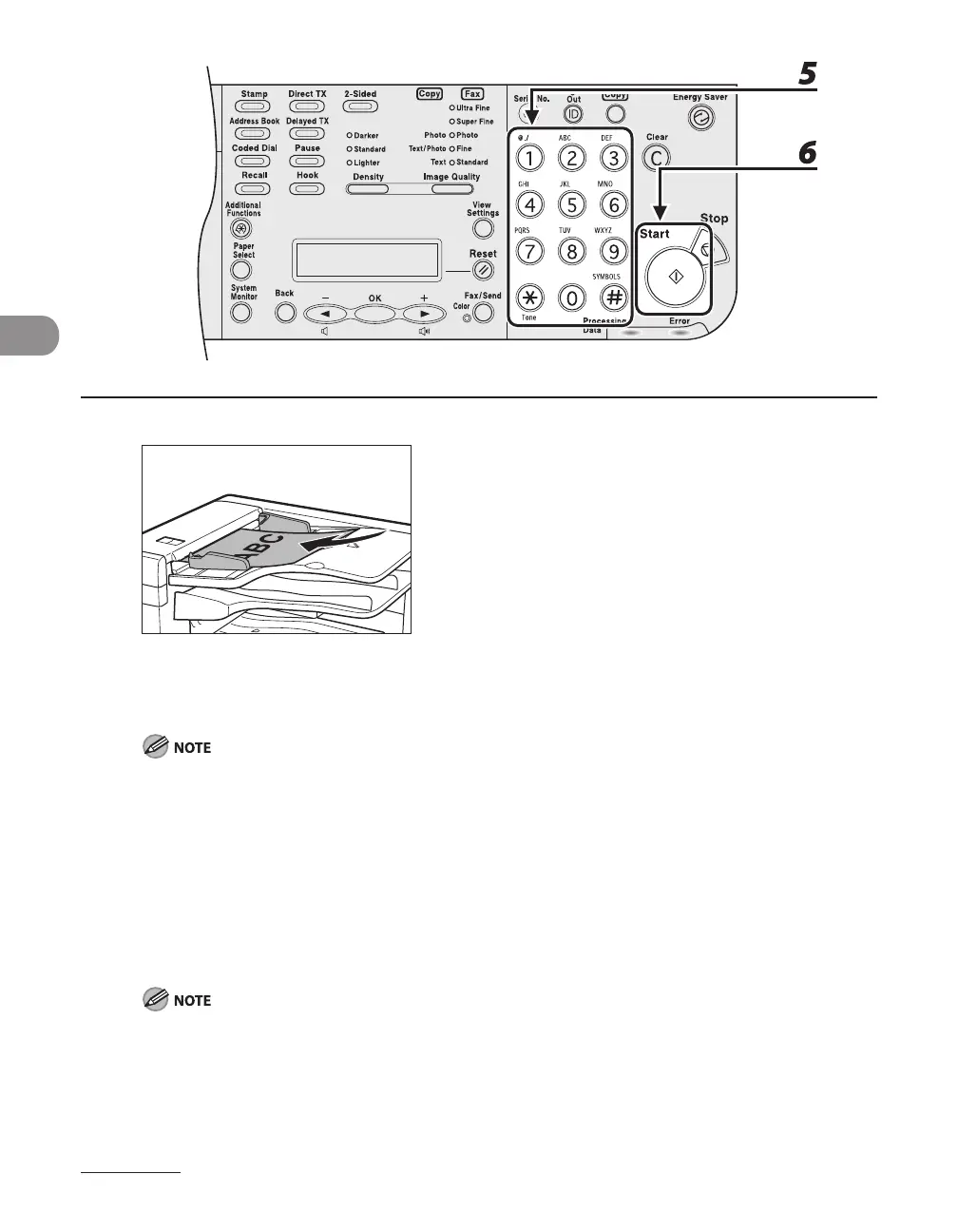
5 Use the numeric keys to enter the desired copy quantity (1 to 99).
6 Press [Start].
To cancel all settings, press [Stop].
When you switch the mode by pressing the mode keys such as [Fax/
Send], all settings will be also
canceled. If you want to keep the settings as the default, see “Setting Menu,” on p.
12-5.
You can skip step 4. In this case, the machine makes <BOOK TYPE> copies.
●
–
–
–














 To Next Page