Chapter 3
3-69
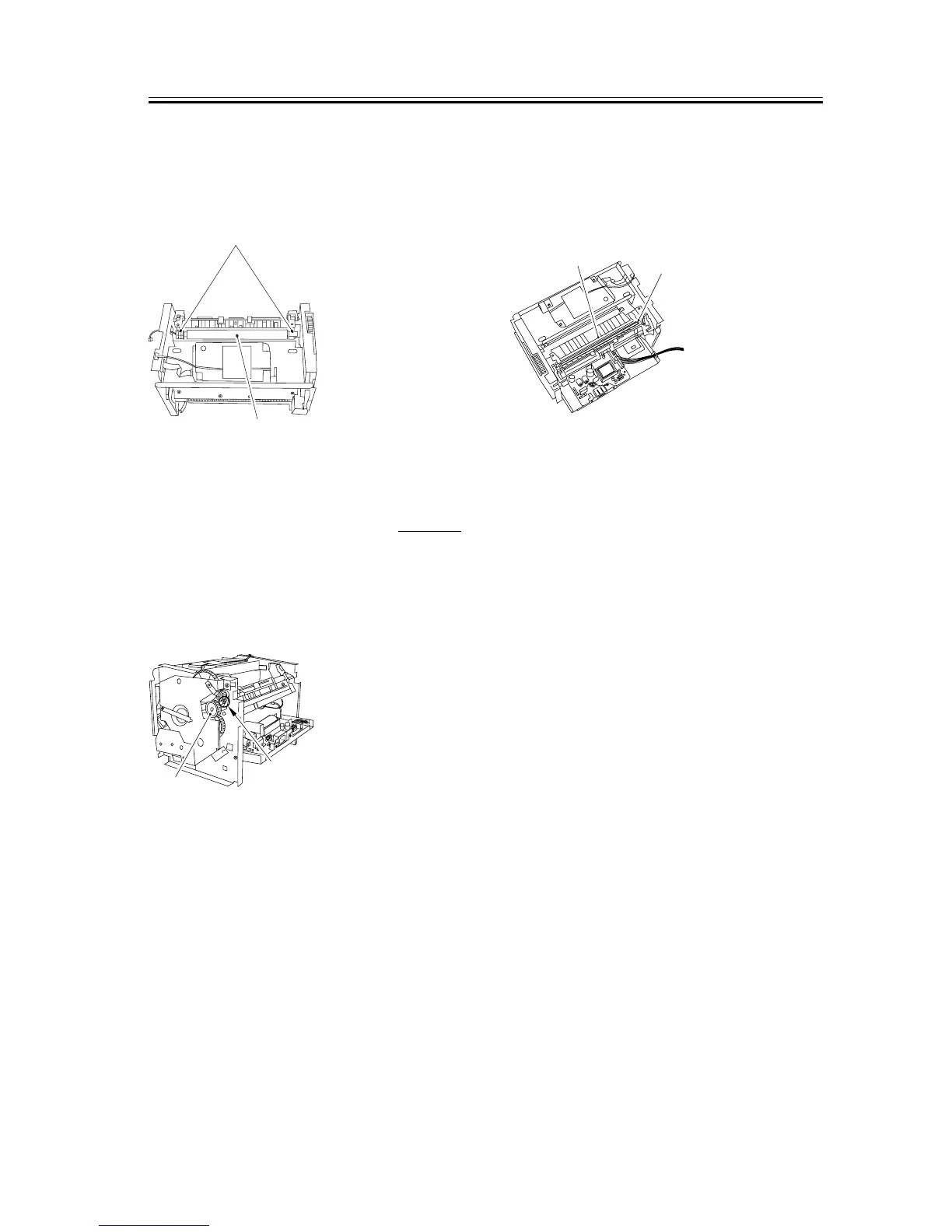
6) While holding the left and right frames [2] of the
Fixing film unit [1], lift it up at an angle and remove
it.
F-3-276
3.6.2.13 Removing the Fixing
Pressure Roller
0007-7767
1) Remove the gear [1] by disengaging the claw.
2) Take out the boss of the bushing [2], turn it, and
remove the bushing.
F-3-277
3) Hold the shorter shaft [2] of the Fixing pressure
roller [1] and lift it up at an angle to remove it from
the bushing. Remove the Fixing pressure roller by
sliding it.
F-3-278
[1]
[2]
[1]
[2]
[2]
[1]











 To Next Page