Liberty
™
Automated Microwave Peptide Synthesizer
600178 • Revision 5 • October 2009
26
Creating a New Microwave Method
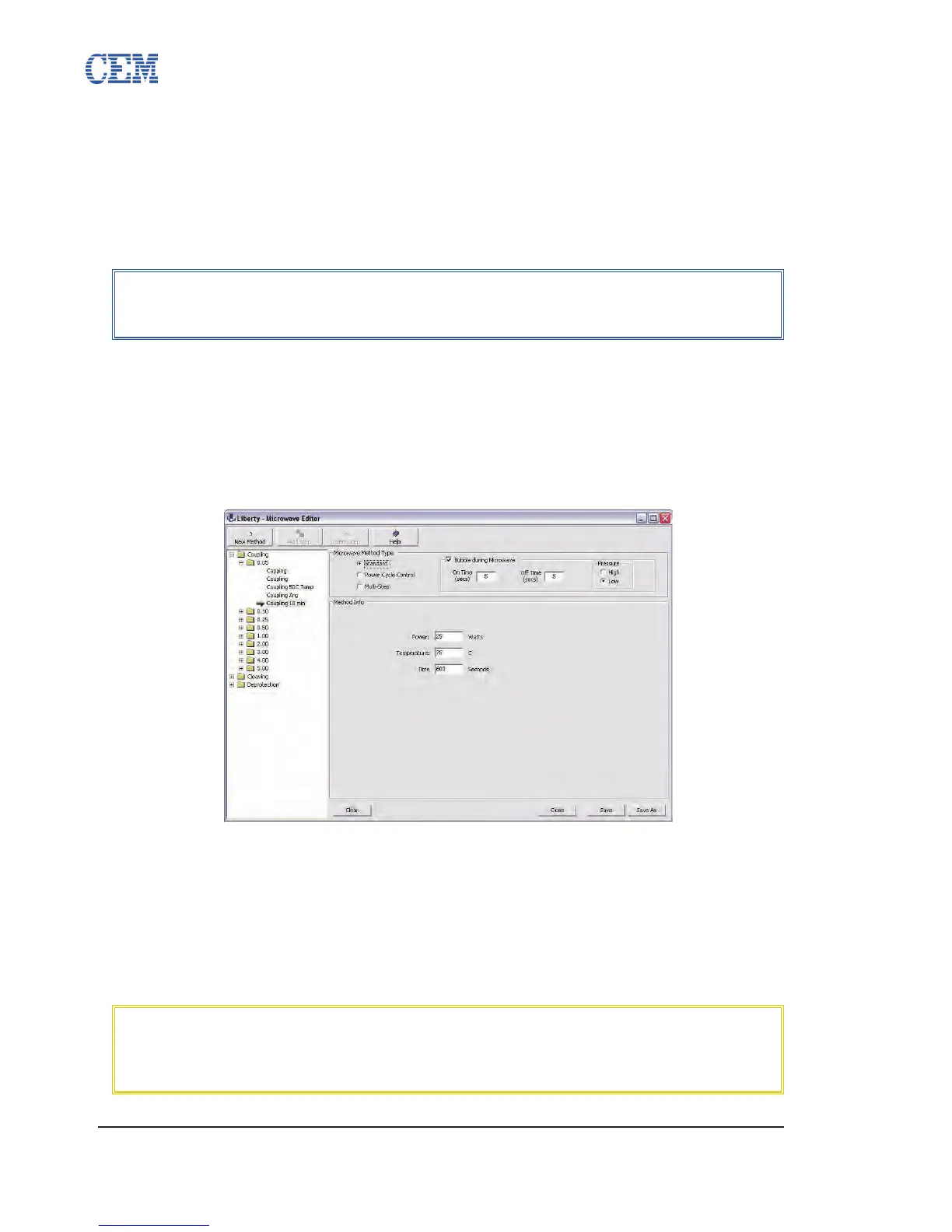
Microwave methods allow for detailed control of the microwave heating and reaction time for
each step in the synthesis. The Microwave Editor allows the user to select the microwave time,
microwave power, maximum temperature, and sample agitation.
Open the folder of the appropriate method type, then open the subfolder for the 1.
appropriate scale.
Click the New Method button.2.
The new method will appear in the selected folder. Enter a name for the method 3.
and press Enter.
Select the type of microwave method to make.4.
4.1. Standard
Enter the desired 4.1.1. microwave power setting (in Watts), maximum
temperature (in °C), and time for the microwave step (in seconds).
If 4.1.2. agitation is desired during the microwave step, check the box for
Bubbling During Microwave. Enter the amount of time to bubble and
the time between each bubbling. (Bubbling is enabled by default.
The default setting is 3 seconds On Time, 7 seconds Off Time, low
pressure)
NOTE
A microwave method saved in a specic scale folder will only be available
for use in Cycle Editor for cycles created in the same scale folder.
CAUTION
High Pressure bubbling is not recommended as this can deposit resin on the
top of the reaction vessel. This can lead to poor synthesis quality, product
loss, and contamination between syntheses.



 To Next Page