Liberty
™
Automated Microwave Peptide Synthesizer
600178 • Revision 5 • October 2009
73
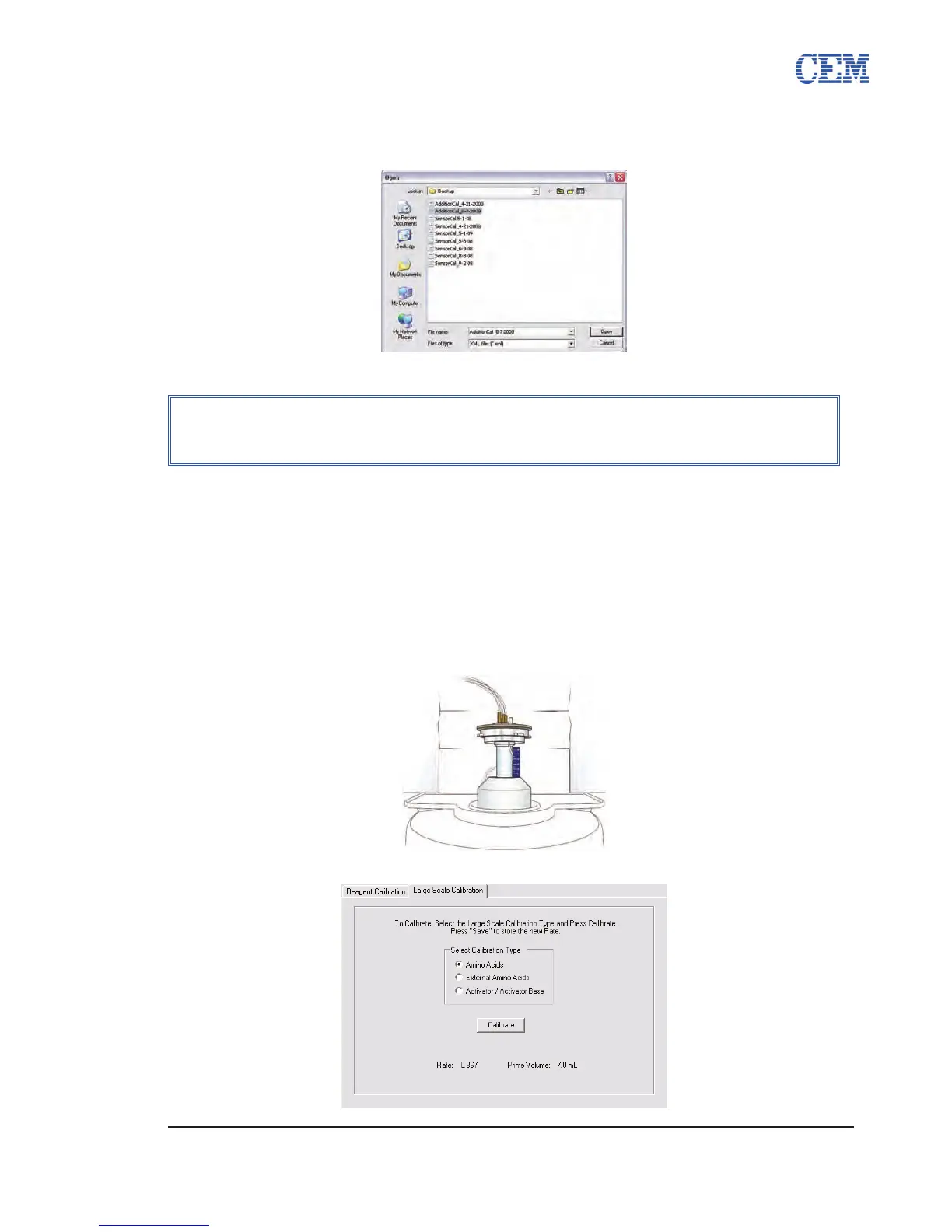
To restore previous volume calibration values from a backup le:
From the Volume Calibration tab, click Import.1.
Select the backup le to be restored, and then click Open.2.
Performing a Large Scale Calibration
Place the reaction vessel into the 1. volume calibration stand (PN 576250).
Remove the reaction vessel assembly from the cavity of the Discover. 1.1.
Set the volume calibration stand on top of the cavity opening, with the 1.2.
graduations on the right.
Insert the reaction vessel into the calibration stand so that the drain line 1.3.
from the bottom of the vessel ts into the slot on the left of the stand.
From the Volume Calibration Tab, click on the Large Scale Addition Tab.2.
NOTE
When importing values from a backup le, the current calibration values for
all reagents will be discarded.



 To Next Page