Liberty
™
Automated Microwave Peptide Synthesizer
600178 • Revision 5 • October 2009
63
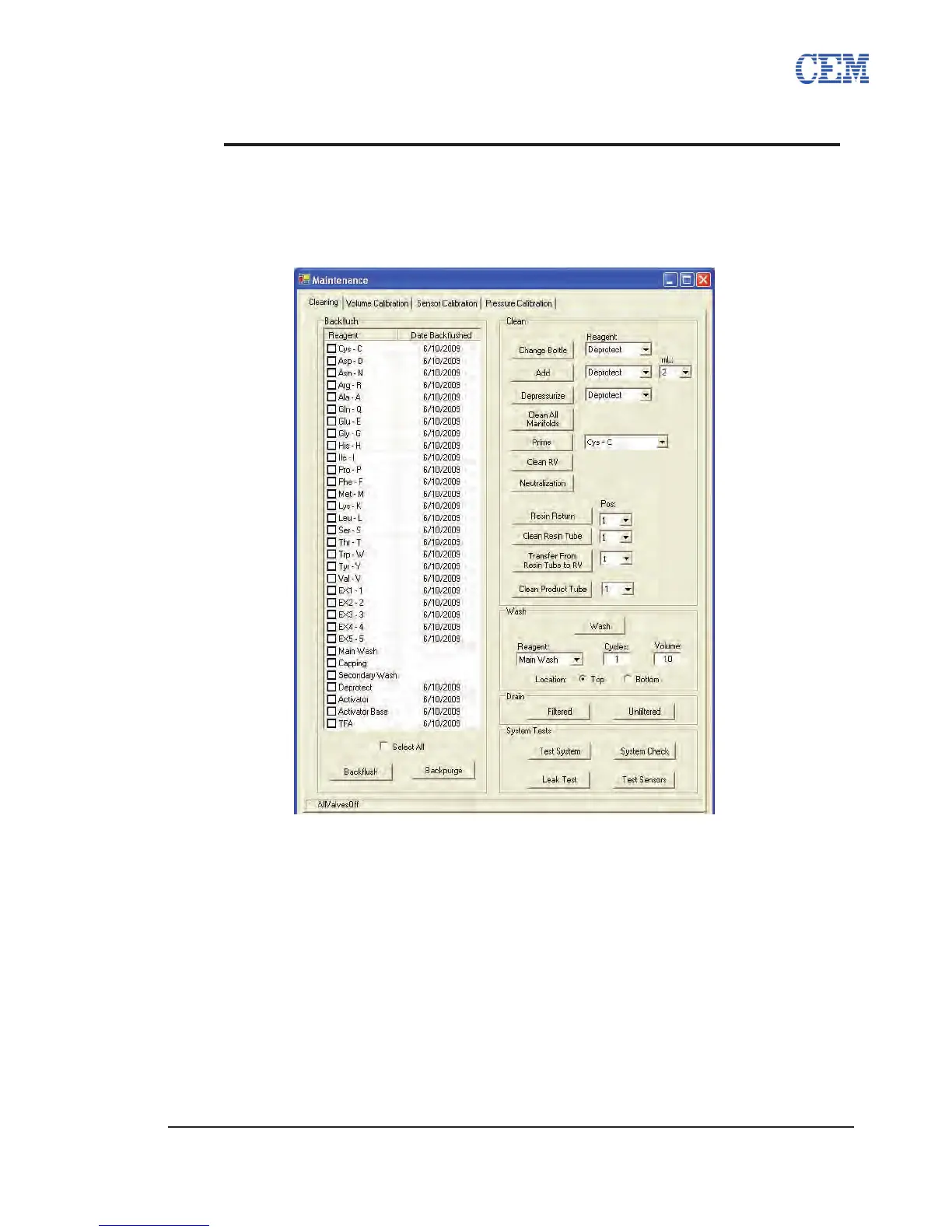
Maintenance Screen
The Maintenance screen is accessed by clicking on the Maintenance button on the PepDriver
main screen and selecting Maintenance. From the Maintenance Menu, a number of important
maintenance procedures and manual system commands can be accessed.
Cleaning Tab
Clean•
•
Change Bottle: Clicking this button begins the Change Bottle procedure
for the reagent selected from the pull-down menu. The Change Bottle
procedure is used to remove and replace bottles not directly connected to a
manifold. (For more information about using Change Bottle, see the Using
the Change Bottle Command, p. 65).
• Add: Clicking this button will add the reagent selected from the pull-down
menu to the reaction vessel at the volume selected from the second pull-
down menu.
• Depressurize: Clicking this button will vent any pressure from the reagent
selected from the pull-down menu.
• Clean All Manifolds: Clicking this button will begin a cleaning procedure for



 To Next Page