Liberty
™
Automated Microwave Peptide Synthesizer
600178 • Revision 5 • October 2009
96
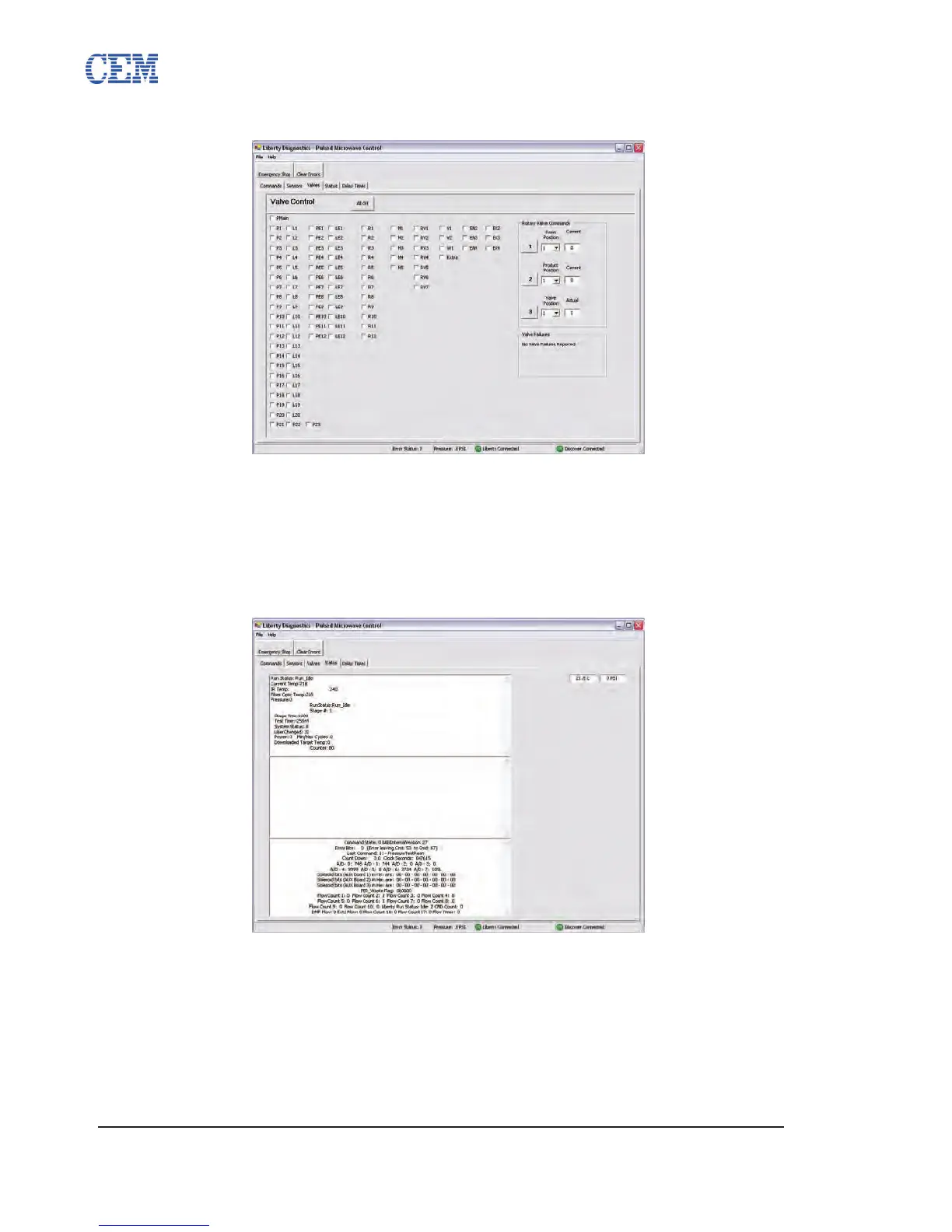
Valves Tab
The Valves panel allows for the manual control of each valve on the system. Checking the box
next to a valve opens that valve. Unchecking the box closes the valve. Clicking the All Off button
unchecks all valves.
The Rotary Valves are controlled by selecting the desired position from the pull-down box and
then clicking the button corresponding to that valve (1 for Rotary 1, 2 for Rotary 2, 3 for Rotary 3).
Status Tab
The Status tab contains diagnostic information about the current status of the Liberty.



 To Next Page