Liberty
™
Automated Microwave Peptide Synthesizer
600178 • Revision 5 • October 2009
97
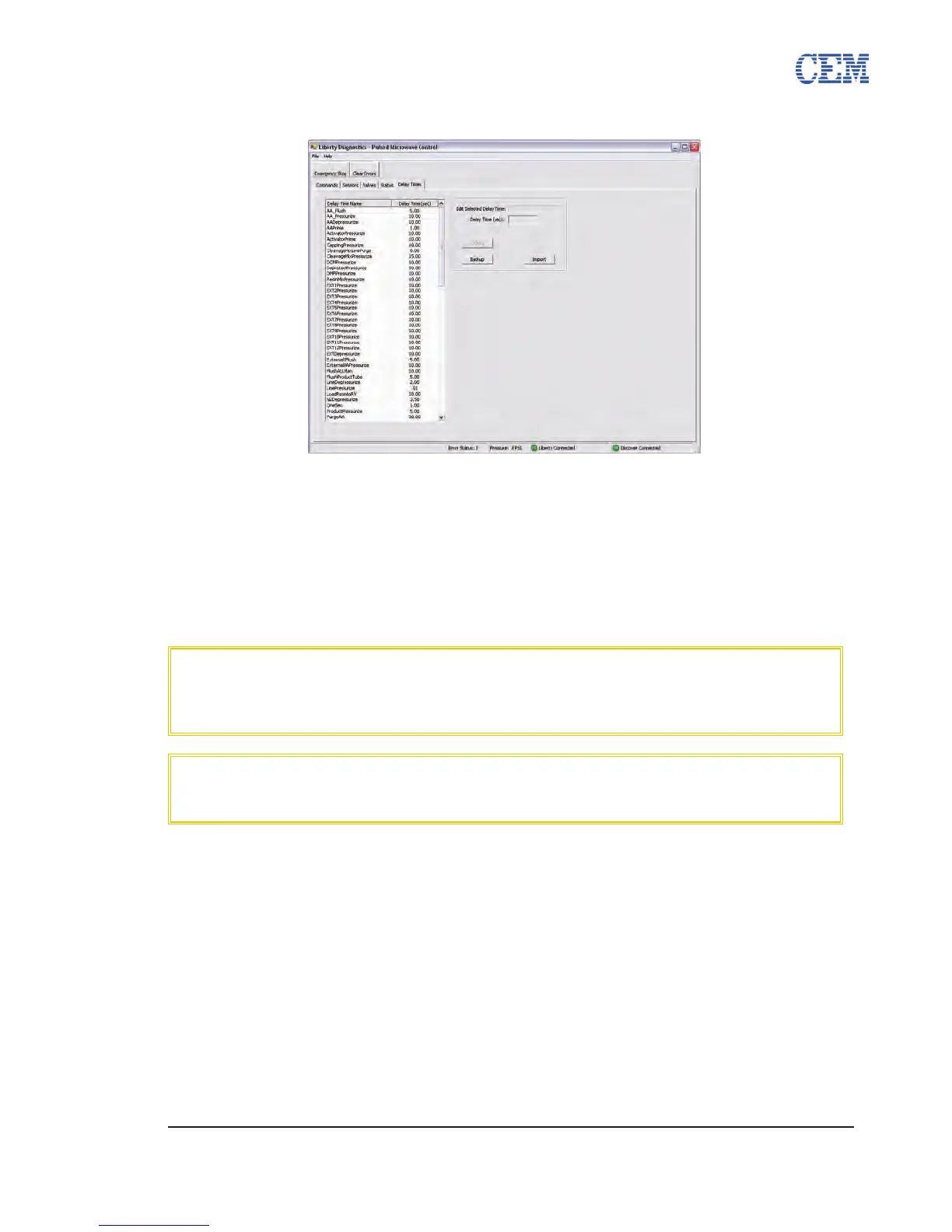
Delay Times Tab
The Delay Times tab is used to change the delay times for various system commands and
parameters.
To change a delay time:
Click on the delay time to be changed in the list.1.
Enter the new delay time in the Delay Time (sec) box on the right.2.
Click Update to save the new delay time.3.
CAUTION
Before changing any delay times, click the Backup button to save a backup
le of all current delay times.
CAUTION
Do not change a delay time without consulting with a trained CEM Service
Technician. Incorrect delay times can result in poor synthesis quality and
instrument malfunction.



 To Next Page