Liberty
™
Automated Microwave Peptide Synthesizer
600178 • Revision 5 • October 2009
32
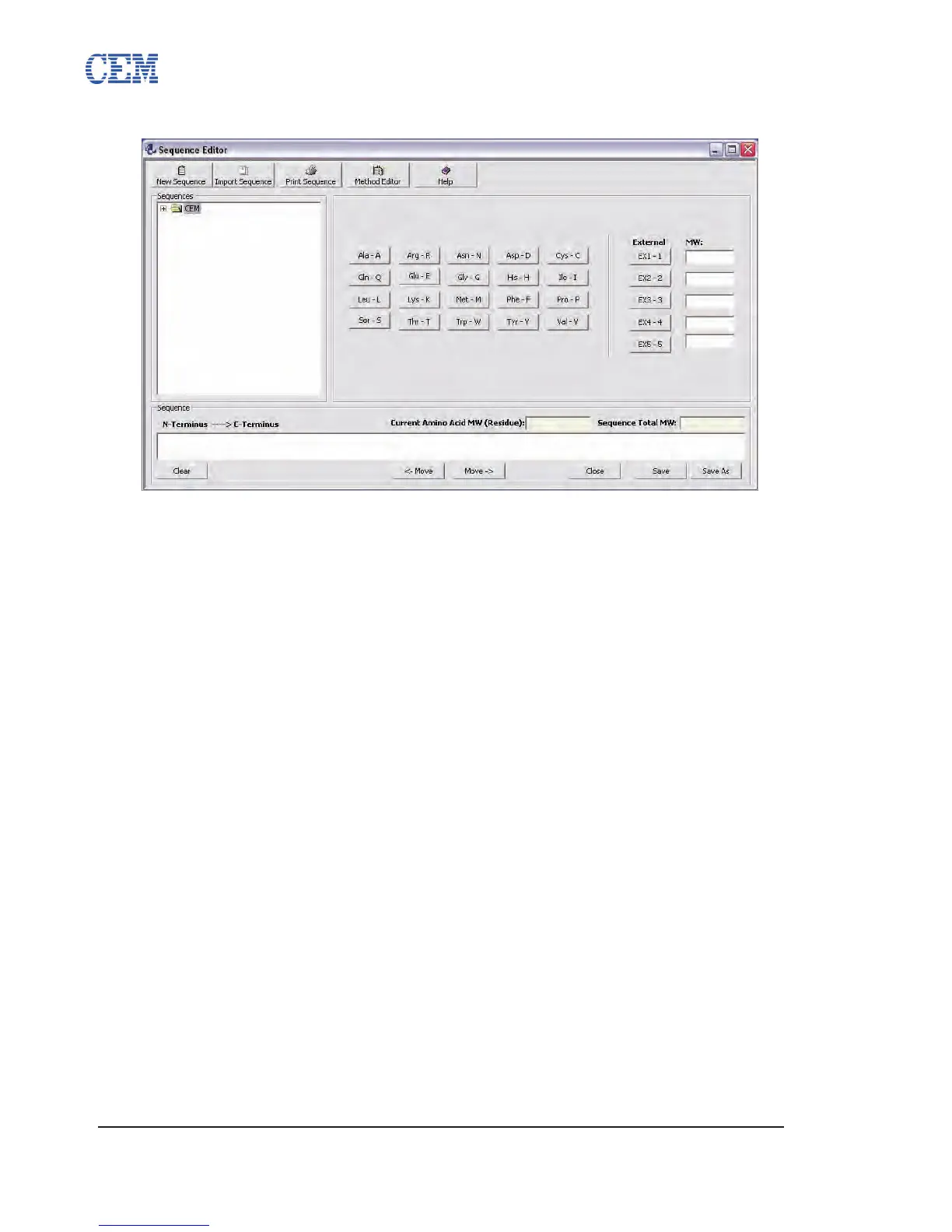
Sequence Editor
Peptide sequences to be synthesized are entered in the Sequence Editor. The Sequence Editor
allows for the use of all twenty standard amino acids as well as the ve external amino acid
positions. In addition, the Sequence Editor will automatically calculate the total molecular weight
of the peptide sequence.
The Sequence Editor can be accessed by clicking on the Sequences button on the PepDriver
main screen, or by clicking the Sequence Editor button from the Method Editor.
Creating a New Sequence
Open the appropriate folder for the new sequence.1.
Click the New Sequence button.2.
The new sequence will be created in the selected folder. Enter a name for the 3.
sequence (the default is “New Sequence”) and press Enter.
The 4. amino acids for the sequence can be entered in two ways:
Click the amino acid buttons:4.1.
Click the white Sequence box at the bottom of the Sequence Editor.4.1.1.
Click the button corresponding to rst (N-terminal) amino acid. The 4.1.2.
one letter abbreviation will appear in the Sequence box.
Repeat step 4.1.2. for the remaining amino acids.4.1.3.
Type in the one letter abbreviations:4.2.
Click the white Sequence box at the bottom of the Sequence Editor.4.2.1.
Type the sequence (N-terminus to C-terminus) using the one letter 4.2.2.
abbreviations.
Click Save to save the sequence.5.



 To Next Page