Liberty
™
Automated Microwave Peptide Synthesizer
600178 • Revision 5 • October 2009
88
Low Pressure Adjustment
Select the Pressure Adjustment category, and then double-click on the Adjust 1.
Low Pressure test.
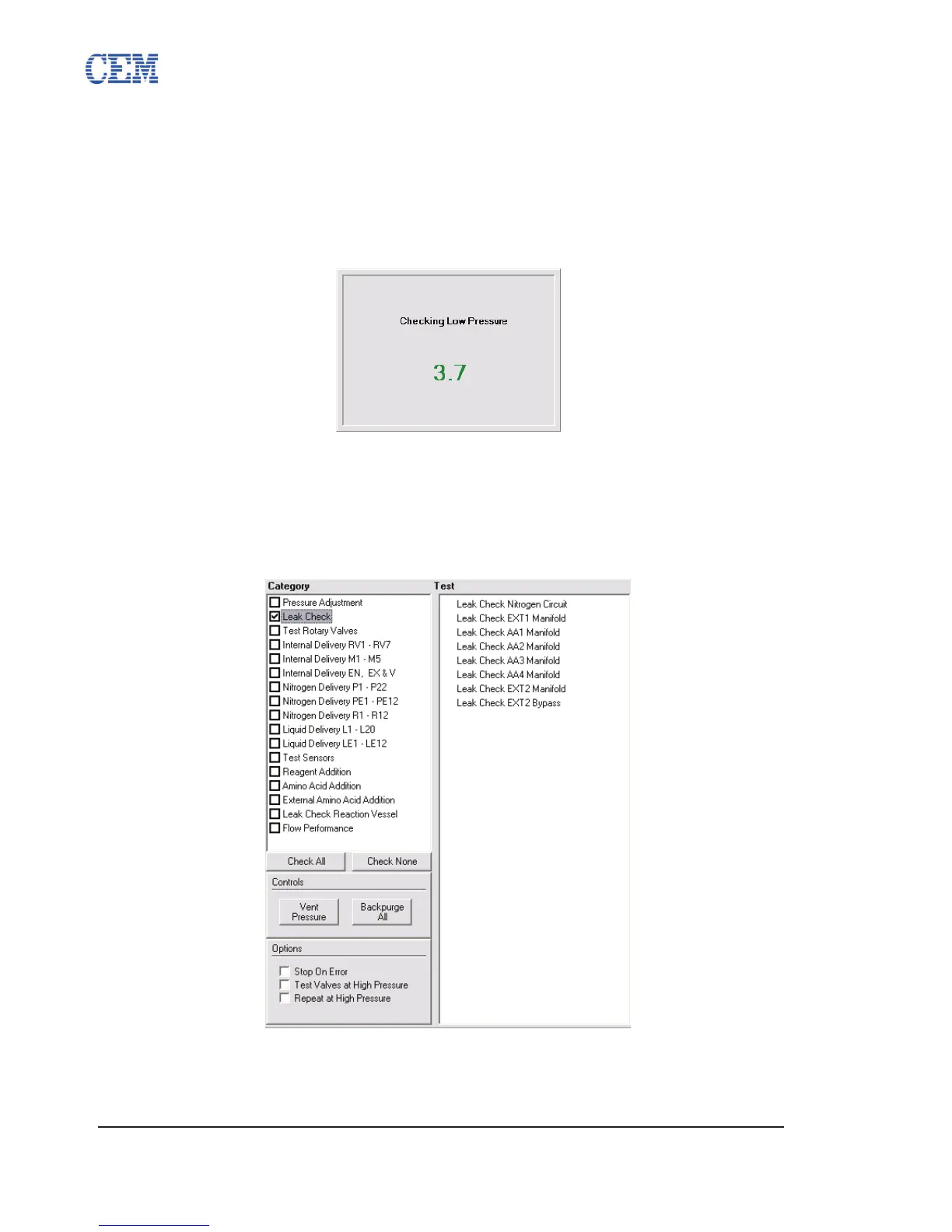
The current pressure reading (in psi) will be displayed in the status box. The 2.
reading will be displayed in green if the value is within the standard operating
parameters (2.5-4.5 psi), and in red if it is outside the standard parameters.
If the pressure reading is outside the range, the status box will display 3.
instructions for adjusting the pressure regulator. The pressure reading will be
displayed in real time. Adjust the regulator until the reading is between 2.5 and
4.5 psi. Contact CEM Service for help adjusting the low pressure regulator.
Leak Check
The Leak Check category contains tests to ensure none of the manifolds on the system are
leaking. There are eight manifolds that are tested in the Leak Check category. To perform a Leak
Check:
Select the Leak Check category, and then click Test.1.



 To Next Page