Liberty
™
Automated Microwave Peptide Synthesizer
600178 • Revision 5 • October 2009
65
System Tests•
•
System Check: Clicking this button begins a System Check diagnostic
procedure. For more information about the System Check procedure, see
Performing a System Check, p. 67.
• Leak Test: Clicking this button beings a full leak check of the system. For
more information about the leak testing procedure, see Test System, p. 86.
• Test Sensors: Clicking this button begins a full sensor test of the system.
For more information about the sensor test procedure, see Test System, p.
86.
• Test System: Clicking this button opens the Test System menu, which
contains a number of diagnostic tests and troubleshooting procedures.
Using the Change Bottle Command
Click on the pull-down menu to select the reagent to be changed, then click the 1.
Change Bottle button.
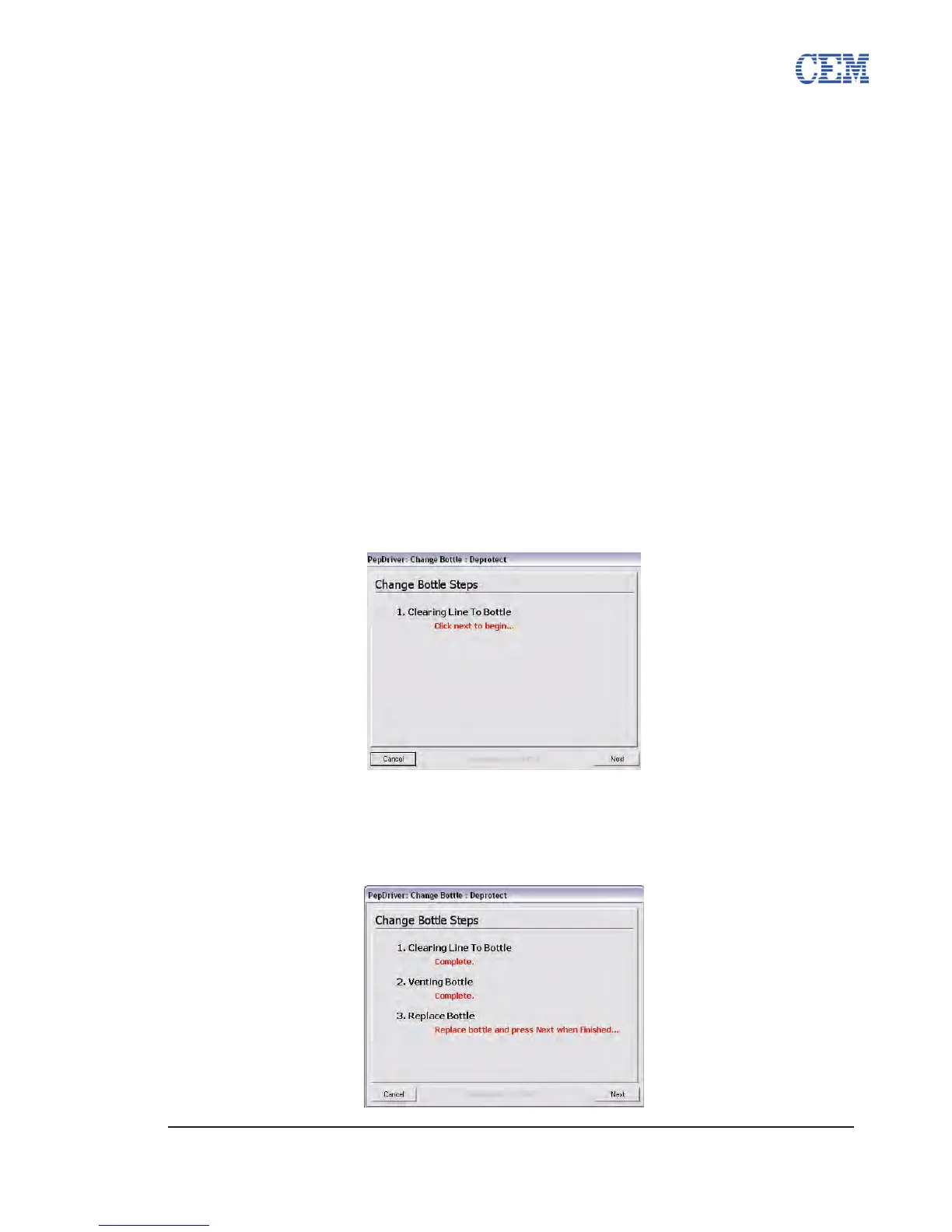
The Change Bottle window will appear. Click Next to begin the Change Bottle 2.
procedure.
The Liberty will clear the line to the bottle, and then vent the pressure to the 3.
bottle.
The Change Bottle window will indicate it is safe to remove the bottle. Remove 4.
the old bottle from the system and connect a fresh bottle.
Click Next to continue. The Liberty will pressurize the bottle and prime the lines. 5.



 To Next Page