Liberty
™
Automated Microwave Peptide Synthesizer
600178 • Revision 5 • October 2009
28
Copying and Modifying an Existing Microwave Method
Often, it is easier to copy and modify an existing microwave method rather than creating an
entirely new method. Methods can easily be duplicated and modied within the Microwave
Editor, and then be moved to different scale folders as needed. To copy an existing method:
Open the folder of the appropriate method type, then open the subfolder for the 1.
appropriate scale.
Right click on a microwave method and select Copy Method.2.
The new method will appear named “Copy of (method name)”. Type a new name 3.
and press Enter.
Any settings in the method can be changed. If the copied method was a Multi-4.
Step method, steps can also be added or deleted by using the Add Step and
Delete Step buttons.
When all changes have been made, click Save to save the modied method.5.
If the new method is to be used at a different synthetic scale, drag the method 6.
from the folder it was created in to the appropriate folder.
Cycle Editor
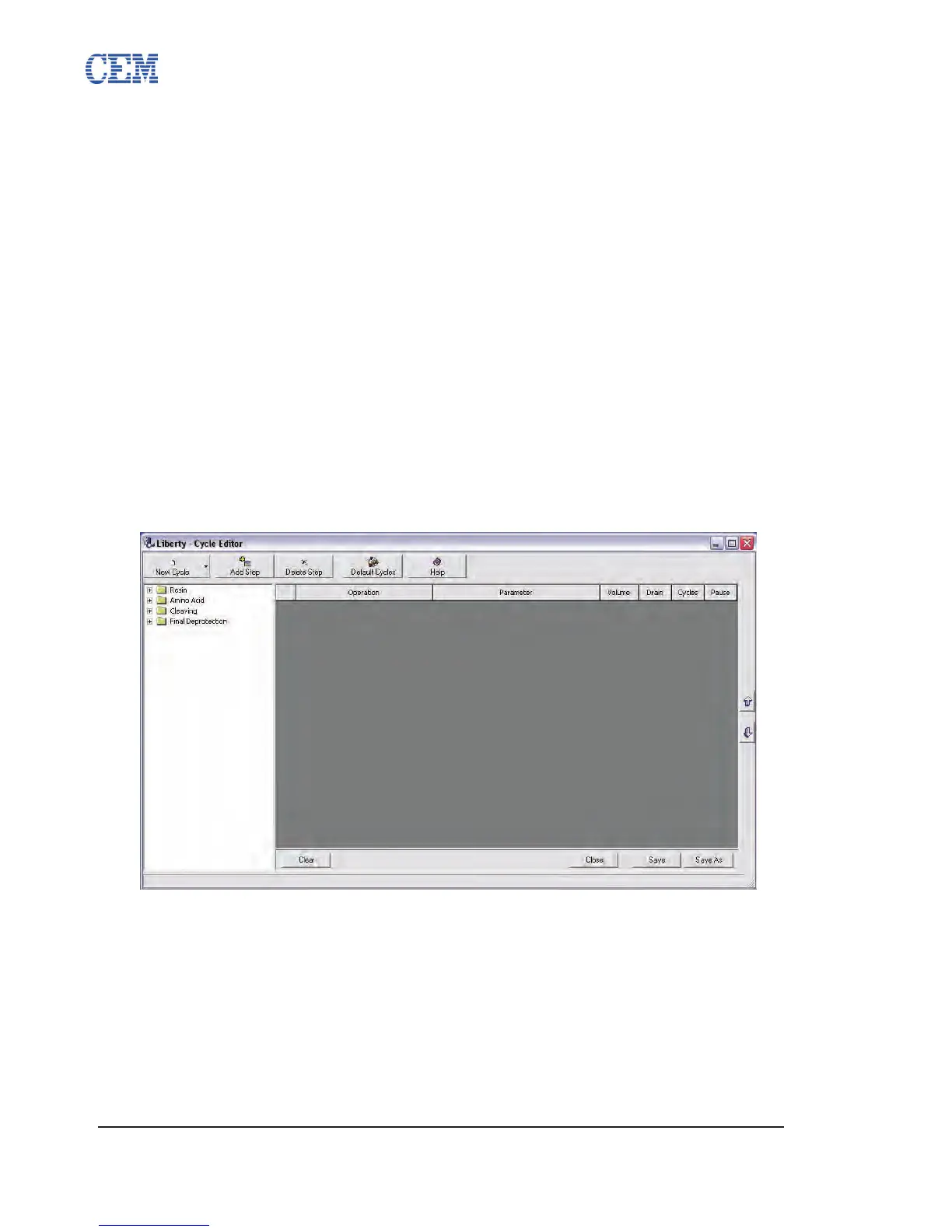
The Cycle Editor allows for the full control and customization of any step of a synthesis. This
allows for optimization of each step of a given peptide synthesis.
The Cycle Editor can be accessed by clicking on the Cycles Button on the main screen of
PepDriver, or by clicking the Cycle Editor button from the Method Editor.
Cycle Folders
The Cycle Editor contains separate folders for each type of cycle. Within each cycle folder, there
are subfolders for each scale, allowing for the development of optimized cycles for each scale. A
cycle will only appear in the Method Editor when creating a method of the same scale.



 To Next Page