Liberty
™
Automated Microwave Peptide Synthesizer
600178 • Revision 5 • October 2009
74
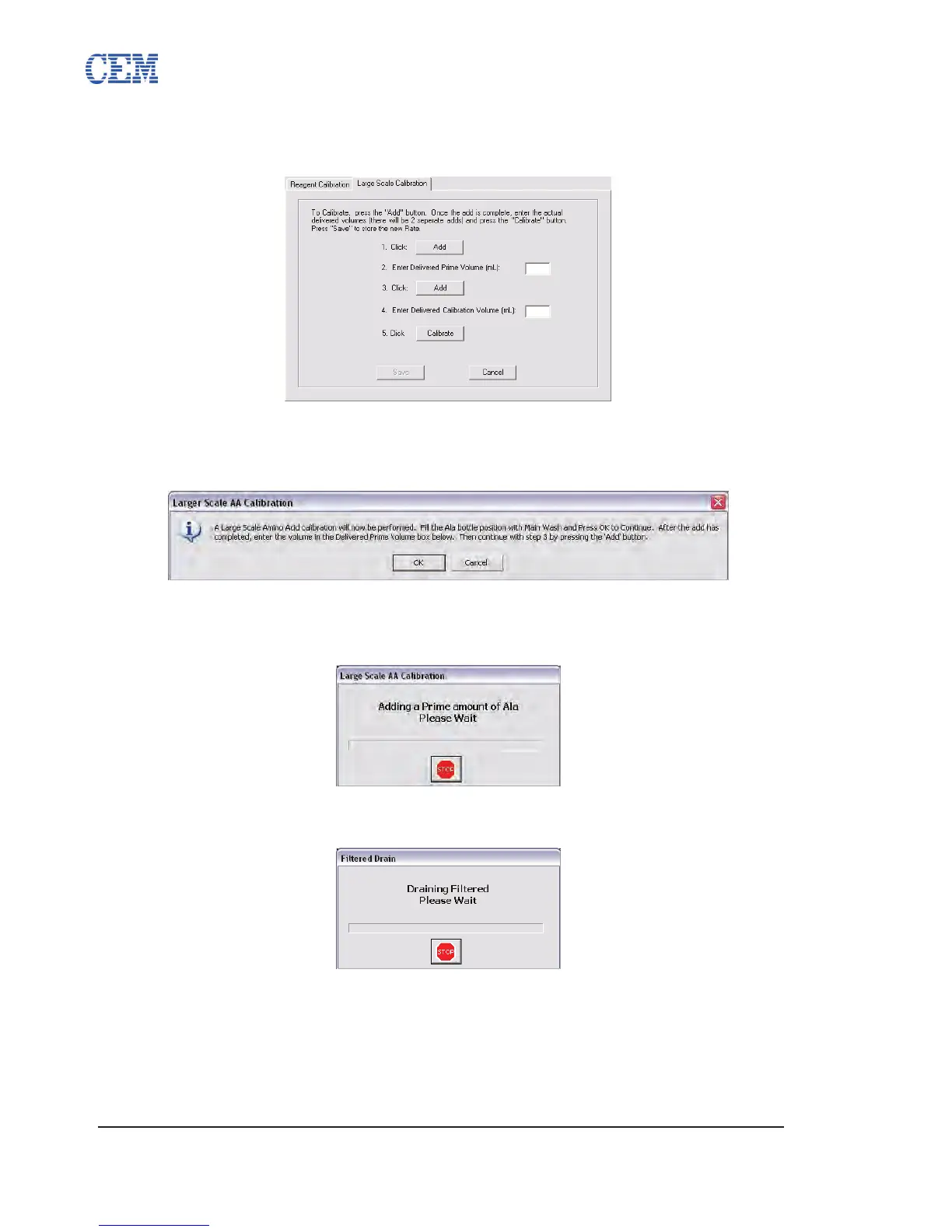
Select the desired reagent and click Calibrate.3.
Click the rst Add button to begin the calibration procedure.4.
A warning box will pop up to conrm that Main Wash (DMF) has been added to 5.
the appropriate position for the calibration procedure. Ensure sufcient DMF
(approximately 30 mL) is connected and click OK.
A prime volume of DMF will be added to the reaction vessel. 6.
Once the addition is nished, measure the volume delivered to the reaction
vessel using the graduations on the calibration stand.
Enter the delivered volume in the Prime Volume box, and then click the second 7.
Add button.
The solvent will be automatically drained from the reaction vessel. Following the 8.
ltered drain, the Liberty will add a delivery volume of DMF to the reaction vessel
(approximately 20 mL).



 To Next Page