Citrix SD-WAN Platforms
Important
A VPX-SE appliance provisioned with an SD-WAN release version 9.2 image cannot be upgraded
to a VPXL-SE appliance.
To use the VPXL-SE platform, upgrade SD-WAN release version 9.2. to 9.3 using the change man-
agement procedure in the SD-WAN web GUI.
For more information, see upgrading to SD-WAN 9.3.
Deploying VPXL-SE in Microso Azure and AWS
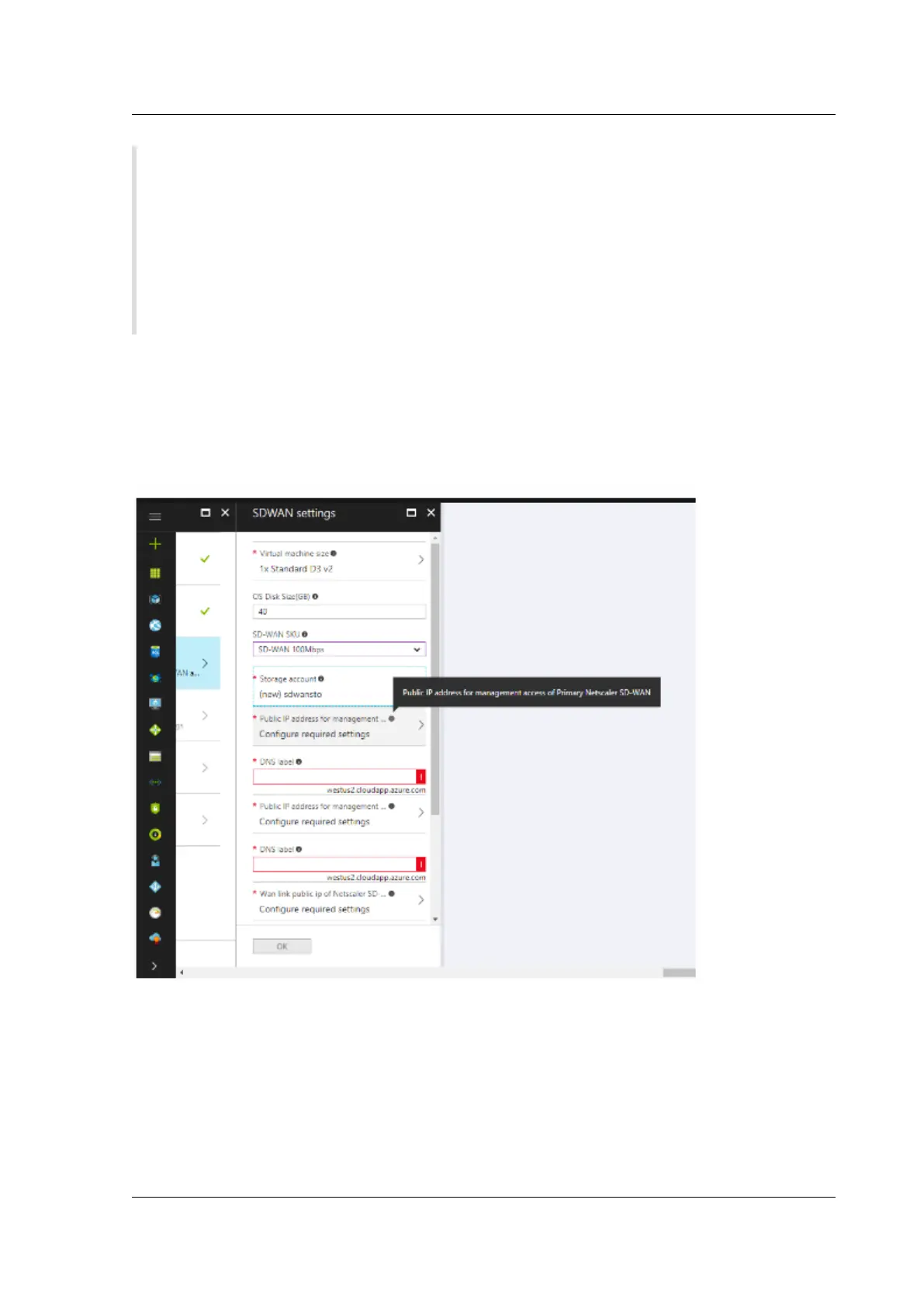
The steps to configure and deploy VPXL-SE in Microso Azure are similar to the steps to deploy the
VPX-SE appliance in Azure. The only dierence in the configuration steps is to choose hard disk space
as 250 GB and instance as F8 for the VPXL-SE appliance to be successfully deployed in Azure.
Similarly, the steps to configure and deploy VPXL-SE in AWS is similar to the steps for deploying VPX-SE
appliance in AWS with the only dierence of selecting disk size of 40 GB and instance of m4.4x large.
© 1999-2021 Citrix Systems, Inc. All rights reserved. 398



 To Next Page
 Loading...