Citrix SD-WAN Platforms
Access MiRiC SFP web service
1. The SFP transceivers have a default management IP address of 192.168.205.1, which can be used
for the SFP web service to configure relevant configurations, for example; T1 or E1. The IP ad-
dress can be modified other than 192.168.205.1. However ensure that you avoid IP address con-
flicts.
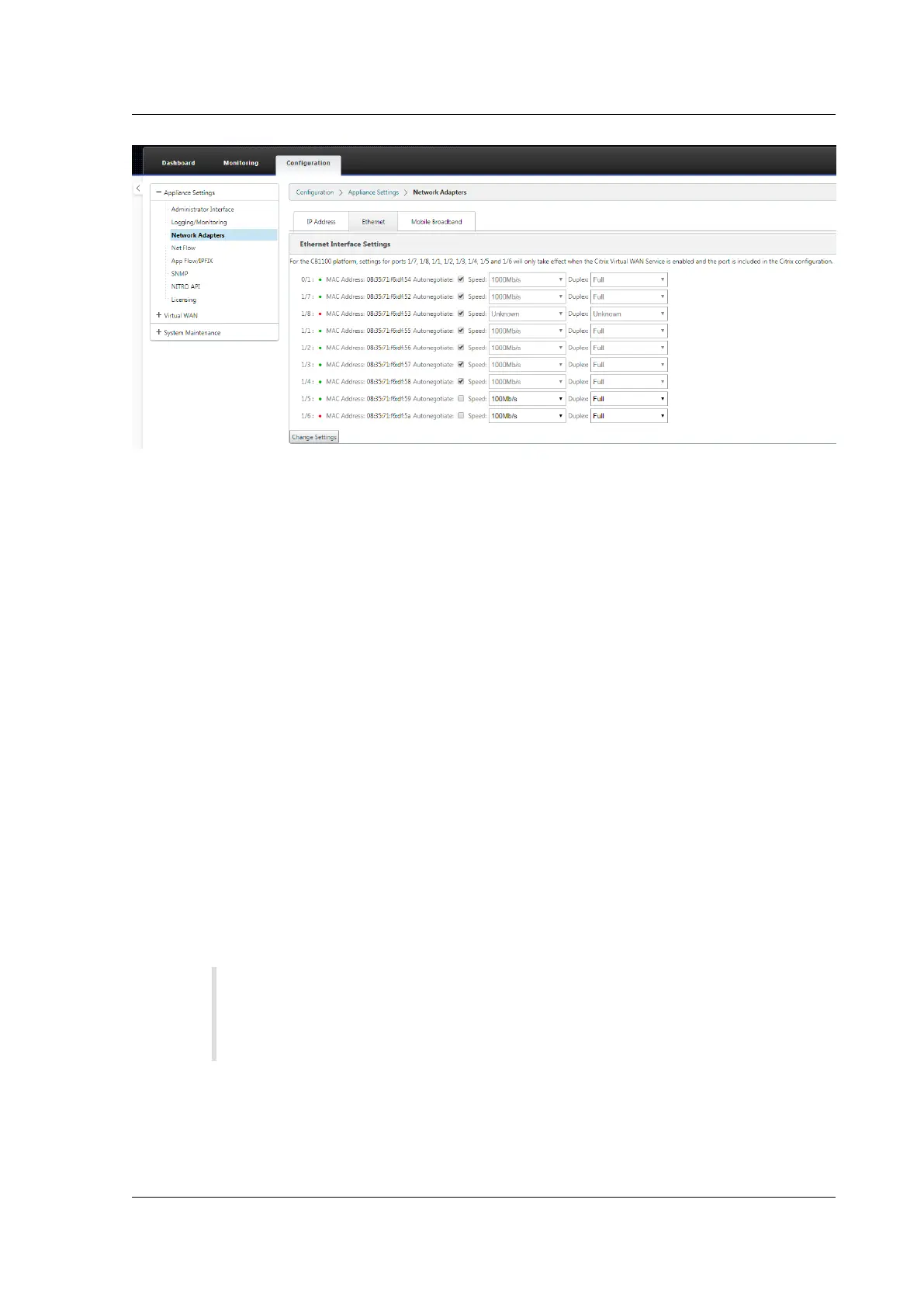
2. To enable SFP access to the management:
• Log into the appliance CLI via ssh admin@(ip address)
• Run: sfp_access
• To enable access on 1/5, run one of the following commands.
– enable 1/5 # Works for GBE transceivers only if already configured.
– enable 1/5 100 # - Works only for FE transceivers
– enable 1/5 1000 # - Works only for GBE transceivers
– enable 1/5 100 172.217.43.2 # - For FE transceivers and assumes a user changes the
default IP to an IP in 172.217.43.0/24
• enable 1/5 1000 172.217.43.2 # - For GBE transceivers and assumes a user changes the de-
fault IP to an IP in 172.217.43.0/24
Note:
Enabling management access on 1/5 automatically disables management access on
1/6, and conversely.
• To disable access to the management:
– Log in appliance CLI via ssh admin@(IP address)
– Run: sfp_access
© 1999-2021 Citrix Systems, Inc. All rights reserved. 80



 To Next Page
 Loading...