EasyManua.ls Logo

Ctera C800 - Page 111

Ctera C800
370 pages
Print Icon
To Next Page IconTo Next Page
To Previous Page IconTo Previous Page
Loading...
Sharing Files 9
CTERA C-Series User Guide 101
Managing Network Shares in the Configuration Tab
Adding and Editing Network Shares
Tip
Network shares must not overlap one another. For example, you cannot share
both /a and /a/b.
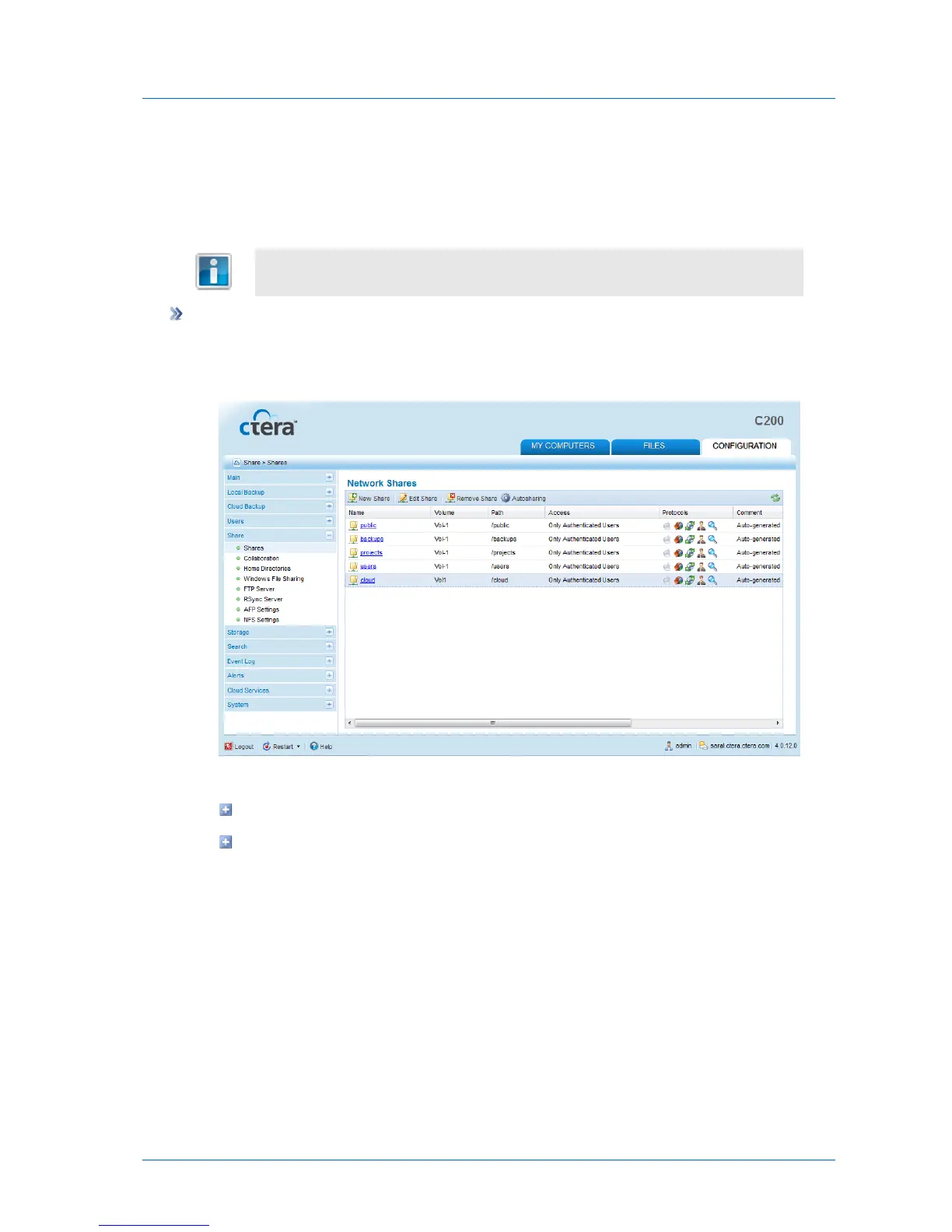
To add or edit a network share
1 In the Configuration tab's navigation pane, click Share > Shares.
The Share > Shares page appears.
2 Do one of the following:
To add a new network share, click New Share.
To edit an existing network share, click on its name.


Table of Contents

Related product manuals