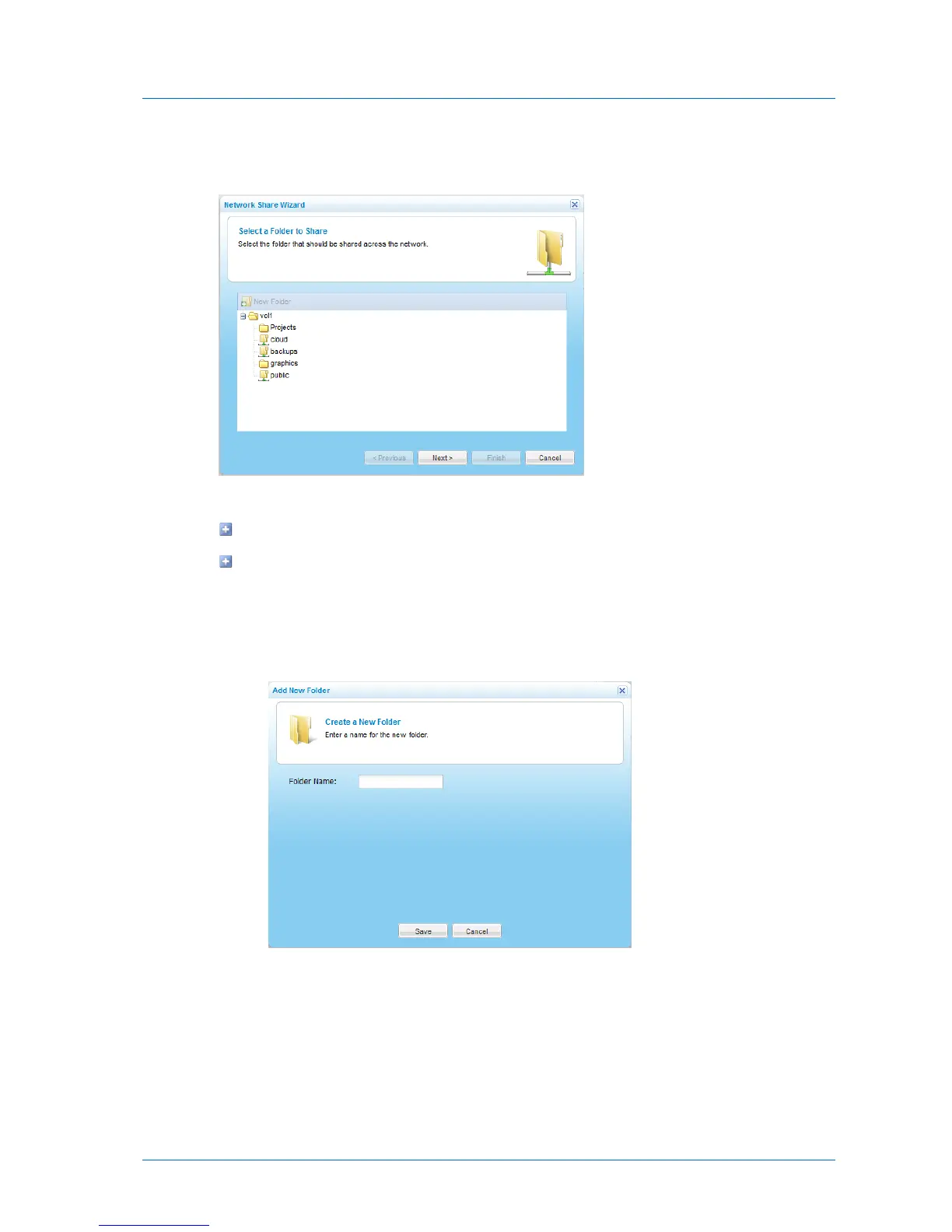
The Network Share Wizard opens, displaying the Select a Folder to Share dialog box
appears.
3 Do one of the following:
Select the folder on which you want to create the network share.
To add a folder on which to create the network share, do the following:
1 Select the parent folder in which to create the new folder.
2 Click New Folder.
The Create a New Folder dialog box opens.
3 In the Folder Name field, type a name for the folder.
4 Click Save.
The new folder appears in the Select a folder to Share dialog box.
4 Click Next.



 To Next Page