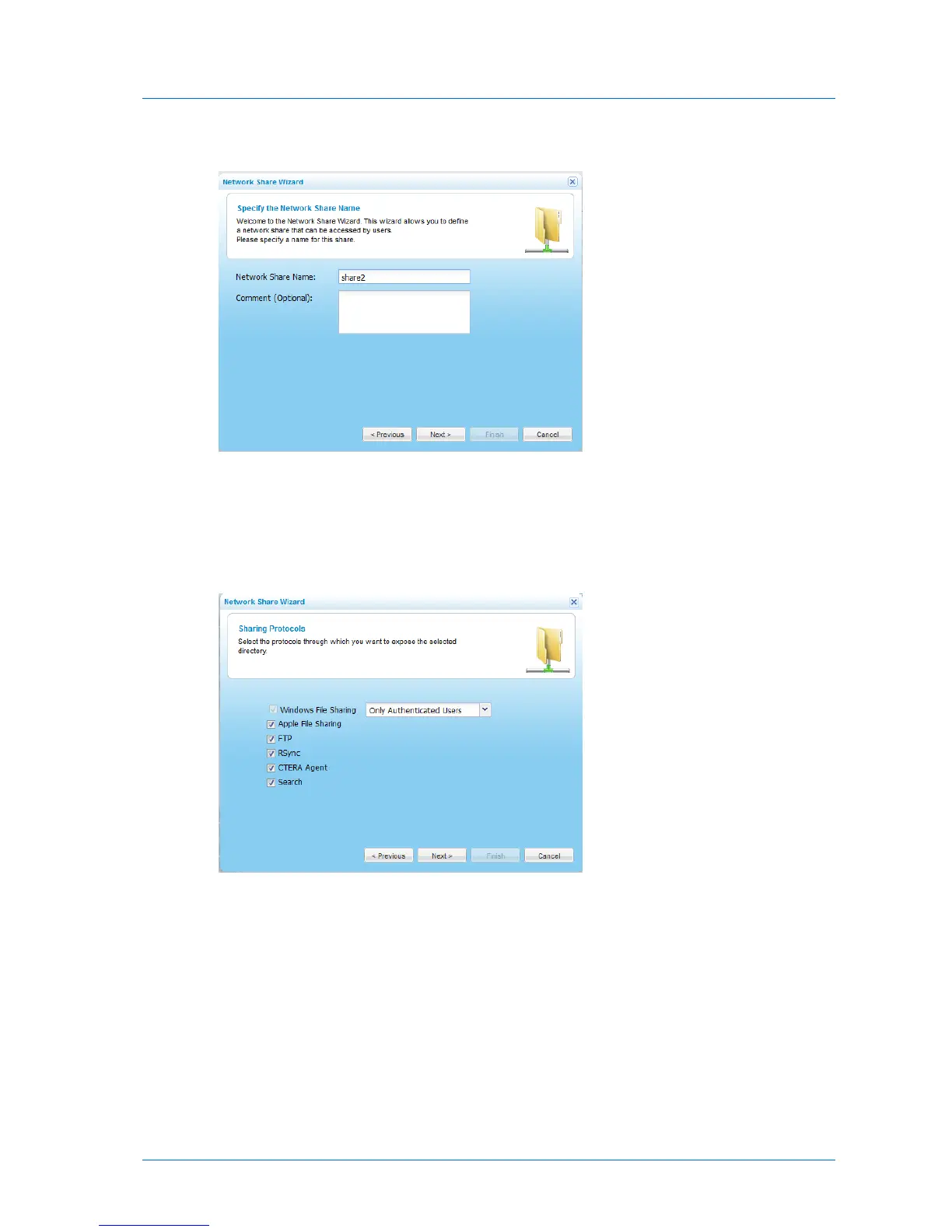
The Specify the Network Share Name dialog box appears.
5 In the Network Share Name field, type a name for the share.
6 (Optional) In the Comment field, type a description of the network share.
7 Click Next.
The Sharing Protocols dialog box appears.
8 Select the protocols through which you want to expose the network share.
Windows File Sharing is selected by default and cannot be unselected.
9 In the Windows File Sharing drop-down list, specify the permitted level of access to the
network share via Windows File Sharing, by selecting one of the options described in
Share Access Options (page 107).
10 Click Next.



 To Next Page