2 Click in the Host column and edit the IP address.
3 Click in the Permission column and select the permitted level of access to the
network share via NFS.
Options include None, Read Only, and Read/Write.
c Remove client host IP addresses, by selecting the desired IP address and clicking
Remove.
13 Click Next.
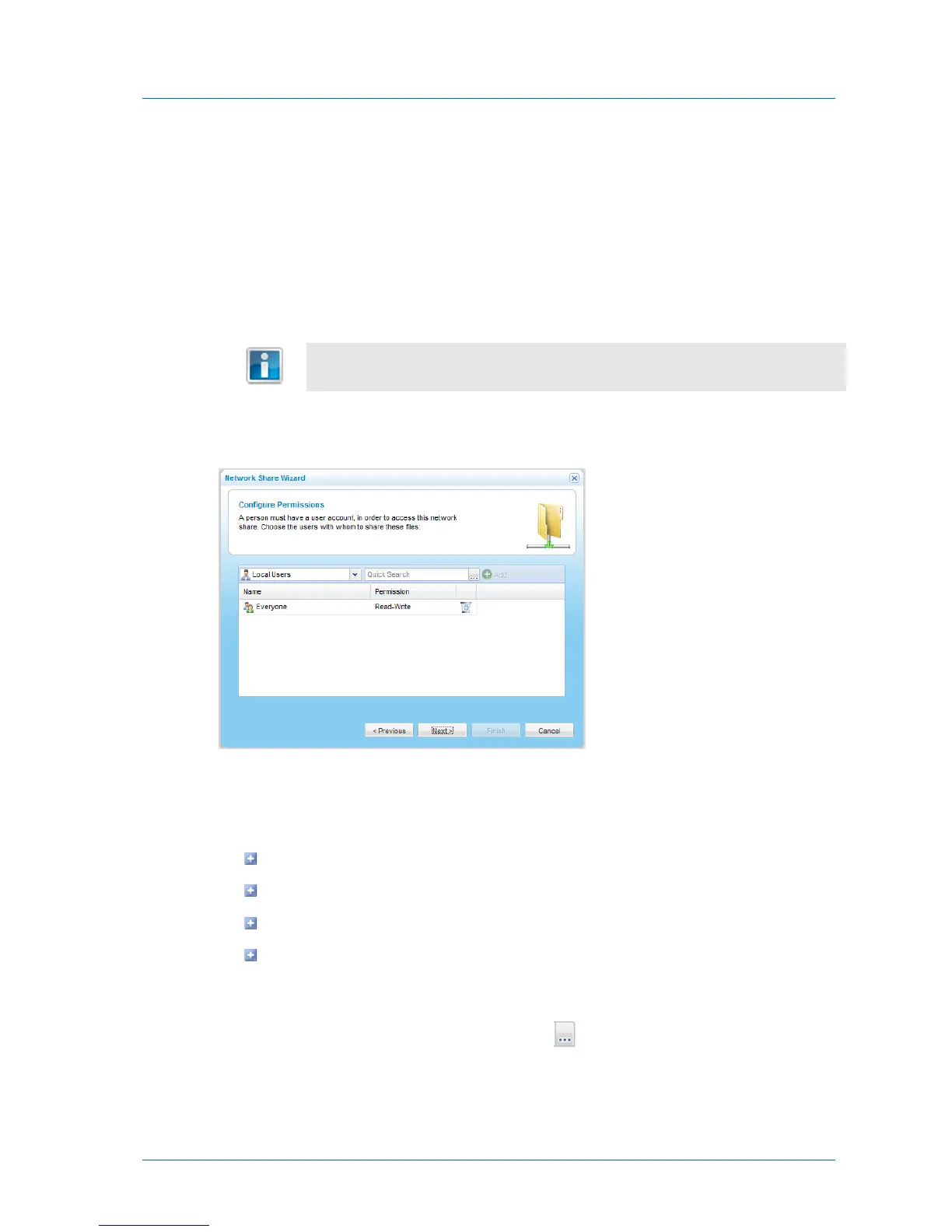
The Configure Permissions dialog box appears with a list of users and user groups.
14 Add each user and user group who should have access to the network share, by doing the
following:
a In the Local Users drop-down list, select one of the following:
Local Users. Search the users defined locally on the appliance.
Domain domain Users. Search the users belonging to the domain called domain.
Local Groups. Search the user groups defined locally on the appliance.
Domain domain Groups. Search the user groups belonging to the domain called
domain.
b In the Quick Search field, type a string that appears anywhere within the name of the
user or user group you want to add, then click .



 To Next Page