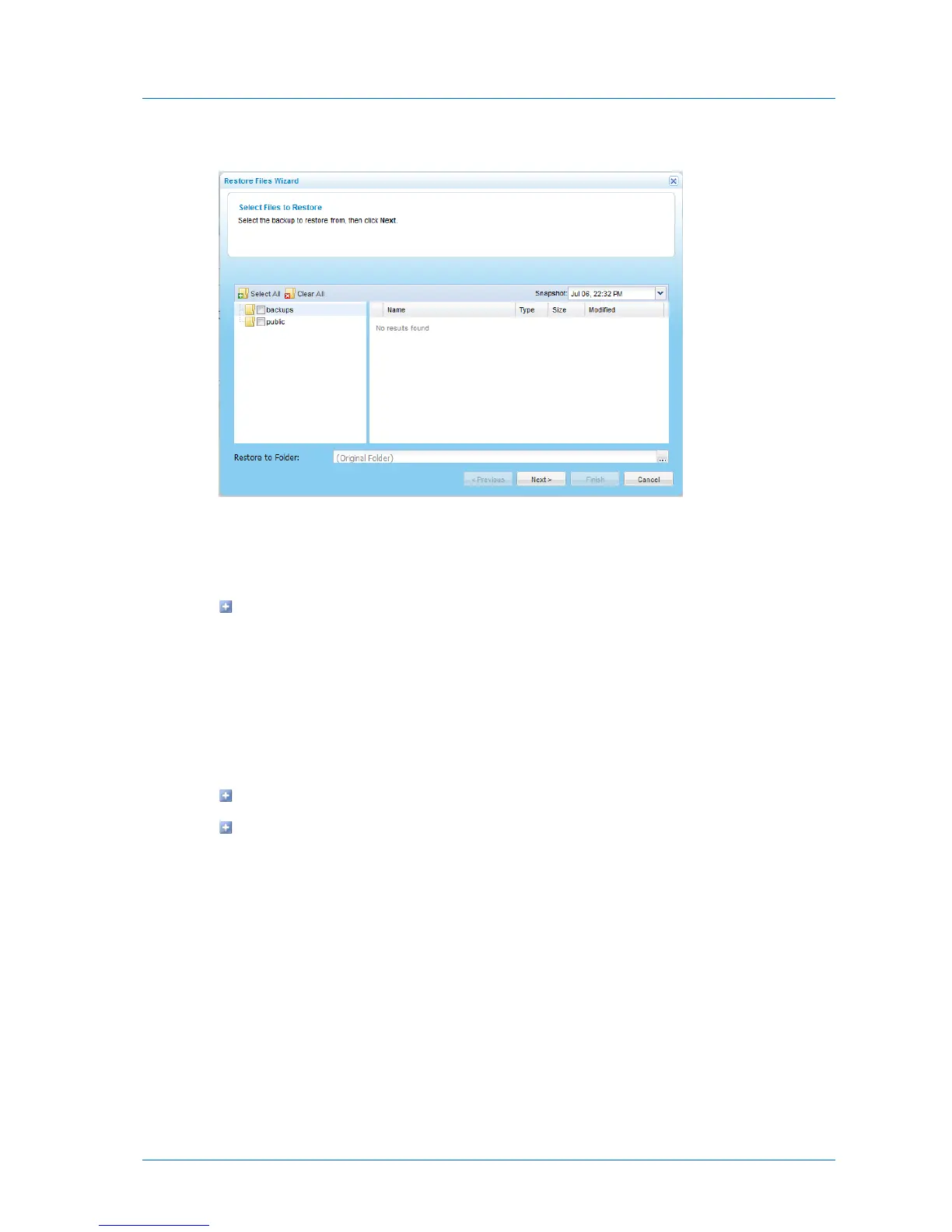
The Restore Files Wizard opens, displaying the Select Files to Restore dialog box.
3 In the Snapshot drop-down list, select the date and time of the snapshot from which you
want to restore files.
4 Specify which files and folders you want to restore, by doing any of the following:
To select individual files and folders:
1 In the left pane, expand the nodes and click on the desired folders.
The folder contents appear in the right pane.
2 Select the check boxes next to the desired folders and files.
For an explanation of the icons and check boxes next to each folder, see Folder
Icons (page 156).
To select all files, click Select All.
To un-select all files, click Clear All.
5 If you want to restore files to a location other than the original location:



 To Next Page