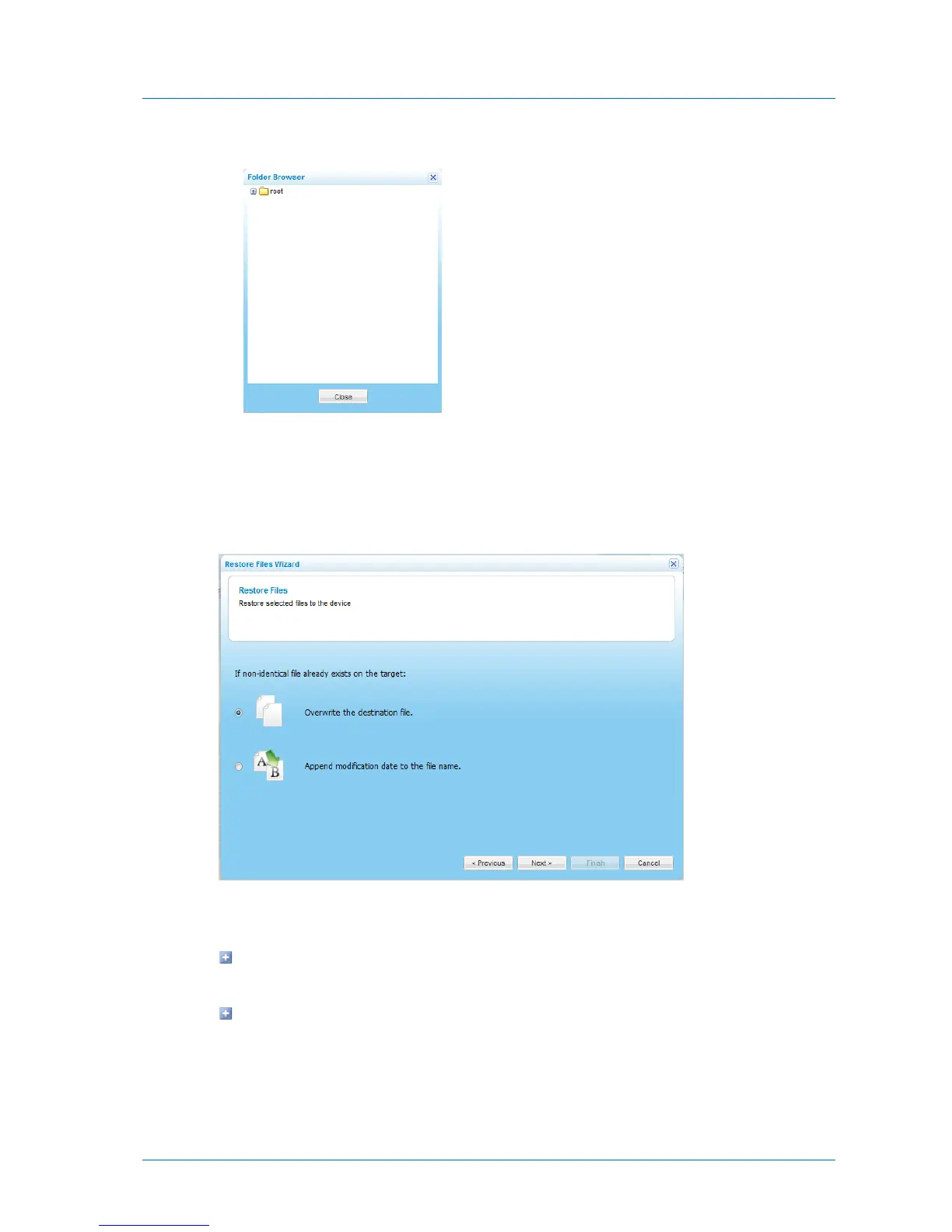
a Click in the Restore to Folder field. The Folder Browser dialog box appears.
b Select the folder to which you would like to restore the files.
c Click Close.
6 Click Next.
The Restore Files dialog box appears.
7 Specify how the appliance should handle files that exist both on your drive and in the
selected backup, by doing one of the following:
To specify that the files on your drive should be overwritten by the files in the backup,
choose Overwrite the destination file.
To specify that the files on your drive should have the modification date appended to
their name, choose Append modification date to the file name.
8 Click Next.



 To Next Page