Type the user name with which the appliance should authenticate to the
remote server.
If the WebDAV server does not require authentication, you can leave the
Username and Password fields empty.
To synchronize two local folders
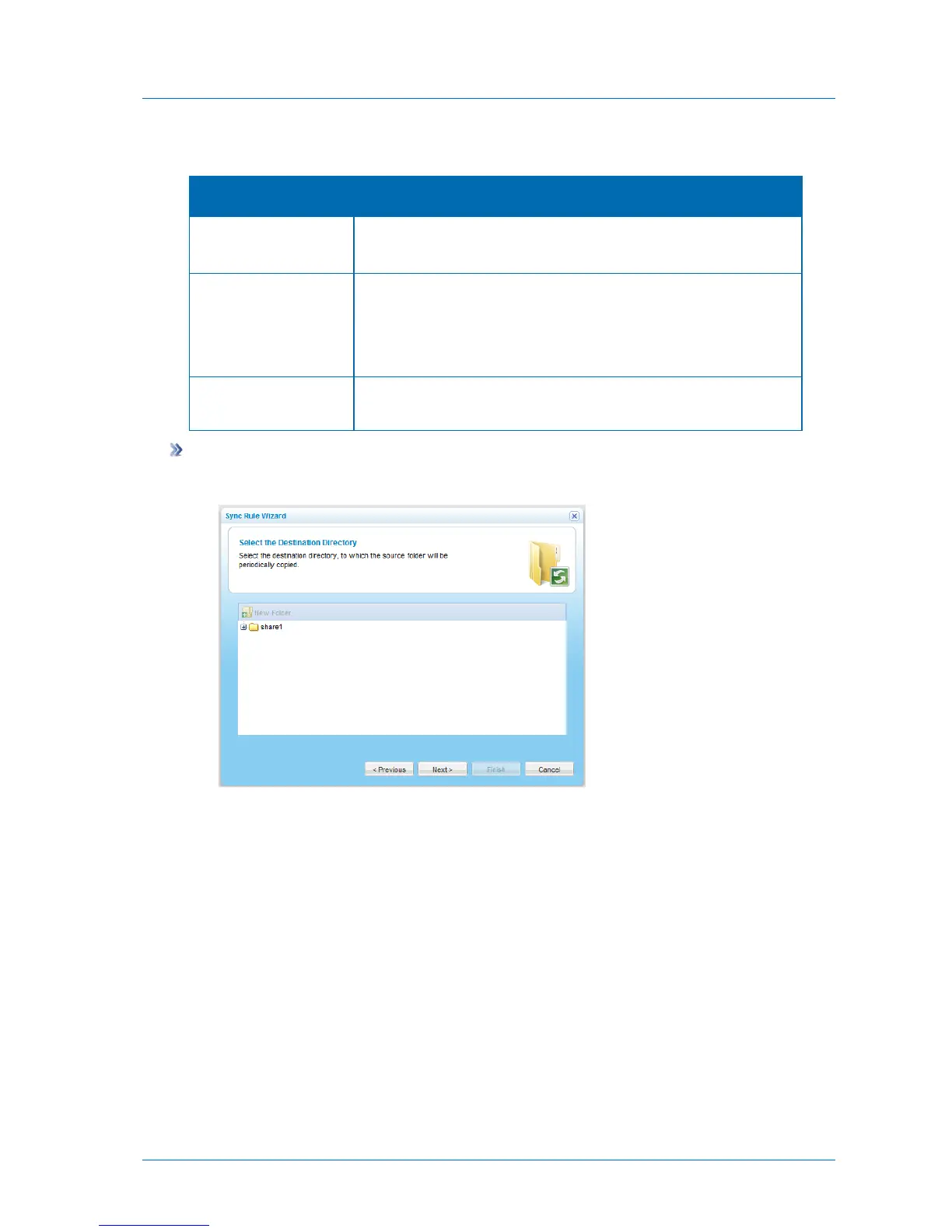
If you selected Local Folder, the Select the Destination Directory dialog box appears.
1 Expand the tree nodes and select the folder with which you want to synchronize.
2 (Optional) To create a new folder, do the following:
a In the tree, select the parent folder in which you want to create the new folder.
b Click New Folder.
The Create a New Folder dialog box opens.
c In the Folder Name field, type a name for the folder.
d Click Save.
A new folder is added to the selected parent folder.
3 Click Next.



 To Next Page