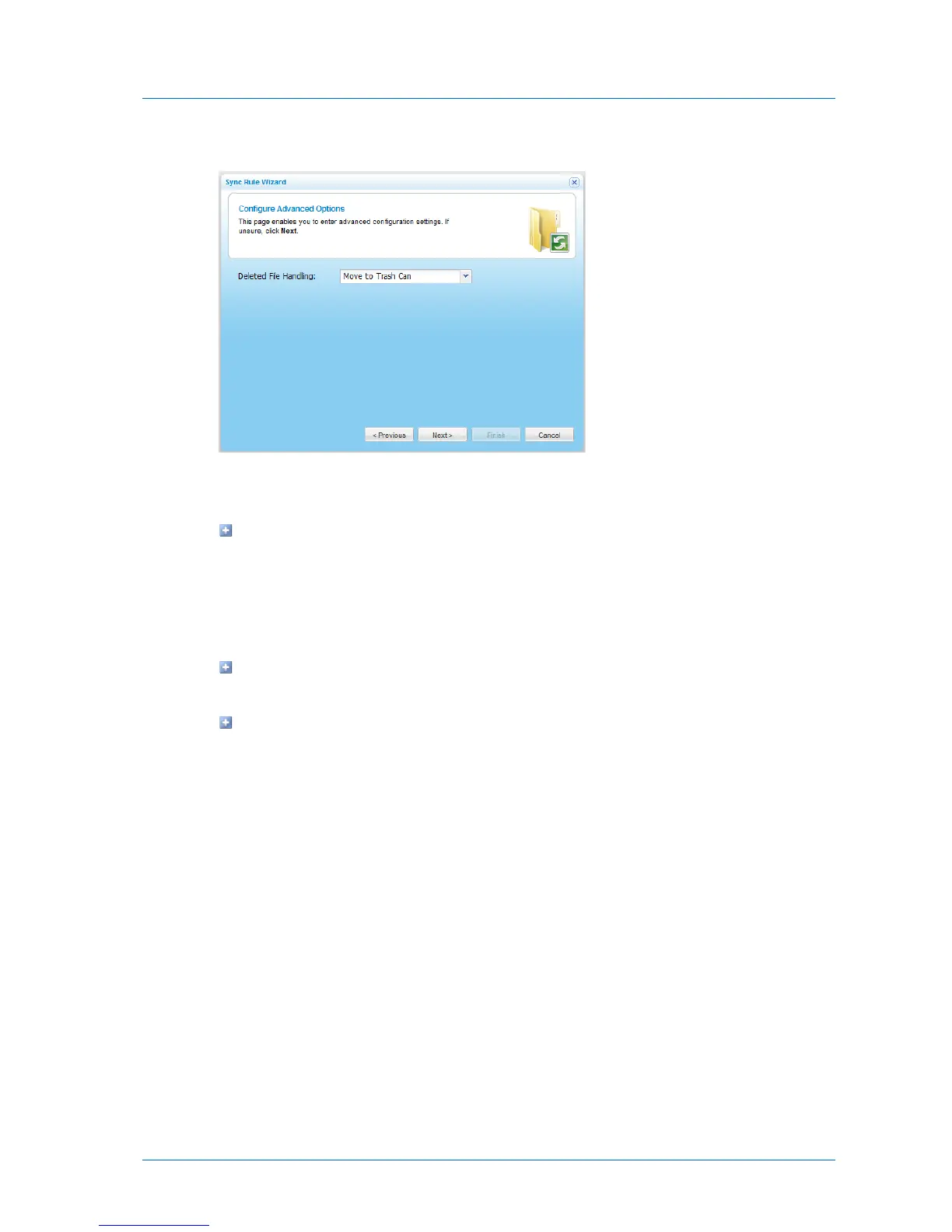
The Configure Advanced Options dialog box appears.
4 In the Deleted File Handling field, specify how deleted files should be handled, by doing
one of the following:
To specify that files deleted in the source folder should be kept and not deleted in the
destination folder, select Keep Deleted Files.
For example, if you chose to synchronize a local folder to a remote server, and one of
the files in the folder is deleted locally, the file will not be deleted on the remote
server.
To specify that files deleted in the source folder should be moved from the
destination folder to the Recycle Bin, select Move to Trash Can.
To specify that files deleted in the source folder should be permanently deleted from
the destination folder, select Delete.
5 Click Next.
6 Continue at Completing Synchronized Folder Configuration (page 208).



 To Next Page