MAN MACHINE INTERFACE
288 PRS-7367
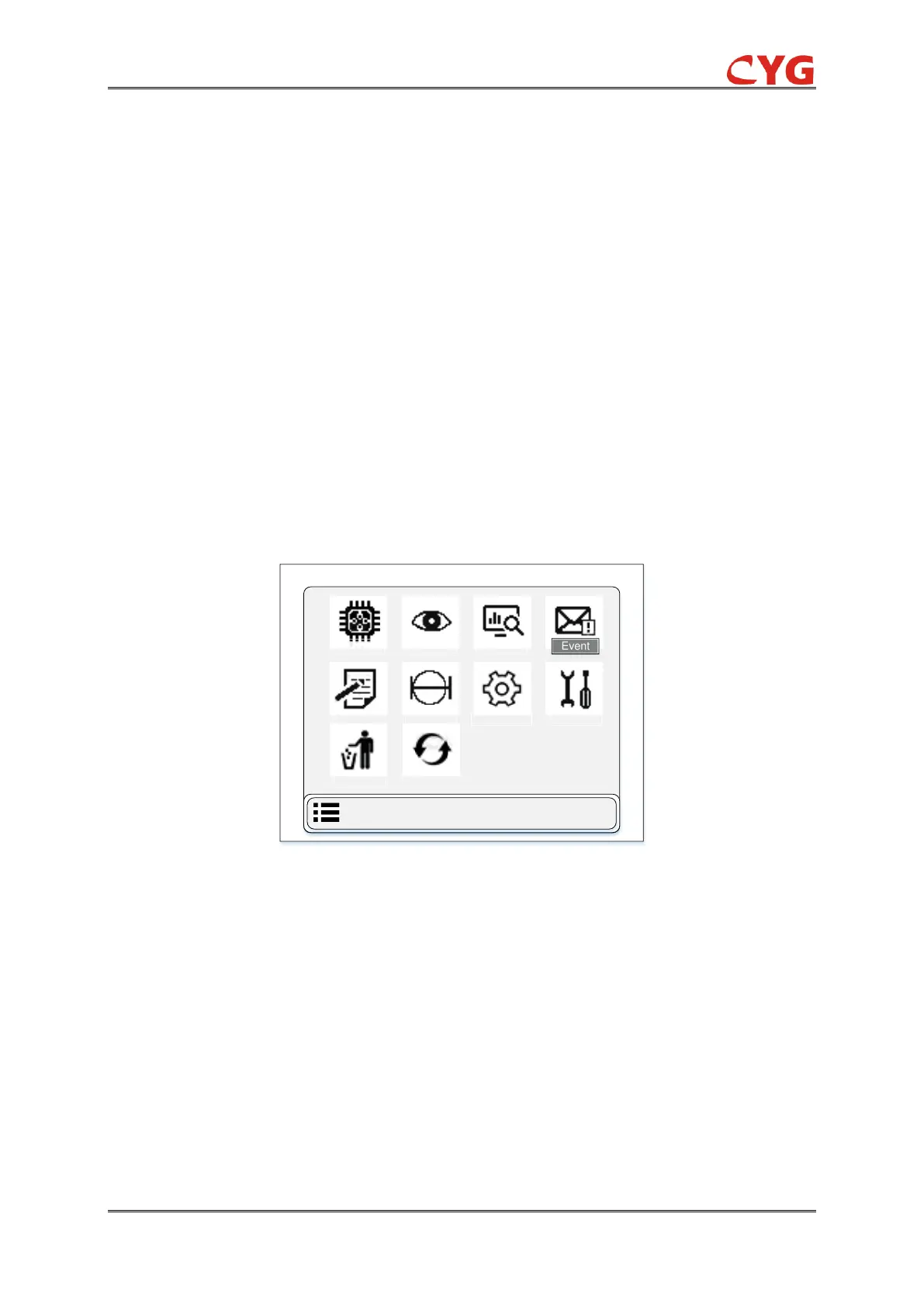
1. Physical
2. Review
3. Monitor
4. Event
5. Record
6. Setting
7. CONFIG
8. Test
9. Clear
10. Language
The main menu display screen shown in below figure 7.2.2. The main menu will deal with the
operation of installation work together with providing basic support and instructions to help user
control.
Figure 7.2-2 LCD General Overview Display of Main Menu
7.3 Sub menu functions of main menu
This part of HMI, the detail of menu sub-functions is described. These all sub-functions display on
the front panel of HMI LCD.
7.3.1 Physical Information
In this section, describe all the physical information related to device software and device
communication. The overview display of physical information is shown in below figure 7.3.1.



 To Next Page