MAN MACHINE INTERFACE
PRS-7367 291
7.3.2 Review Information
This section is divided into two sub-parts, including time mode and the information how to review
protection relay monitoring data. This section only provides the setting view display and user can’t
change the display information of relay. The overview display of review information is shown in
below figure 7.3.4.
/ Review / Timing Mode
Timing Mode
Timing Mode
Prot Settings
Setting group
Prot Settings
Figure 7.3-4 Overview Display of Review Information Sub-functions
7.3.2.1 Timing Mode
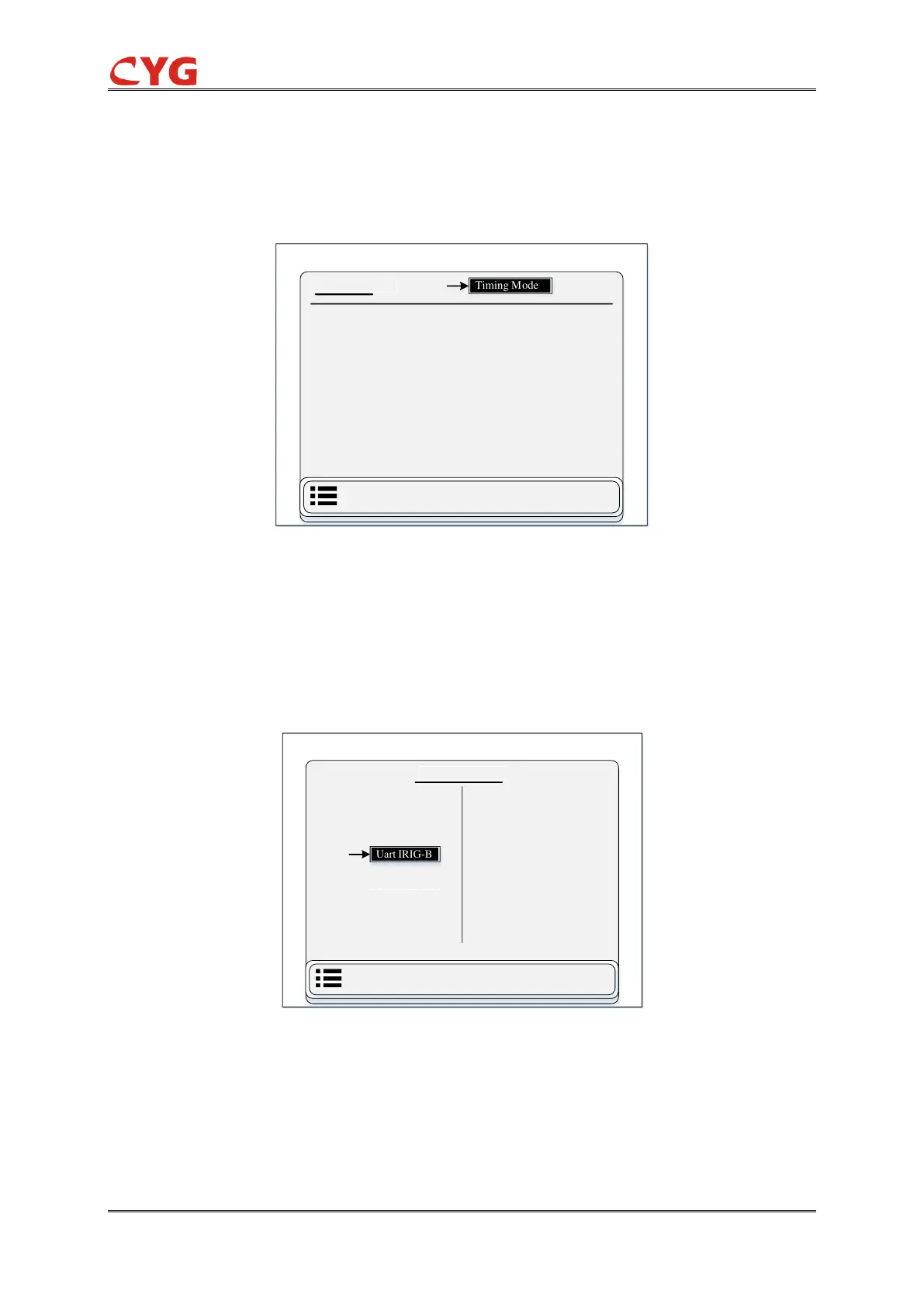
This section, the user can see the time information like Uart IRIG-B, Opti IRIG-B and SNTP
(Simple Network Time Protocol) information and the user can’t change any kind of information.
Users can access this function through the following path: “Review > Timing Mode”. The overview
display of timing mode is shown in below figure 7.3.5.
/ Review / Timing Mode
Timing Mode
Set Timing Mode
Note2
Opti IRIG-B
Uart IRIG-B
None
SNTP
Figure 7.3-5 Overview Display of Timing Mode
7.3.2.2 Prot Settings
This section is divided into two sub-parts like setting group and protection settings.
1- Setting Group
This sub-section the user can see the information about which group is the current group. There



 To Next Page