MAN MACHINE INTERFACE
PRS-7367 299
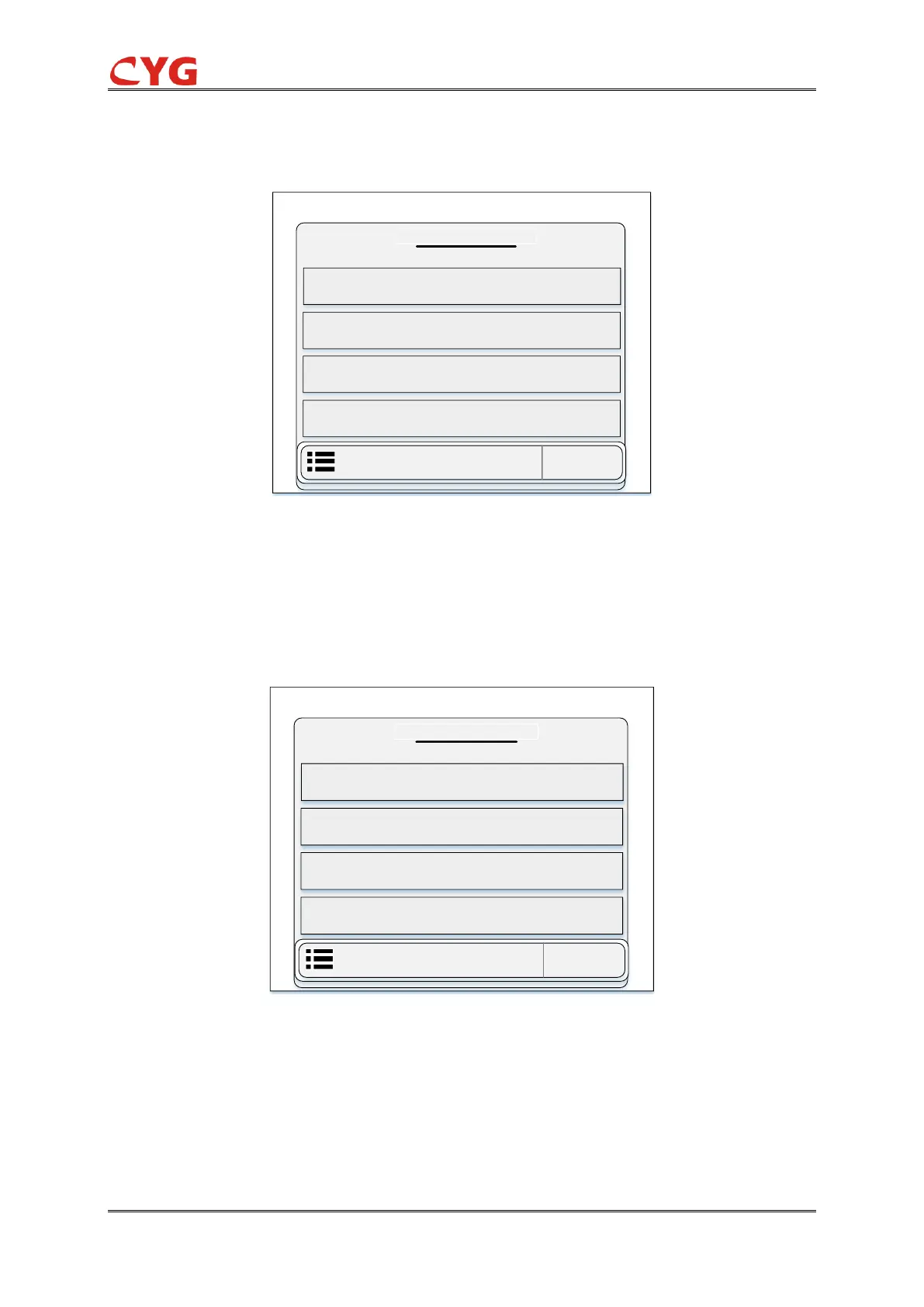
In this section user can see the setting of user reocrds with slot number, time and date. User can
access this function through the following path: “Event > Dev Logs”. The diagram of user records
is shown in below figure 7.3.17.
/ Event / Dev Logs
User Records
0001/0002
2018-04-19 09:22:43.667ms
Modify Setting Slot9
2018-04-19 09:22:43.667ms
Modify Setting Slot9
2018-04-19 09:22:42.718ms
Modify Setting Slot9
2018-04-19 09:22:20.332ms
Modify Setting Slot9
Figure 7.3-17 Overview Diagram of User Records
3- Power records
In this section user can see the setting of power records date and time with energizing and
dis-energizing slot number. The number of pages of this section can be increase or decrease
through the storage of power records. User can access this function through the following path:
“Event > Dev Logs”. The diagram of power record is shown in below figure 7.3.18.
/ Event / Dev Logs
Power Records
0003/0011
2018-04-19 10:03:38.514ms
Power on Slot9
2018-04-19 10:02:43.627ms
Power Off Slot9
2018-04-19 10:02:49.718ms
Power on Slot3
2018-04-19 10:02:430.232ms
Power Off Slot3
Figure 7.3-18 Overview Diagram of Power Records
7.3.5 Record Information
In this section, user can see the disturbance records and this section is divided into one
sub-section. The diagram of disturbance record is shown in below figure 7.3.18.



 To Next Page