Commissioning
PRS-7367 325
10 Commissioning
10.1 General
This part contains a brief description about how to verify the function, including functional
verification items, functional verification methods and more.
With high degree of self-checking, any fault with the internal hardware and software can be
diagnosed by the device itself. So for the commissioning, only hardware interface and the
application-specific software function are necessary to verify.
Before carrying out commissioning, users should pay close attention to the safety, technical data
and the ratings on the front panel label.
10.2 Safety Instructions
This section contains some safety information, some of which are given warning signs to avoid
personal injury or equipment damage, to prompt the user to be careful.
10.2.1 Safety Identification
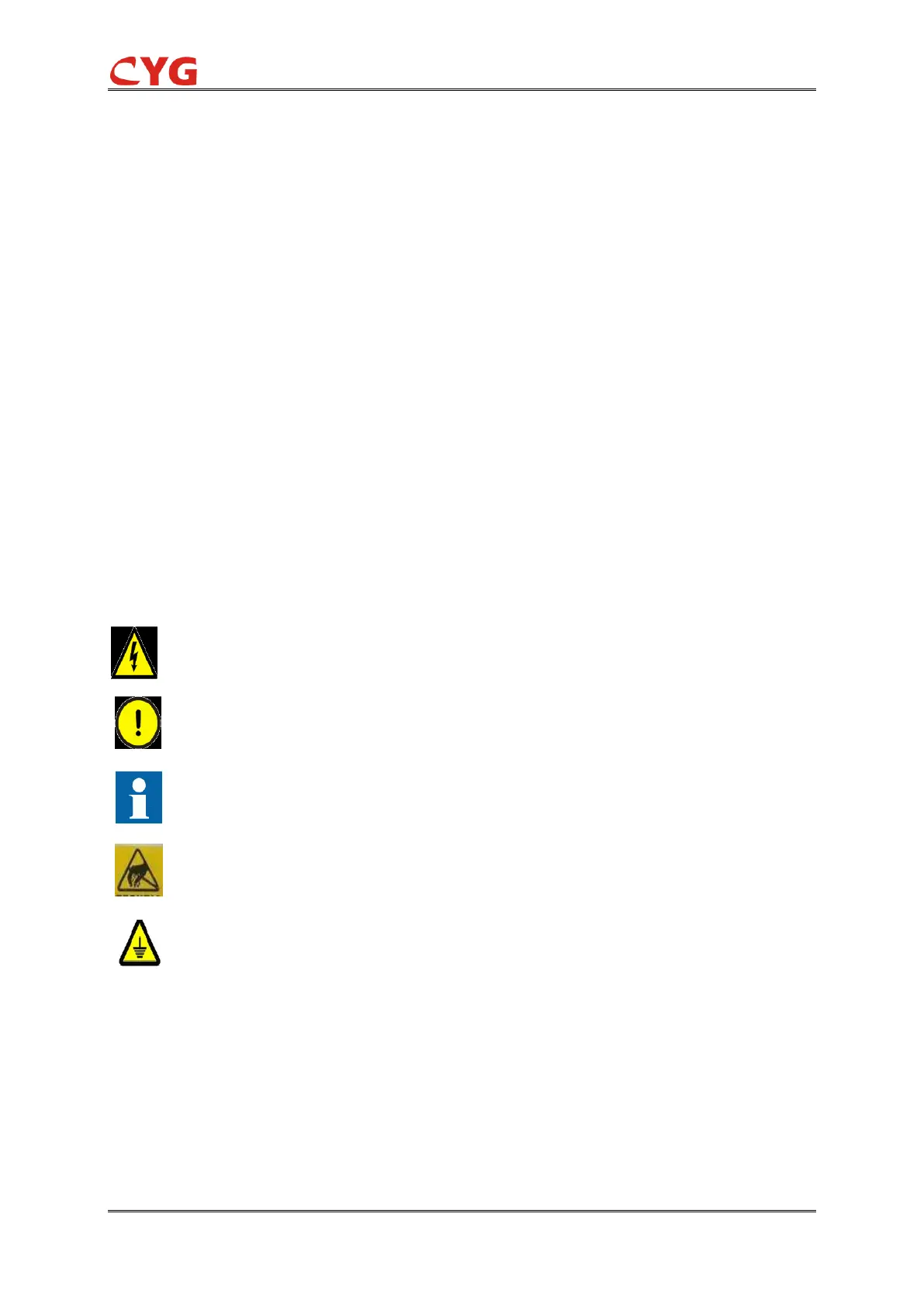
Electrical warning icon indicating a danger of electric shock.
Notice icon, indicating important information or warnings involved in the article. This icon
may indicate a danger of software, equipment or property damage.
Information icons alert readers to important facts or conditions.
Prompt staff not to forget the dangers of static electricity and make prevention.
Forbid to energize the device while not grounded, to avoid endangering the personal
safety due to electrical insulation damage!
Although these markings warn of the danger, it is important to note that operating damaged
equipment under certain operating conditions can result in reduced process performance and may
result in death or personal injury. Therefore, be sure to fully comply with all warnings and cautions.
10.2.2 Safety Identification Examples
For the various safety instructions given in the previous section, the following are examples
10.2.2.1 Warning Signs



 To Next Page