User's Guide
- 25 -
2. Unpack the tray, and then remove all packing material.
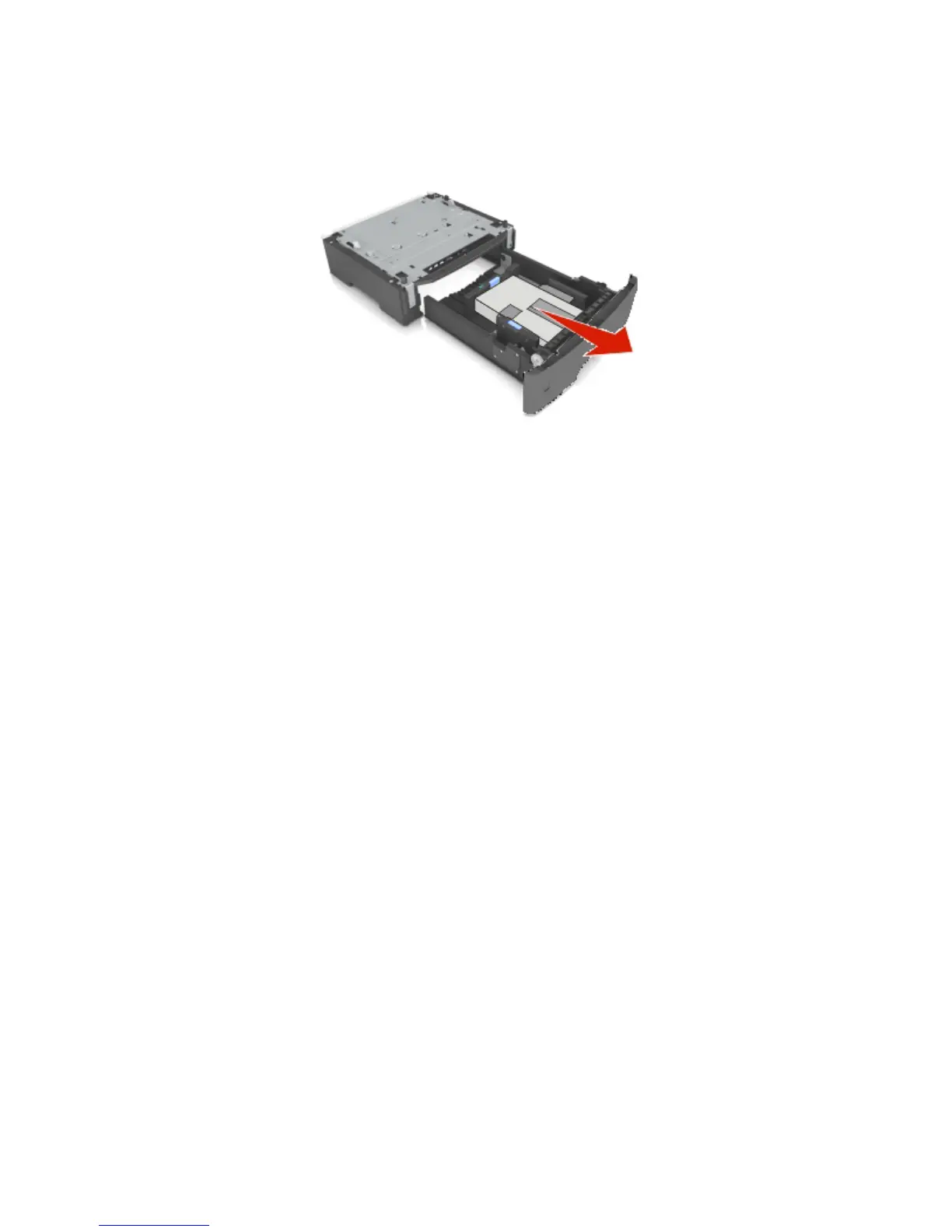
3. Pull out the tray from the base.
4. Remove any packing material from inside the tray.
5. Insert the tray into the base.
6. Place the tray near the printer.
7. Align the printer with the tray, and then slowly lower the printer into place.
Note: Optional trays lock together when stacked.



 To Next Page