User's Guide
- 26 -
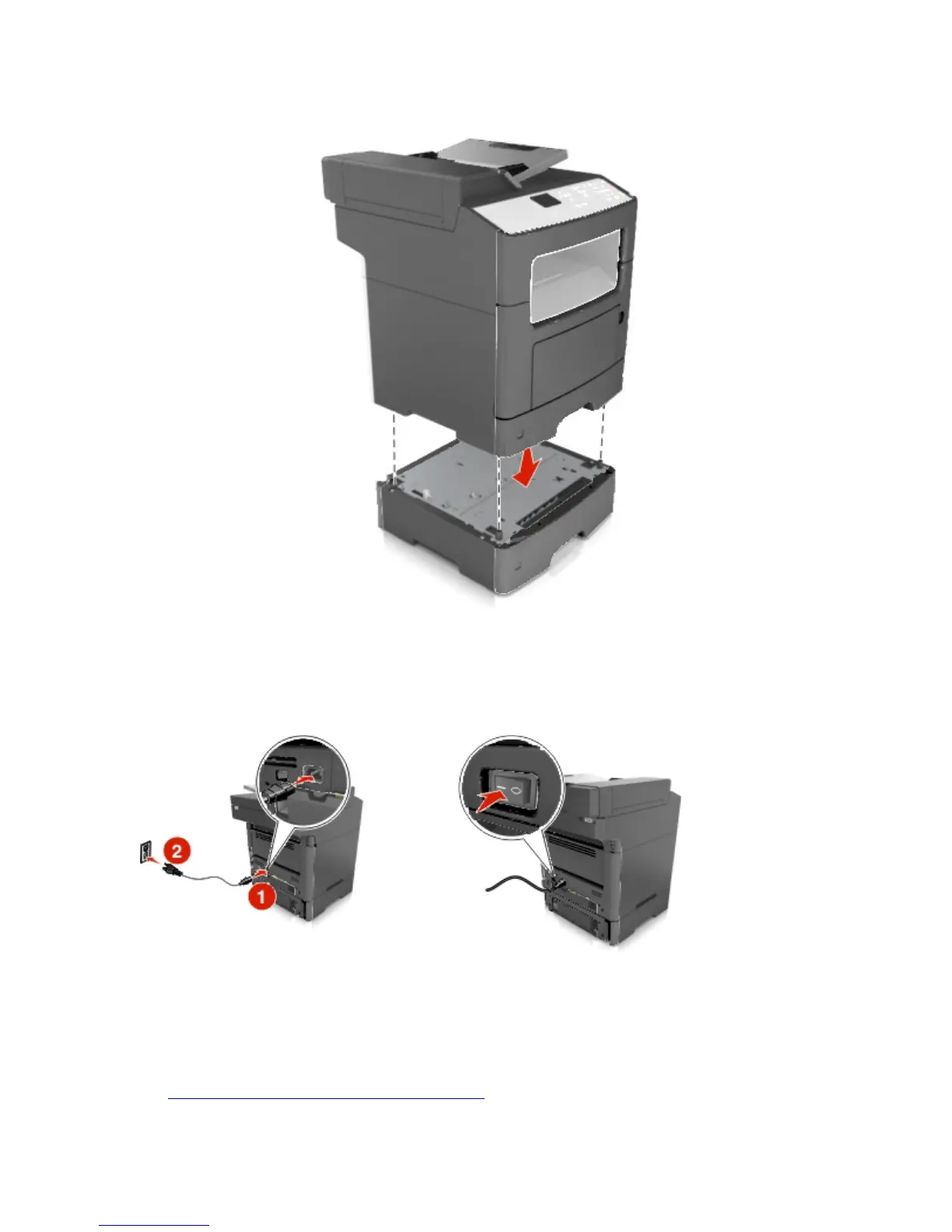
8. Connect the power cord to the printer, then to a properly grounded electrical outlet, and then turn on
the printer.
Notes:
- When the printer software and any hardware options are installed, you may need to manually add
the options in the printer driver to make them available for print jobs. For more information, see
Updating available options in the printer driver.



 To Next Page