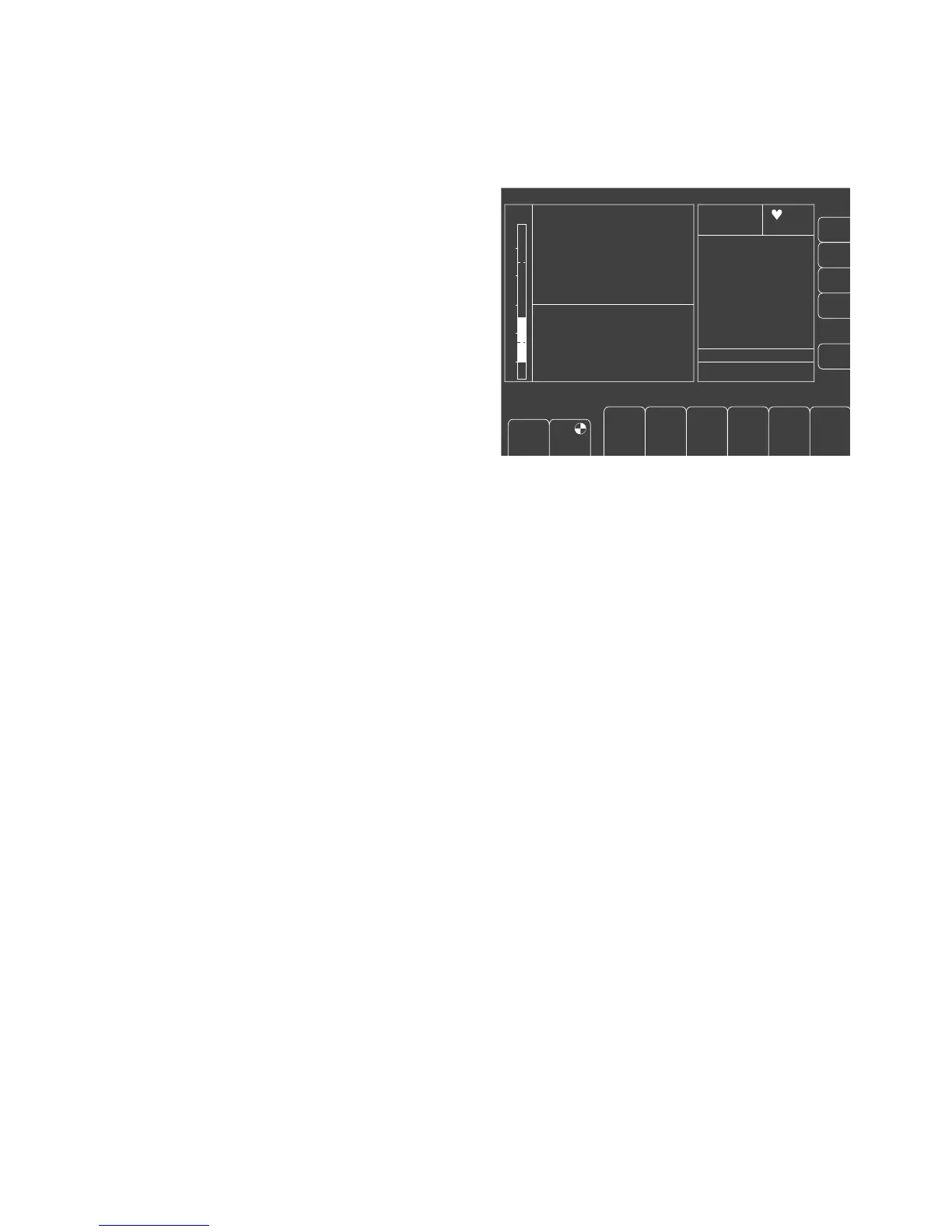
Selecting the data screen
● Press the S key several times until the data page
appears.
Display (example):
All numerical values are displayed on the data screen
with their units of measure. The bar display on the left of
the screen shows the change in airway pressure PAW
over time. The lines cutting across the bar graph mark
the upper and lower alarm limits. To set the alarm limits
for PAW, see page 60.
The system compliance (Sys.-Compl.) and leakage are
displayed in the right-hand field, together with the time of
the last test.
57
Monitoring
Selecting the data screen
IPPV
PAW
40
20
0
600 10
1:2
10 0251.0050
O
2
%
N
2
O
%
Hal.
%
036
40 33
0.8 0.6
58 56
Fi
Fet
CO
2
mmHg
98 67
6.0
0.60
10
27
20
5
15
65
MV
V
T
freq
peak
plat.
PEEP
mean
compliance
mbar
mL/mbar
L/min
L
34
AW-temp.
°C
1/min
01. Nov. 98
sys. comp. 6.40 mL/mbar
leckage 10 mL/min
01-10
8 : 00
12 : 00
SpO
2
%
1/min
alarm
limits
auto set
limits
alarm
info
list
config.
Freshgas O
2
+ N
2
O
O
2
%
L/min
PEEP
mbar
Freq.
1/min
V
T
mL
T
I
:T
E
T
IP
:T
I
%
Pmax
mbar
"Only for internal use by Draeger. Not applicable as Instructions for Use!"















 To Next Page