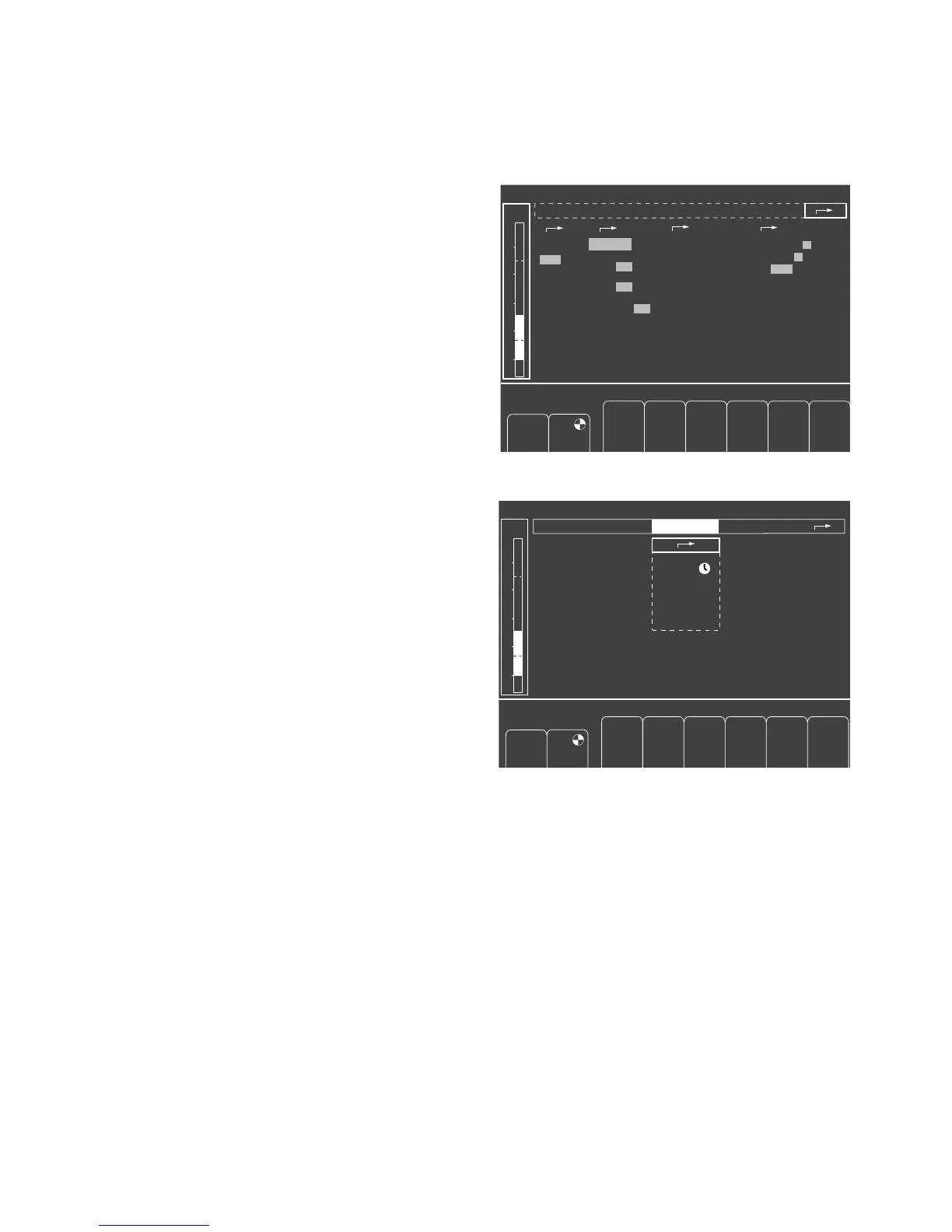
Manual calibration
Julian calibrates its sensors automatically during
operation. The message CAL appears instead of the
current measured value during a calibration process.
Calibration of the O2 sensor and zero calibration of the
other gas sensors can be repeated manually, for instance
if automatic calibration was unsuccessful.
● Turn the rotary knob to select the »calibration«
column and press to confirm.
● Select and confirm the appropriate line with the rotary
knob, for example:
»O2-Sensor
21 vol.%«
The calibration process is started when the selection is
confirmed. The clock symbol UU
UU
appears after the
relevant line, i.e. calibration is in progress.
When calibration is complete, a tick (✓) appears instead
of the clock symbol. A question mark (?) indicates that
calibration must be repeated because the previous
calibration was defective.
Other settings can already be made during the calibration
process.
O
2
-Sensor
21 Vol.%
gas sensor
IPPV
anesth. agent
calibration
pulse tone
alarm sound
scale
parameters
record
activate monitor defaults
0 1 2 3 4 5 6 7 8 9
1 2 3 4 5 6 7 8 9
adult child
alarms
600 10
1:2
10 0251.0050
settings
✓
✓
O
2
%
L/min
PEEP
mbar
Freq.
1/min
V
T
mL
T
I
:T
E
T
IP
:T
I
%
Pmax
mbar
Freshgas O
2
+ N
2
O
selection
auto man
default
CO
2
on off
SpO
2
on off
HLM on off
Isoflurane
PAW
40
20
0
The anesthetic
agent is automati-
cally selected by
gas identification
75
Monitoring
Configuring in operation
Manual calibration
O
2
-sensor
21 Vol.%
gas sensor
IPPV
600 10
1:2
10 0251.0050
✓
O
2
%
L/min
PEEP
mbar
Freq.
1/min
V
T
mL
T
I
:T
E
T
IP
:T
I
%
Pmax
mbar
Freshgas O
2
+ N
2
O
PAW
40
20
0
calibration
"Only for internal use by Draeger. Not applicable as Instructions for Use!"















 To Next Page