IPPV ventilation mode
IPPV = Intermittent Positive Pressure Ventilation
Volume-controlled ventilation with fixed mandatory minute
volume (MV), set with the tidal volume (VT), breathing
rate (Freq.) and the ratio of inspiration time to expiration
(TI:TE ).
Presetting the ventilation parameters for IPPV
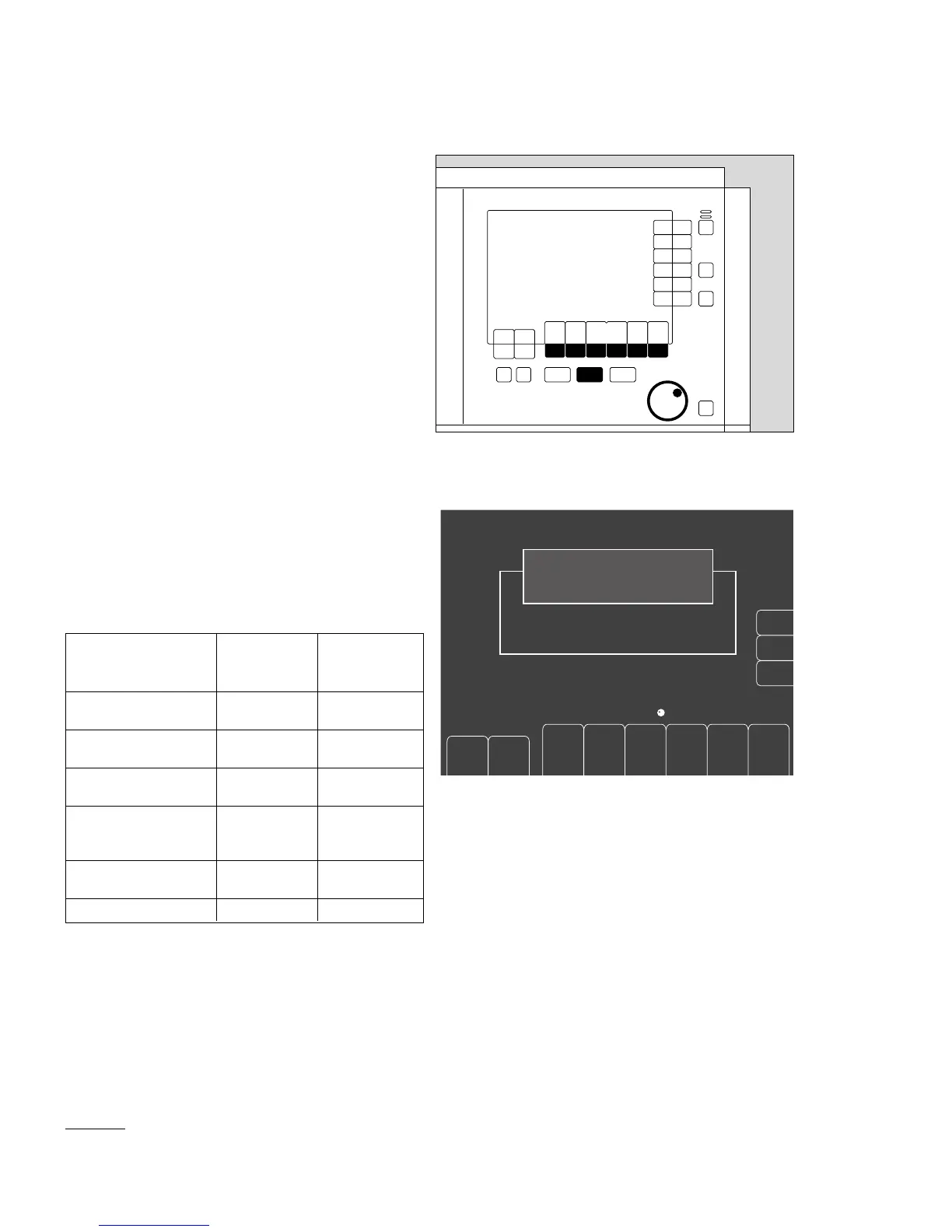
1 Press the »IPPV« hardkey; its LED flashes.
● The six ventilation parameters for IPPV are displayed
on the screen with their default settings.
2 Press the softkey for the desired ventilation
parameter.
3 Set and confirm the ventilation parameter with the
rotary knob.
Display (example):
Adjustment ranges and default settings on delivery
For tidal volumes VT of less than 200 mL:
● Use the paediatric hose set,
see "Ventilating children", page 49.
In IPPV ventilation mode, automatic system compliance
compensation takes place, and the applied tidal volume
therefore corresponds to the set volume.
* The default values can be set specifically for each hospital,
see page 82.
40
Operation
Selecting the ventilation mode
IPPV
Julian
2
3
1
Ventilation parameters Adjustment
range
Default setting
on delivery *
Pressure limit
Pmax [mbar]
10 to 70 25
Tidal volume VT
[mL]
50 to 1400 600
Frequency Freq.
[1/min]
6 to 60 12
Insp/Exp ratio
TI : TE
2 : 1, 1 : 1,
1 : 2, 1 : 3,
1 : 4
1 : 2
Insp. pause time :
Insp. time TIP : TI [%]
0 to 50 10
PEEP [mbar] 0 to 20 0
delete
trend
leakage
test
config.
Julian
SW- version 2.0
01. Nov. 98
Standby
To Start IPPV: Confirm !
4.00 30
600 12
1:2
10 0
25
O
2
%
L/min
V
T
mL
PEEP
mbar
Freq.
1/min
T
I
:T
E
T
IP
:T
I
%
Pmax
mbar
Freshgas O
2
+N
2
O
"Only for internal use by Draeger. Not applicable as Instructions for Use!"















 To Next Page