Vigor2760 Series User’s Guide
91
Item Description
Enable
Check the box to enable such profile.
Name
Type a name for such profile.
External Interface
It is used to specify the WAN interface (for external
connection) for applying such virtual host profile.
The default setting is PVC1.
Mapped IP Address
Such LAN IP address is the one that the Destination IP will
be transferred to.
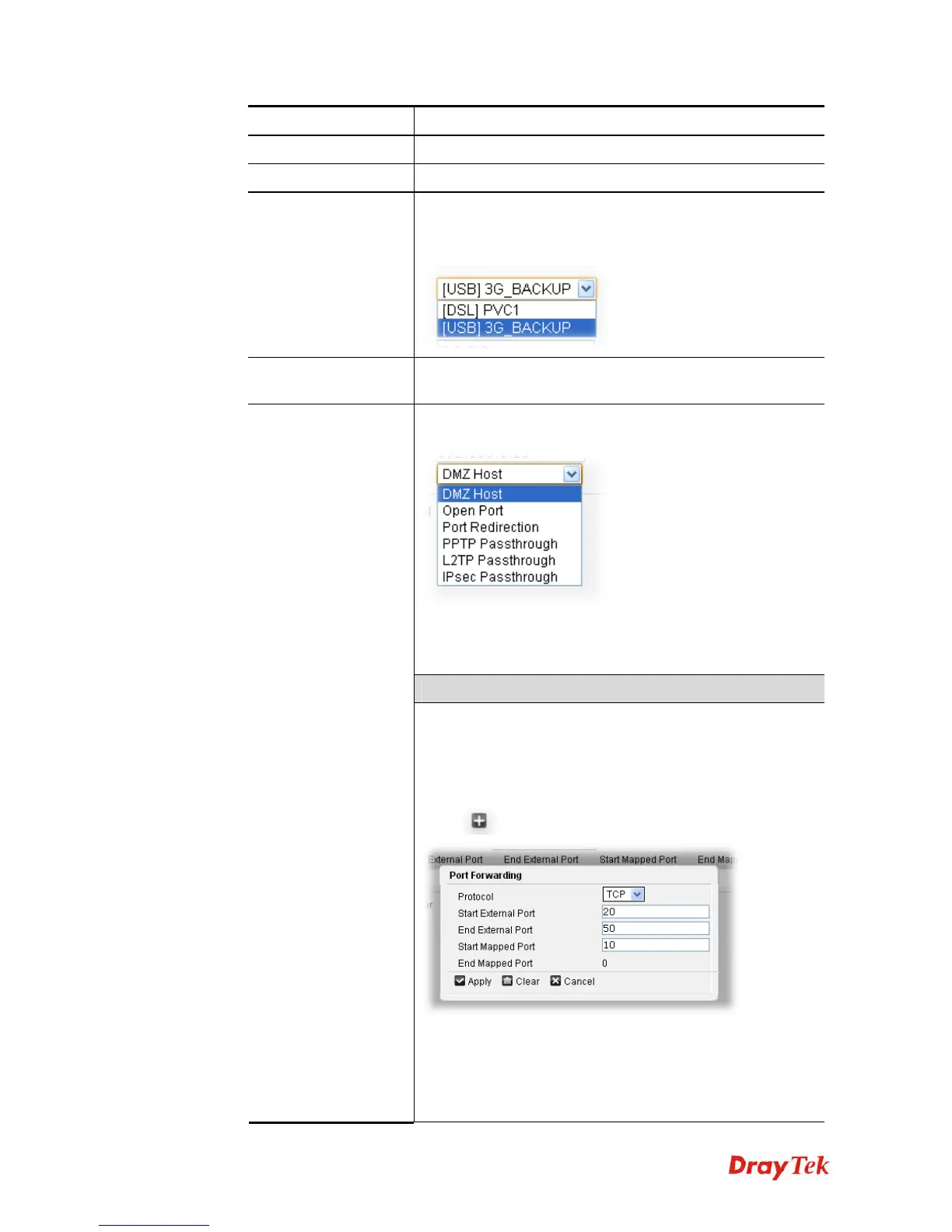
Note that the type you choose will result in different web
settings offered by this web page.
DMZ Host - It allows a defined internal user to be totally
exposed to the Internet, which usually helps some special
applications such as Netmeeting or Internet Games etc.
When Open Port is selected
Type
It allows you to specify a range of ports for the incoming
traffic of special applications. The external port range (Start
External Port and End External Port) will map into local host
(Start Mapped Port and End Mapped Port) with the same
port range.
Click
to open the following dialog:
Protocol –Select the transport layer protocol (TCP or UDP).
Start External Port/End External Port – Specify which
public port or port range (start and end) of the hosts can be
mapped into the specified Mapped Port(s) of the internal
host.











 To Next Page