Vigor2760 Series User’s Guide
102
the fields of Start Source IP and End Source IP.
Destination IP Address – Specify an IP address or a range
of IP addresses as the destination IPs for WAN interface.
Any – Any IP can be treated as the destination IP.
Single – Type one IP address.
Range – Type the start and end IP addresses on
the fields of Start Destination IP and End
Destination IP.
Send to if criteria
matched
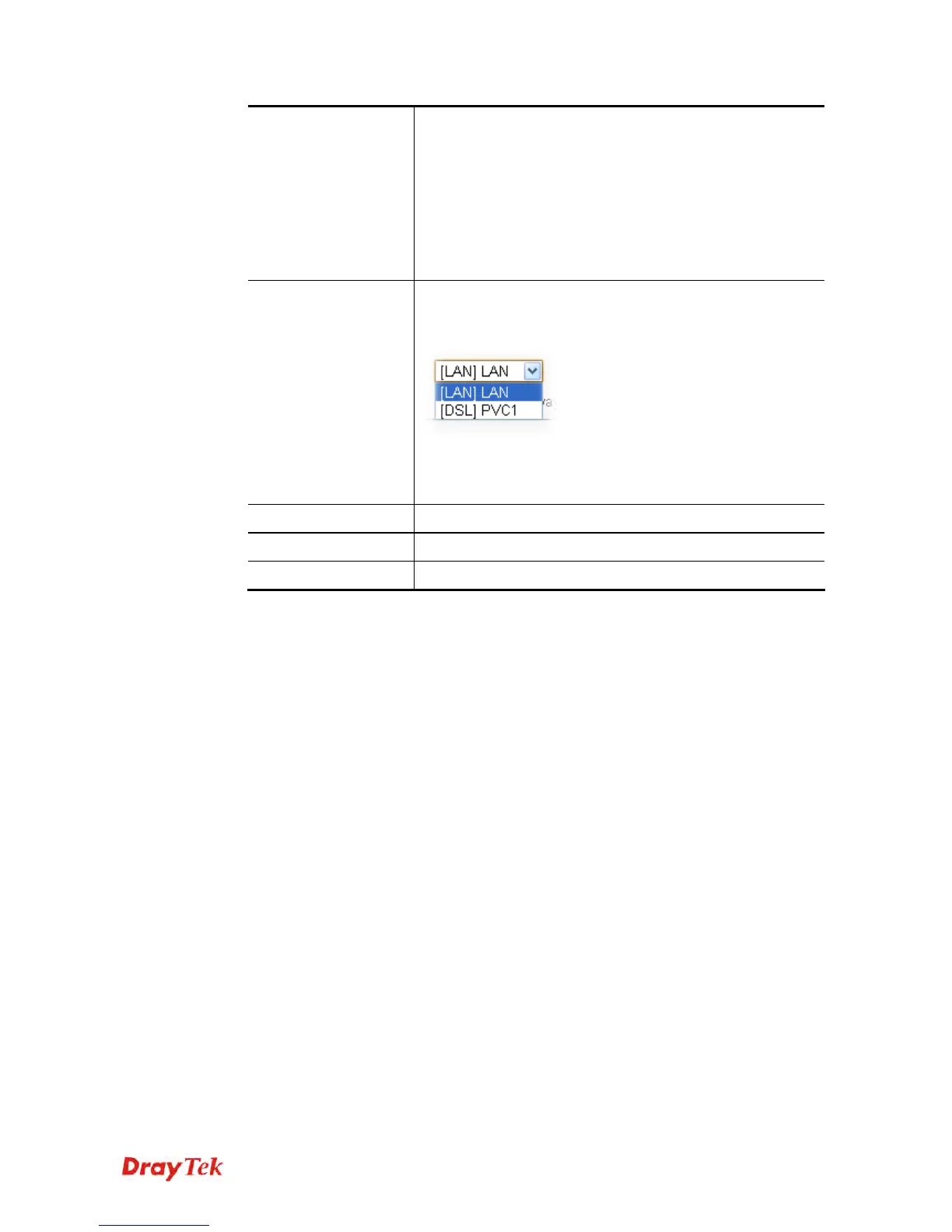
Interface – Use the drop down list to choose a WAN or
LAN interface. Packets match with the above criteria will be
transferred to the interface chosen here.
Gateway IP – Specific gateway is used only when you want
to forward the packets to the desired gateway. Usually,
Default Gateway is selected in default.
Apply
Click it to save the settings.
Clear
Click it to remove the modification of the web page.
Cancel
Click it to return to previous web page.
3. After finished the settings above, click Apply to save the settings.











 To Next Page