Vigor2760 Series User’s Guide
117
SSID
It means the identification of the wireless LAN. SSID can be
any text numbers or various special characters. The default
SSID will be displayed automatically. We suggest you to
change it.
Hide SSID
Uncheck the box to make the SSID being seen by wireless
clients.
Check the box to prevent from wireless sniffing and make it
harder for unauthorized clients or STAs to join your wireless
LAN.
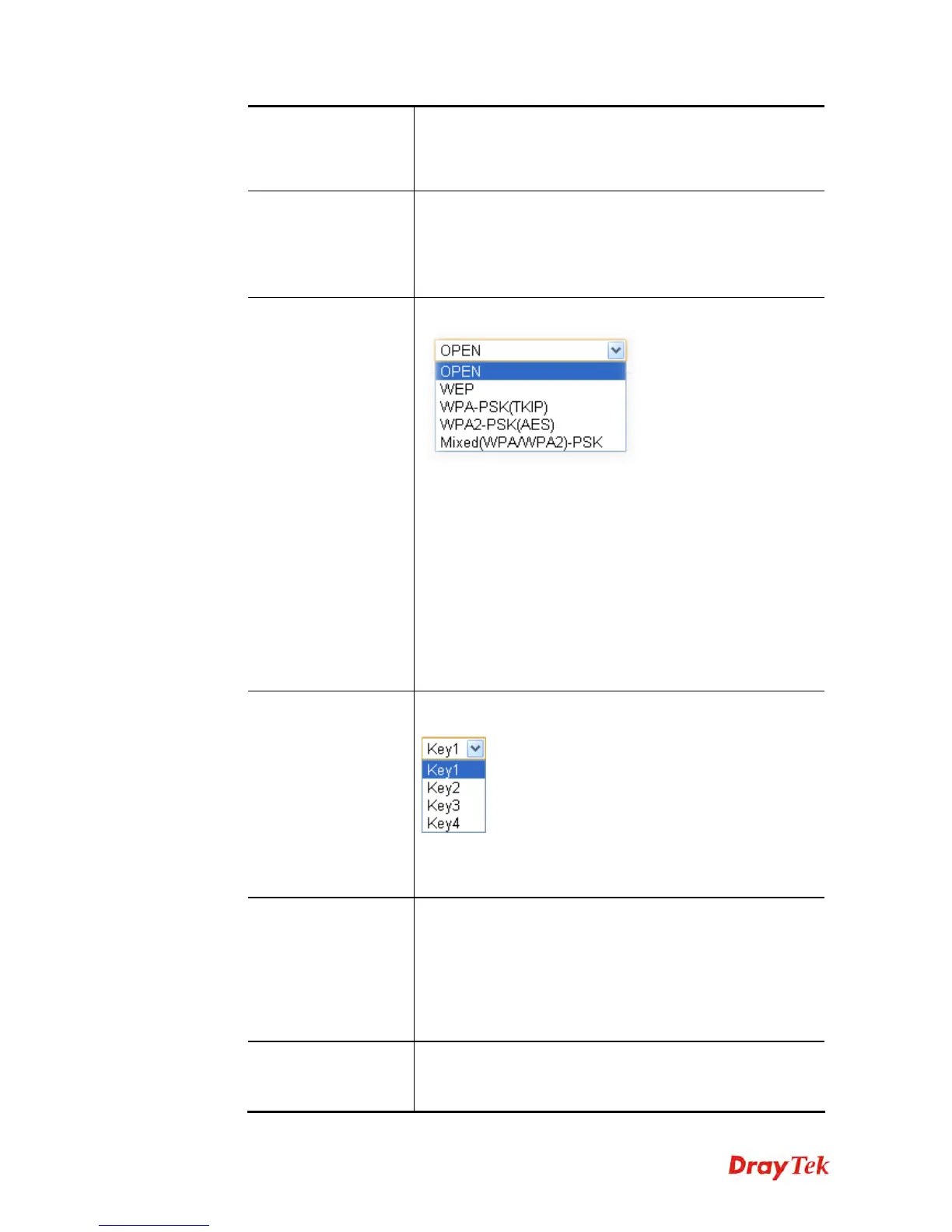
Security Setting
Choose the wireless mode for this router.
WEP - Accepts only WEP clients and the encryption key
should be entered in WEP Key.
WPA-PSK (TKIP)/WPA2-PSK(AES) - Accepts only WPA
clients and the encryption key should be entered in PSK. The
WPA encrypts each frame transmitted from the radio using
the key, which either PSK (Pre-Shared Key) entered
manually in this field below or automatically negotiated via
802.1x authentication.
Mixed (WPA/WPA2)-PSK - Accepts WPA and WPA2
clients simultaneously and the encryption key should be
entered in PSK.
Default Key
Such function is available when WEP is selected as Security
Setting.
Choose one of the key selections as the default key. All
wireless devices must support the same WEP encryption bit
size and have the same key.
Key
Such function is available when WEP is selected as Security
Setting.
The format of WEP Key is restricted to 5 ASCII characters
or 10 hexadecimal values in 64-bit encryption level, or
restricted to 13 ASCII characters or 26 hexadecimal values
in 128-bit encryption level. The allowed content is the ASCII
characters from 33(!) to 126(~) except '#' and ',' .
Confirm Key
Such function is available when WEP is selected as Security
Setting.
Type the encryption key again for confirmation.











 To Next Page