Vigor2760 Series User’s Guide
126
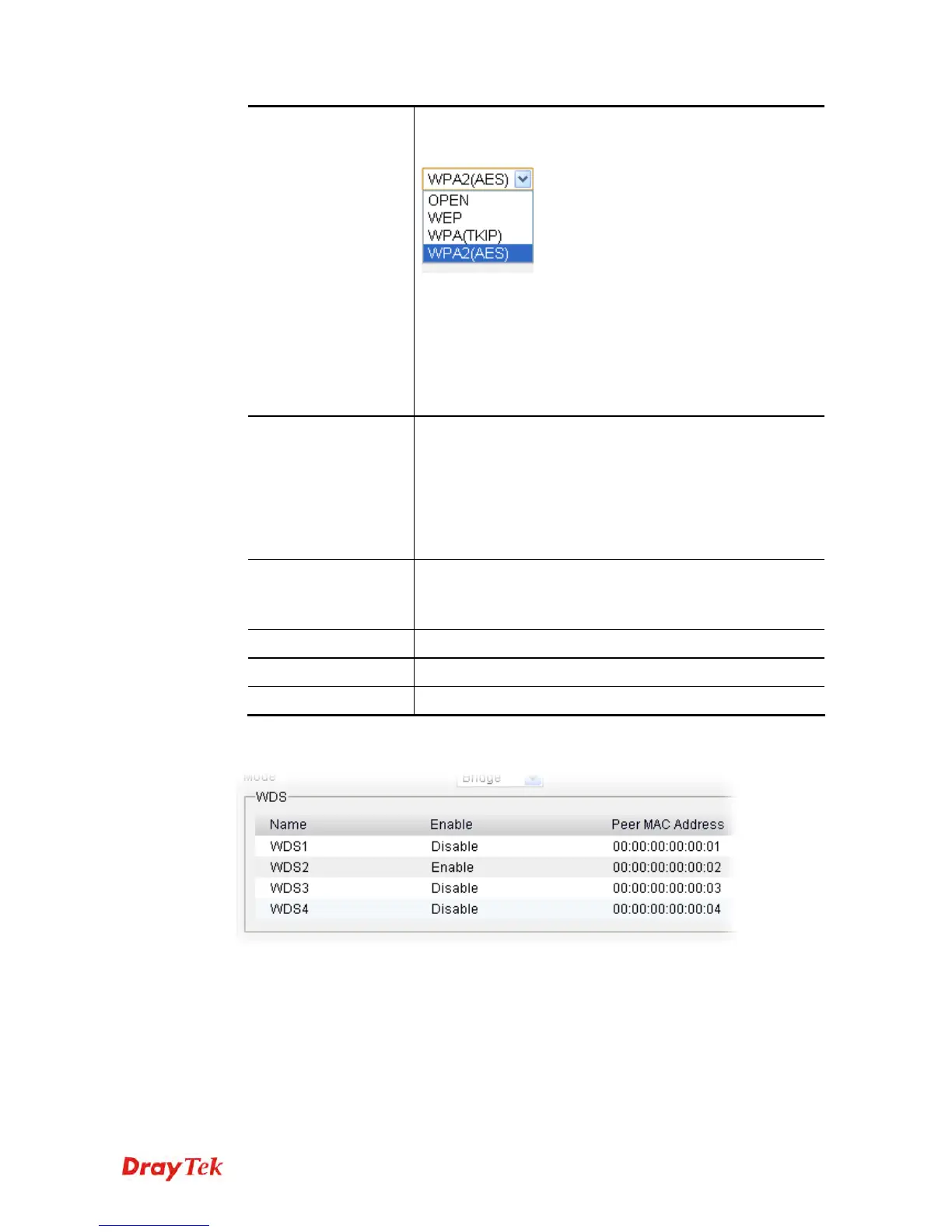
WPA(TKIP) and WPA2(AES). The setting you choose here
will make the following WEP or WPA key field valid or not.
Choose one of the types for the router.
WEP – If you choose such type, you have to type the same
encryption key configured in Wireless LAN>>General
Setup.
WPA (TKIP) and WPA2(AES) - You can set the
encryption mode as WPA or WPA2 to establish your WDS
system between AP and the router. Type 8 ~ 63 ASCII
characters or 64 hexadecimal digits leading by “0x”.
Key
Such function is available when WEP/WPA is selected as
Security Setting.
The format of WEP Key is restricted to 5 ASCII characters
or 10 hexadecimal values in 64-bit encryption level, or
restricted to 13 ASCII characters or 26 hexadecimal values
in 128-bit encryption level. The allowed content is the ASCII
characters from 33(!) to 126(~) except '#' and ',' .
Confirm Key
Such function is available when WEP/WPA is selected as
Security Setting.
Type the encryption key again for confirmation.
Apply
Click it to save the settings.
Clear
Click it to remove the modification of the web page.
Cancel
Click it to return to previous web page.
3. After finished the settings above, click Apply to save the settings.











 To Next Page