Vigor2760 Series User’s Guide
151
address or not. If not, the packet will be block.
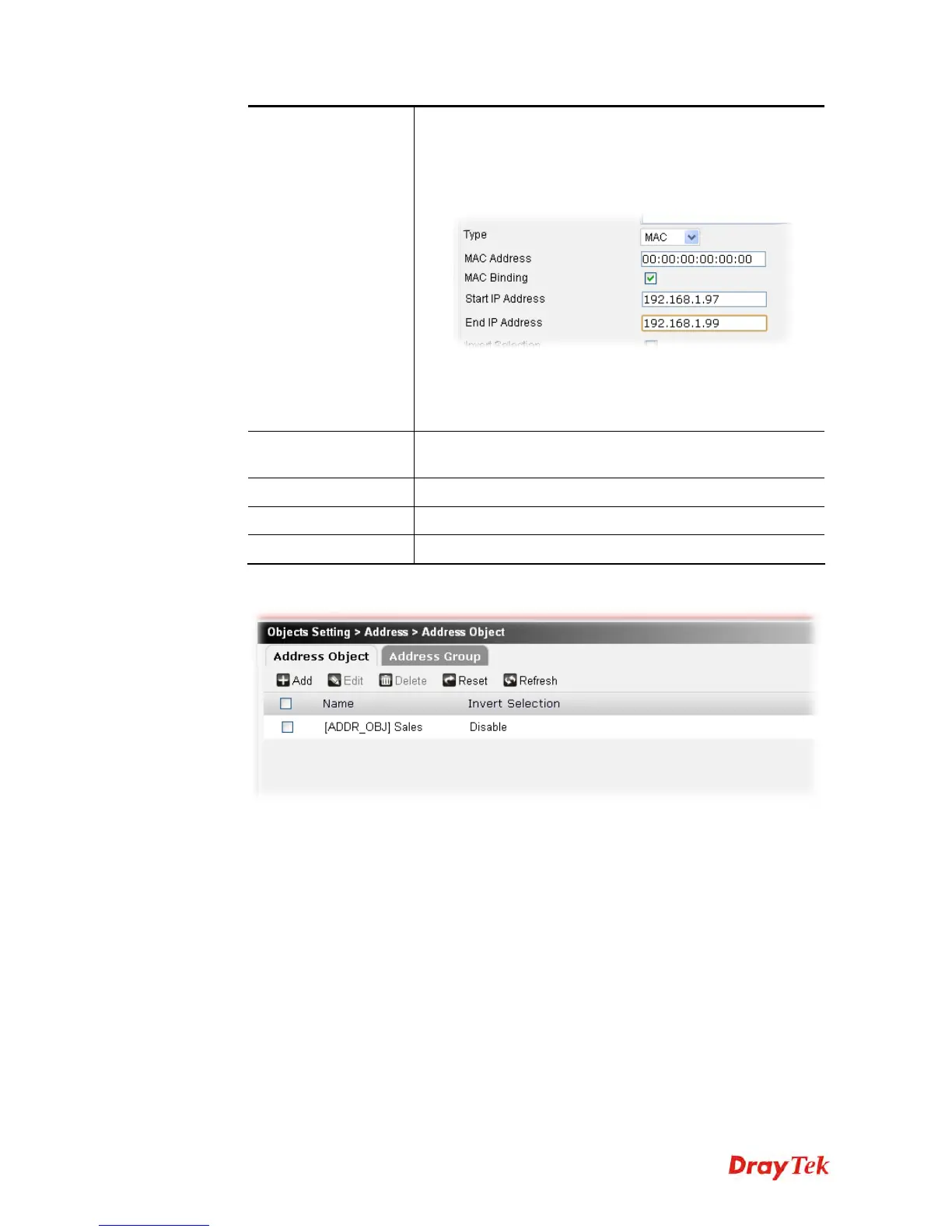
If you choose MAC as the type and check the box of
MAC Binding, you have to specify a range for IP
address in the related field (Start IP Address and End
IP Address).
If it is checked, and MAC is selected as the Type, the router
will inspect if the IP address of the incoming packets
matches with the specified IP address(es) or not. If not, the
packet will be block.
Invert Selection
If it is checked, all the IP addresses except the ones listed
above will be applied later while it is chosen.
Apply
Click it to save the settings.
Clear
Click it to remove the modification of the web page.
Cancel
Click it to return to previous web page.
3. After finished the settings above, click Apply to save the file.











 To Next Page