Vigor2760 Series User’s Guide
166
the field of Selected Items.
Last Day of Month
It is available when Monthly is selected as the Type. Check
this box to specify the last day of the selected month will
perform the job.
Apply
Click it to save the settings.
Clear
Click it to remove the modification of the web page.
Cancel
Click it to return to previous web page.
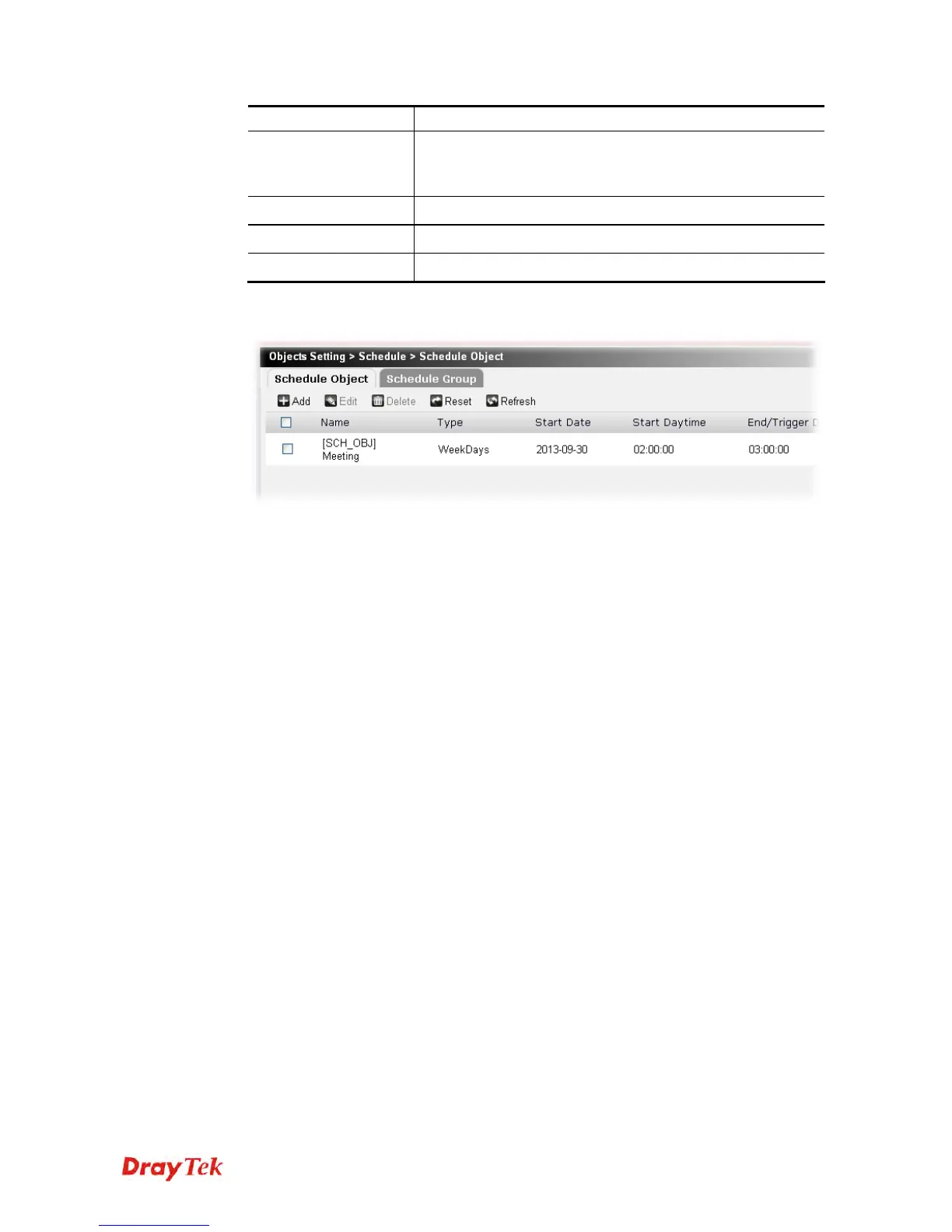
3. After finished the settings above, click Apply to save the file. Now, a new object profile
has been created.











 To Next Page