Vigor2760 Series User’s Guide
182
external service such as External server. If External is
selected here, it is not necessary to configure the password
setting below.
Password
Type a password for such user object.
When a user tries to access Internet through this router, an
authentication step must be performed first. The user has to
type the password specified here to pass the authentication.
When the user passes the authentication, he/she can access
Internet via this router with the limitation configured in this
user profile.
Confirm Password
Type the password above again to make confirmation.
External Server
It is available when External is selected as the Type. Use
the drop down list to choose an available external server
(e.g., RADIUS server). If there is no item to be chosen, it
means you have not created any external server yet. Simply
open User Management>>RADIUS to create a new one.
The user object with the type of External does not have any
privilege.
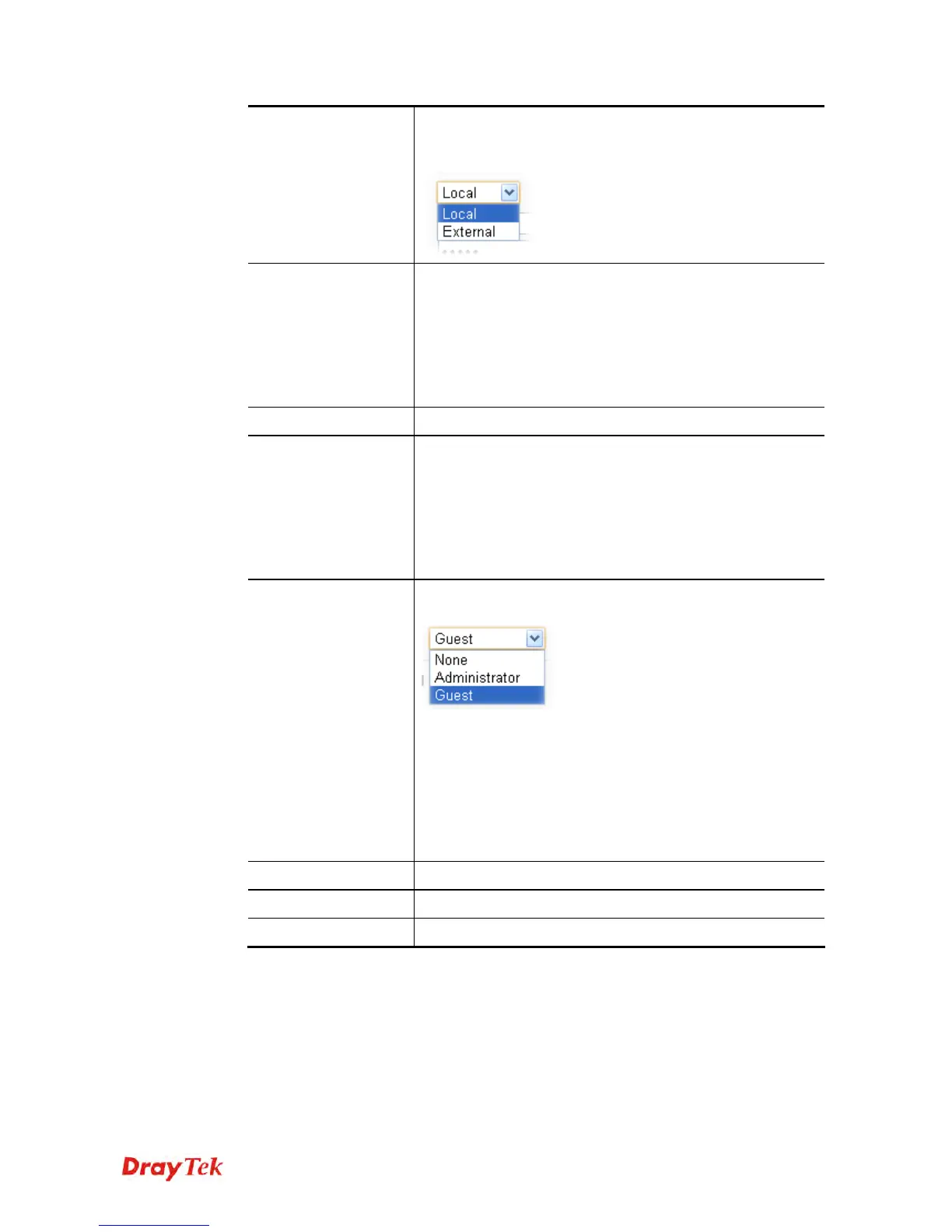
Privilege
Choose the privilege from the drop down list for such user
object.
None – No privilege.
Administrator – The user object owns all the right that
administrator has.
Guest – The user object owns limited right to access into the
web user interface of the router.
Additional privileges can be defined in User
Management>>Privilege.
Apply
Click it to save the settings.
Clear
Click it to remove the modification of the web page.
Cancel
Click it to return to previous web page.











 To Next Page