Vigor2760 Series User’s Guide
200
Call without
Registration
Check the box to enable the function.
SIP Port
Set the port number for sending/receiving SIP message for
building a session. The default value is 5060. Your peer must
set the same value in his/her Registrar.
Domain/Realm
Set the domain name or IP address of the SIP Registrar
server.
Proxy
Set domain name or IP address of SIP proxy server. By the
time you can type :port number after the domain name to
specify that port as the destination of data transmission (e.g.,
nat.draytel.org:5065)
Display Name
The caller-ID that you want to be displayed on your friend’s
screen.
Account
Number/Name
Enter your account name of SIP Address, e.g. every text
before @.
Authentication
Check the box to invoke this function.
AuthID
It means authentication ID.
Enter the name or number used for SIP Authorization with
SIP Registrar. If this setting value is the same as Account
Name, it is not necessary for you to check the
Authentication box and set any value in this field.
Password
The password provided to you when you registered with a
SIP service.
Confirm Password
Type the password again for confirmation.
Expiry Time
The time duration that your SIP Registrar server keeps your
registration record. Before the time expires, the router will
send another register request to SIP Registrar again.
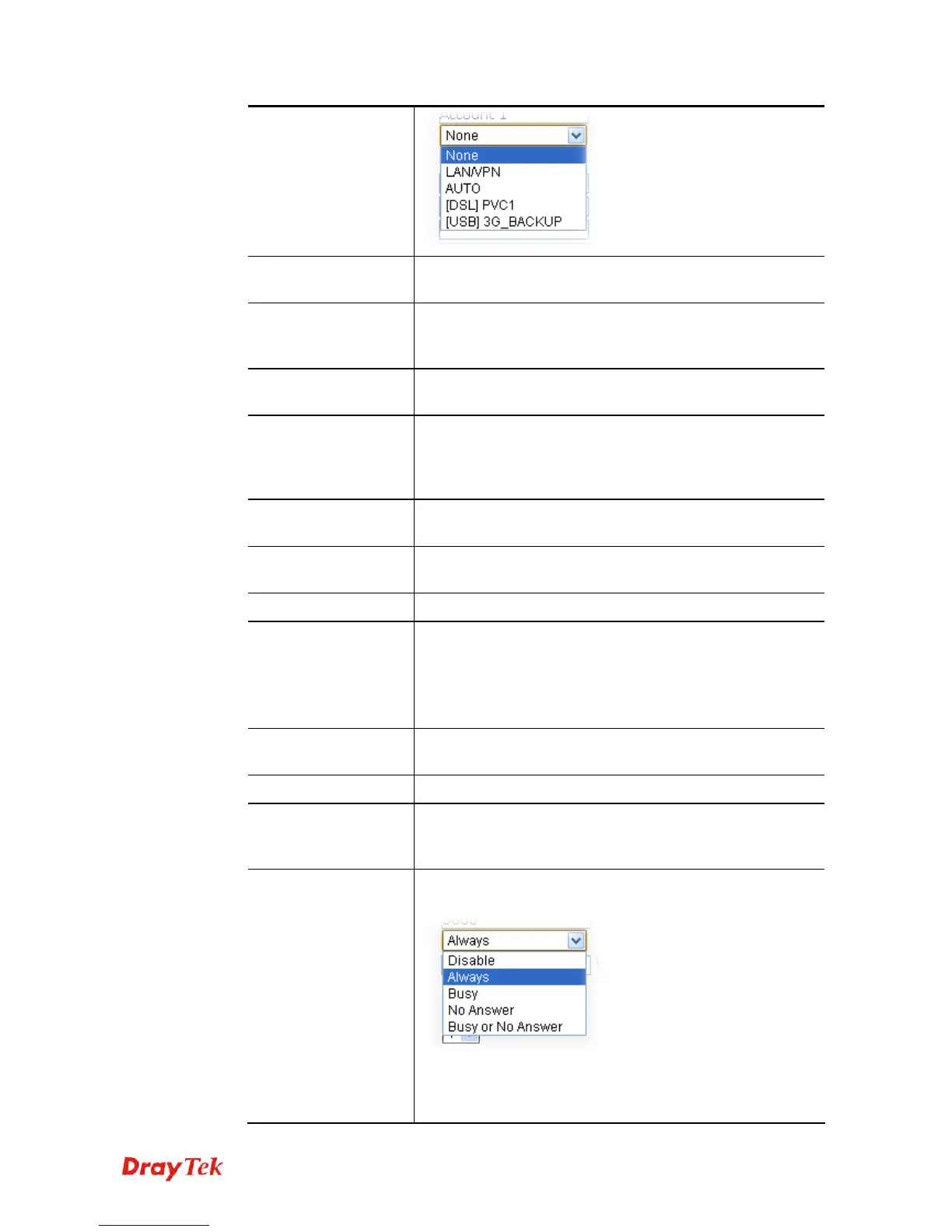
Call Forwarding
There are four options for you to choose. Disable is to close
call forwarding function.
Always – It means all the incoming calls will be forwarded
into SIP URL without any reason.
SIP URL –Type in the SIP URL (e.g.,











 To Next Page