Vigor2760 Series User’s Guide
201
aaa@draytel.org or abc@iptel.org) as the site for
call forwarded.
Busy – It means the incoming calls will be forwarded into
SIP URL only when the local system is busy.
SIP URL –Type in the SIP URL (e.g.,
aaa@draytel.org or abc@iptel.org) as the site for
call forwarded.
No Answer – It means if the incoming calls do not receive
any response, they will be forwarded to the SIP URL by the
time out.
SIP URL –Type in the SIP URL (e.g.,
aaa@draytel.org or abc@iptel.org) as the site for
call forwarded.
Time Out - Set the time out for the call
forwarding. The default setting is 30 sec.
Busy or No Answer –It means if the incoming calls do not
receive any response or the local system is busy, they will be
forwarded to the SIP URL by the time out.
SIP URL –Type in the SIP URL (e.g.,
aaa@draytel.org or abc@iptel.org) as the site for
call forwarded.
Time Out - Set the time out for the call
forwarding. The default setting is 30 sec.
Outbound Proxy
Check this box to make the proxy acting as outbound proxy.
Ring Port
Set Phone 1 and/or Phone 2 as the default ring port(s) for this
SIP account.
Ring Pattern
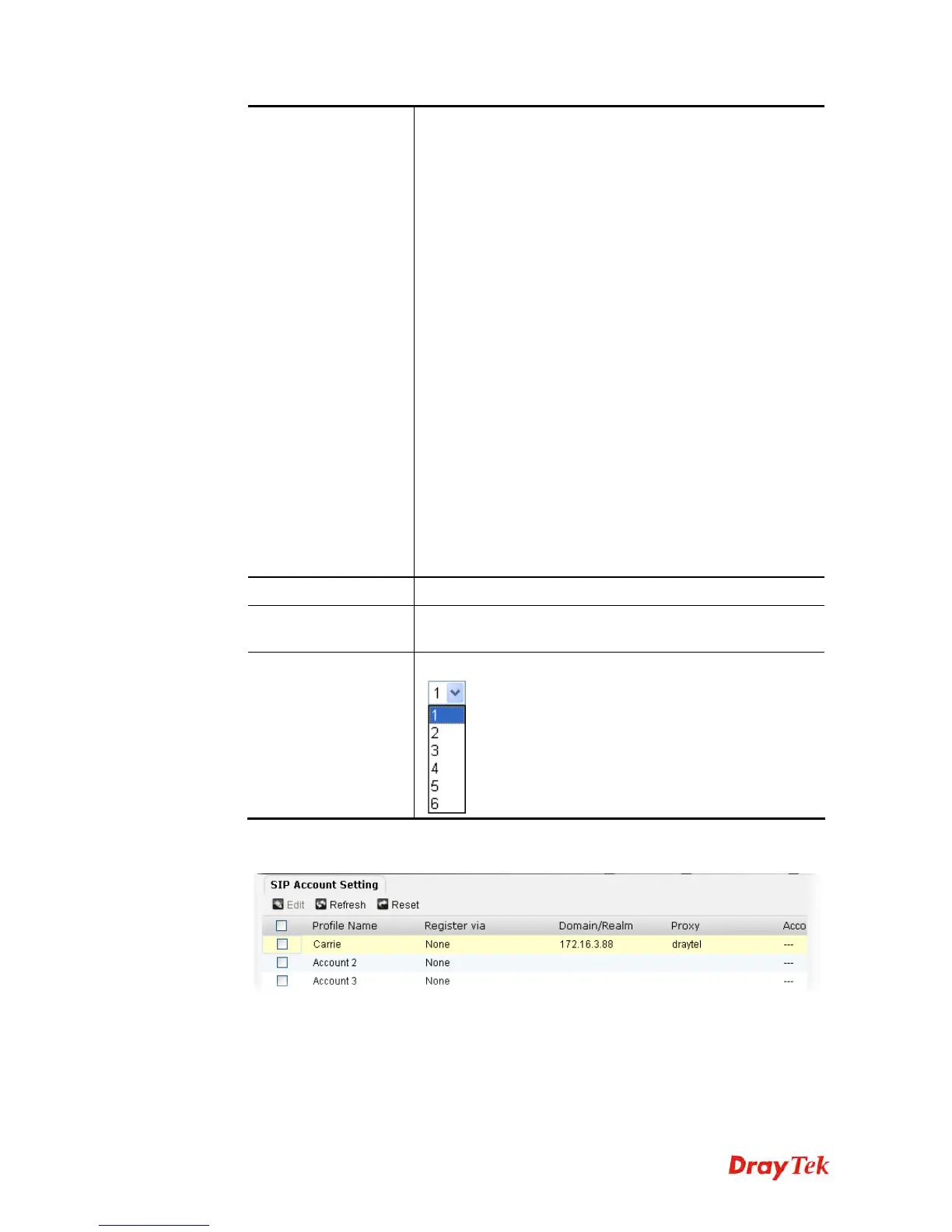
Choose a ring tone type for the VoIP phone call.
3. After finished the settings above, click Apply to save the file. Now, the SIP account
profile has been modified.











 To Next Page