Vigor2760 Series User’s Guide
204
The codec used for each call will be negotiated with the
peer party before each session, and so may not be your
default choice. The default codec is G.729A/B; it occupies
little bandwidth while maintaining good voice quality.
If your upstream speed is only 64Kbps, do not use G.711
codec. It is better for you to have at least 256Kbps
upstream if you would like to use G.711.
Single Codec
If the box is checked, only the selected Codec will be
applied.
Packet Size
The amount of data contained in a single packet. The
default value is 20 ms, which means the data packet will
contain 20 ms voice information.
Voice Active Detector
This function can detect if the voice on both sides is active
or not. If not, the router will do something to save the
bandwidth for other using. Check the box to invoke this
function.
Default SIP Account
You can set SIP accounts (up to six groups) on SIP
Account page. Use the drop down list to choose one of the
profile names for the accounts as the default one for this
phone setting.
Play dial tone only
when account registered
Check this box to invoke the function.
Advanced Settings
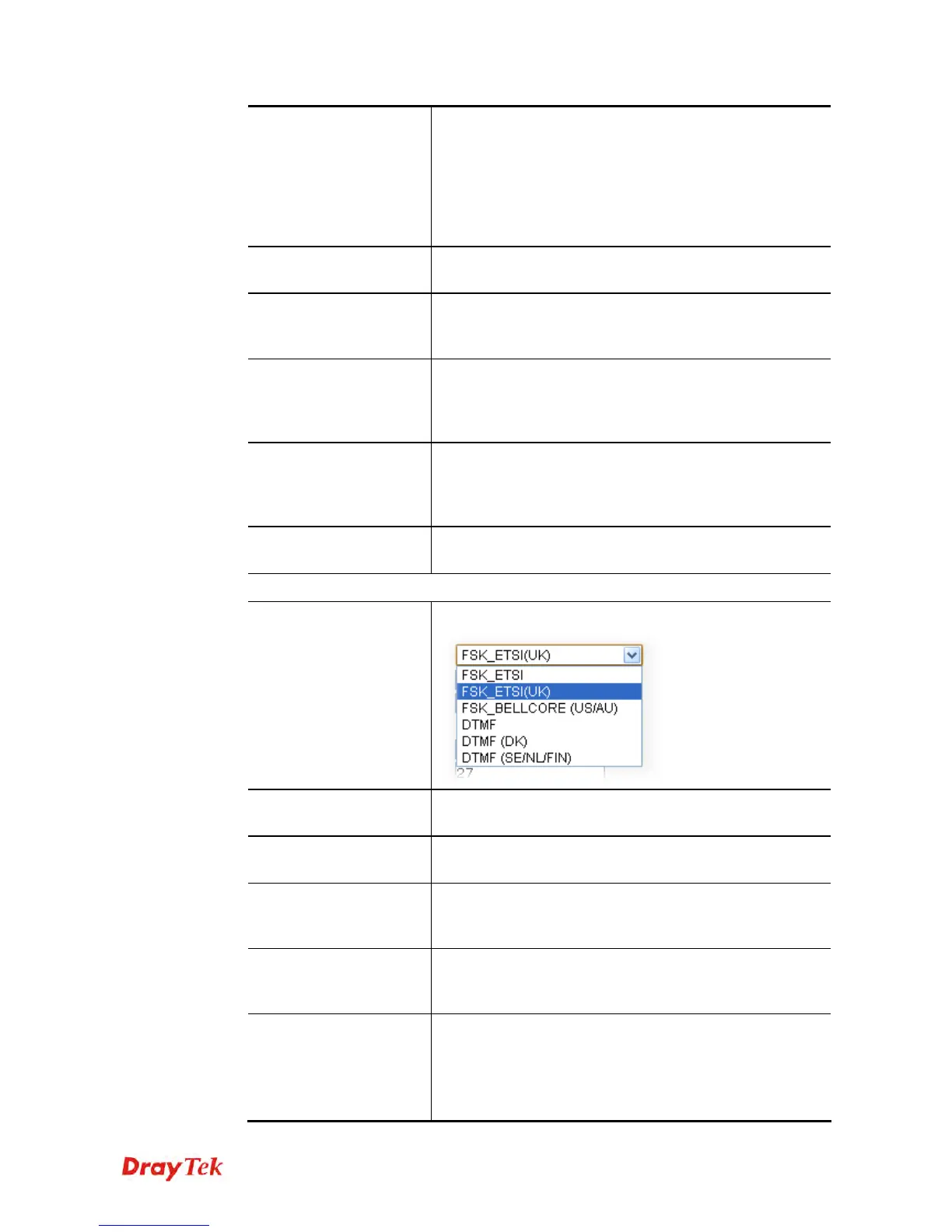
Call ID Type
Choose a proper one for such profile.
Speaker Gain(1-10)
Adjust the volume of speaker by entering number from 1-
10. The larger of the number, the louder the volume is.
Mic Gain (1-10)
Adjust the volume of microphone by entering number from
1- 10. The larger of the number, the louder the volume is.
Phone Gain (1-10)
Adjust the volume of the phone set by entering number
from 1- 10. The larger of the number, the louder the
volume is.
PCM Gain (1-10)
Adjust the volume of the FXO PCM signal by entering
number from 1-10. The larger of the number, the louder the
volume is.
DTMF Mode
There are four DTMF modes for you to choose.
InBand - Choose this one then the Vigor will send
the DTMF tone as audio directly when you press the
keypad on the phone.
OutBand - Choose this one then the Vigor will











 To Next Page