Vigor2760 Series User’s Guide
226
computer automatically.
Inbound QoS Class
Specify the value for Low, Medium, High and Highest.
Highest class means it owns the highest priority. Usually it
will occupy the most of the bandwidth ratio.
Apply
Click it to save the settings.
Clear
Click it to remove the modification of the web page.
Cancel
Click it to return to previous web page.
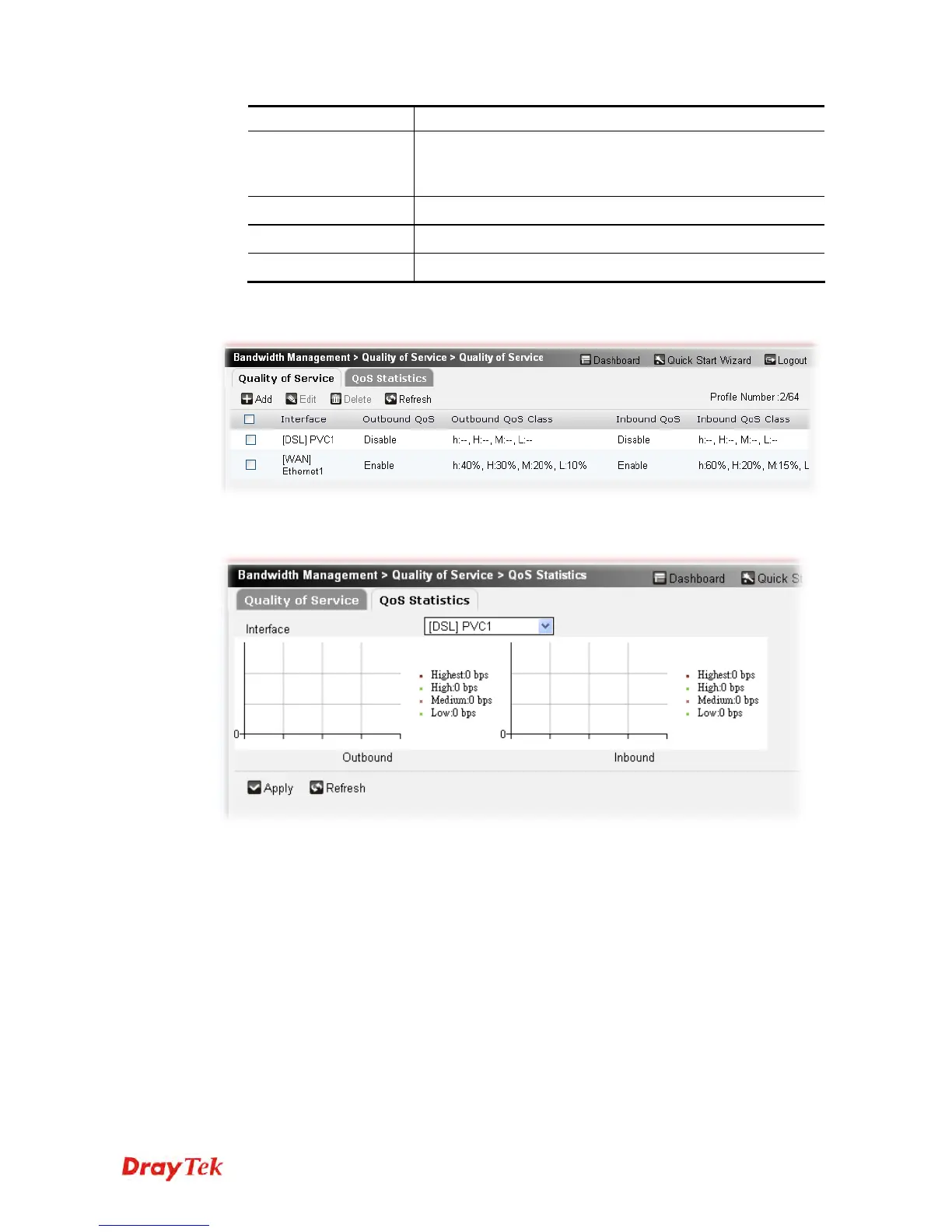
3. After finished the settings above, click Apply to save the settings. The new QoS profile
will be created and displayed on the page.
Open Bandwidth Management>>Quality of Service and click the tab of QoS Statistics. A
chart for QoS Statistics will be displayed on the screen for your reference.











 To Next Page