Vigor2760 Series User’s Guide
234
Service Type
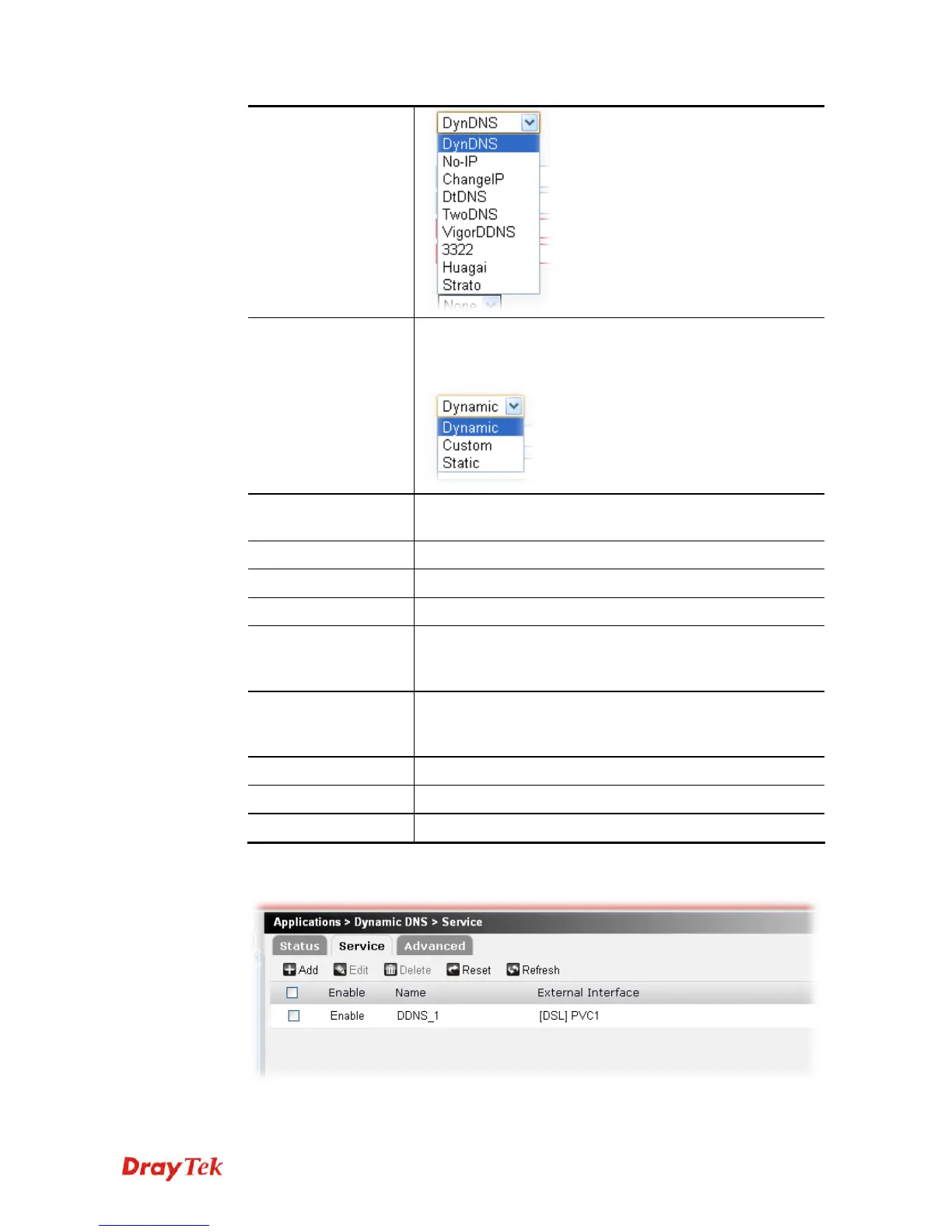
Select a service type (Dynamic, Custom or Static). If you
choose Custom, you can modify the domain that is chosen in
the Domain Name field.
Domain Name
Type in one domain name that you applied previously. Use
the drop down list to choose the desired domain.
Username
Type in the name that you set for applying domain.
Password
Type in the password that you set for applying domain.
Confirm Password
Type in the password again for confirmation.
Wildcard / Backup
MX
The Wildcard and Backup MX (Mail Exchange) features are
not supported for all Dynamic DNS providers. You could get
more detailed information from their websites.
Mail Exchanger
If the mail server is defined with another name, please type
the name in this area. Such mail server will be used as
backup mail exchange.
Apply
Click it to save the settings.
Clear
Click it to remove the modification of the web page.
Cancel
Click it to return to previous web page.
3. After finished the settings above, click Apply to save the file. Now, a new DNS service
profile has been created.











 To Next Page