Vigor2760 Series User’s Guide
255
will use the MPPE encryption scheme with maximum
bits (128-bit) to encrypt the data.
General IPsec
Options
This field is applicable when you select IPsec /GRE over
IPsec as the server type.
Security Mode - This field is applicable when you select
L2TP or IPsec above.
Currently, the default setting is ESP.
Authentication Method - This group of fields is applicable for
IPsec and L2TP.
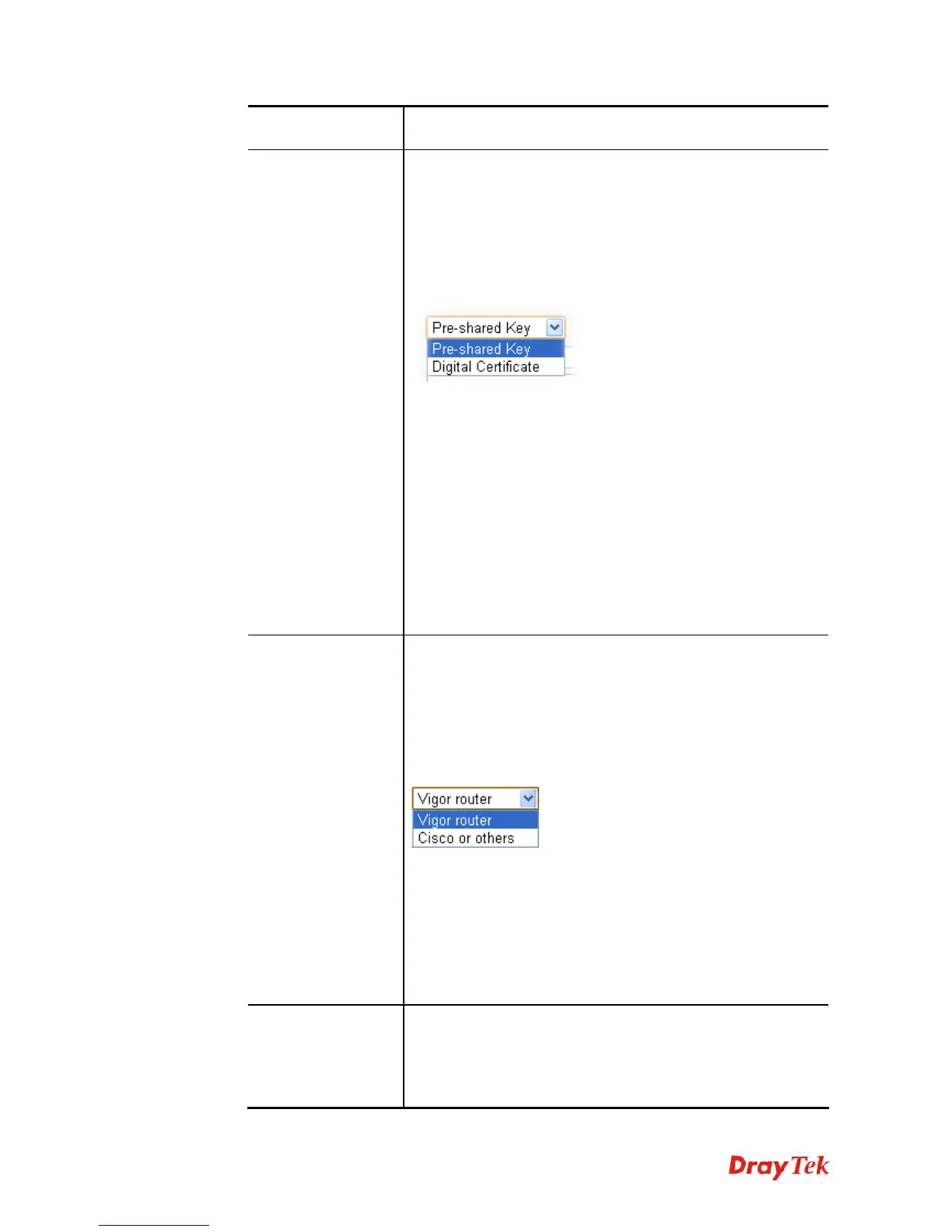
If you choose Pre-shared Key, you have to configure,
Pre-shared Key - Type 1-63 characters as pre-shared key.
Confirm Pre-shared Key - Type the pre-shared key again for
confirmation.
If you choose Digital Certificate, you have to configure the
following settings for both local end and remote end.
Local Certificate – Choose a certificate profile used for Vigor
router. The certificate profile is defined in Certificate
Management>>Local Certificate.
Peer Certificate – Choose a certificate profile used for remote
end. Such certificate profile is defined in Certificate
Management>>Remote Certificate.
GRE over IPsec
Options
This field is applicable when you select GRE over IPsec as
the server type.
Local GRE IP – Type the virtual IP for router itself for
verified by peer.
Peer GRE IP – Type the virtual IP of peer host for verified by
router.
Peer GRE Device – Choose the brand name of the peer router.
Logical Traffic - Such technique comes from RFC2890.
Define logical traffic for data transmission between both sides
of VPN tunnel by using the characteristic of GRE. Even hacker
can decipher IPsec encryption, he/she still cannot ask LAN site
to do data transmission with any information. Such function
can ensure the data transmitted on VPN tunnel is really sent
out from both sides. This is an optional function. However, if
one side wants to use it, the peer must enable it, too.
Dial-in Advanced
Options
This field is applicable when you select IPsec as server type or
L2TP with L2TP over IPsec enabled. Click the small triangle
to unfold the available setting items.
Local ID (optional) and Peer ID (optional) - This option is
available when Pre-shared Key is selected as Authentication











 To Next Page