Vigor2760 Series User’s Guide
270
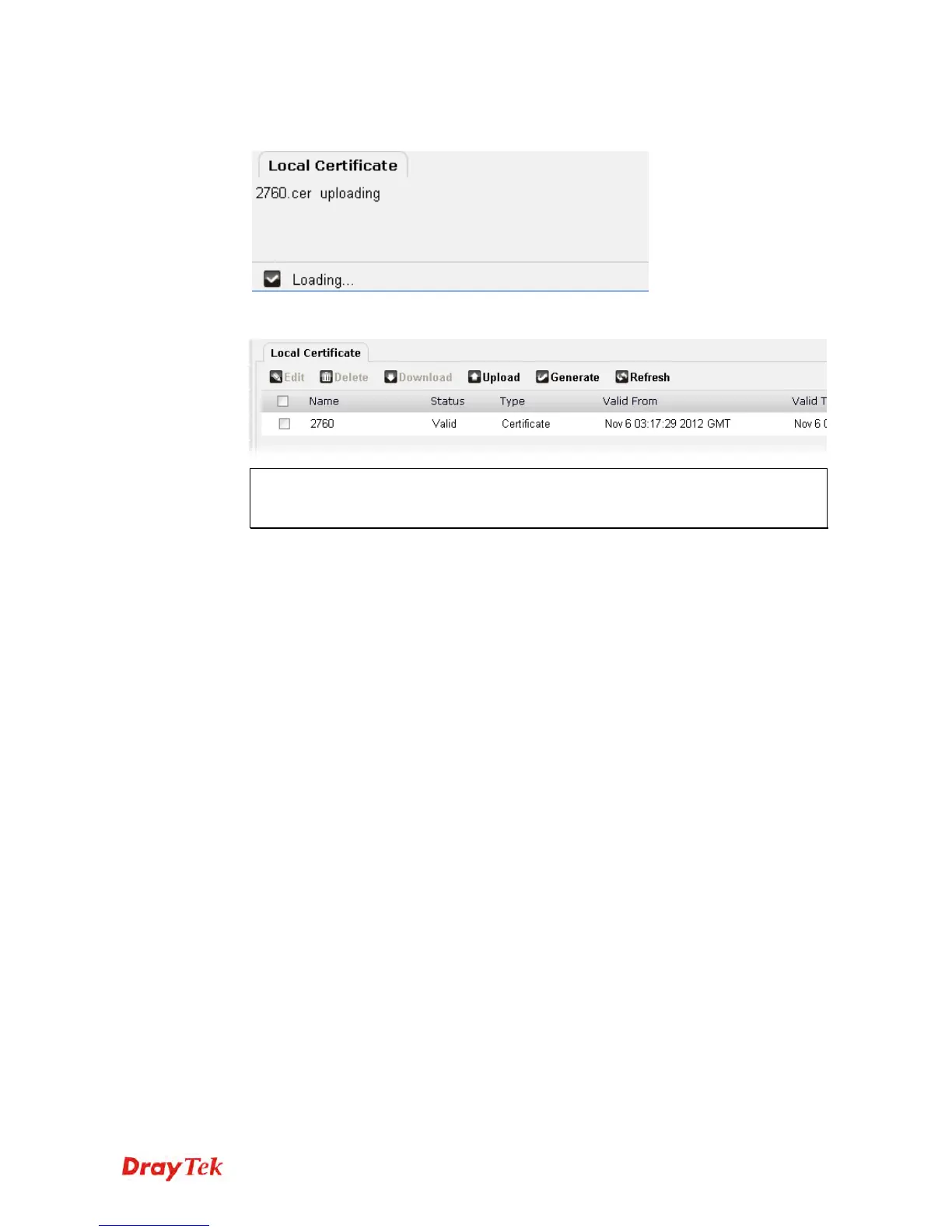
8. After finished the settings above, click Apply to save the file and wait for the messages
“Loading” and then “Done” appear.
9. The Certificate has been uploaded to Vigor router and displayed on this page.
Note: Do not manually delete the certificate request file before completing the process
of Uploading. If the uploading is successfully, the system will remove the request
automatically.











 To Next Page